Where the builder is used
The builder prepares content for a mailing, reply or another supporting module. It does not choose recipients or start the task. This guide covers ordinary Deskgram; simplified forms and Android/DeskDroid may expose different controls.
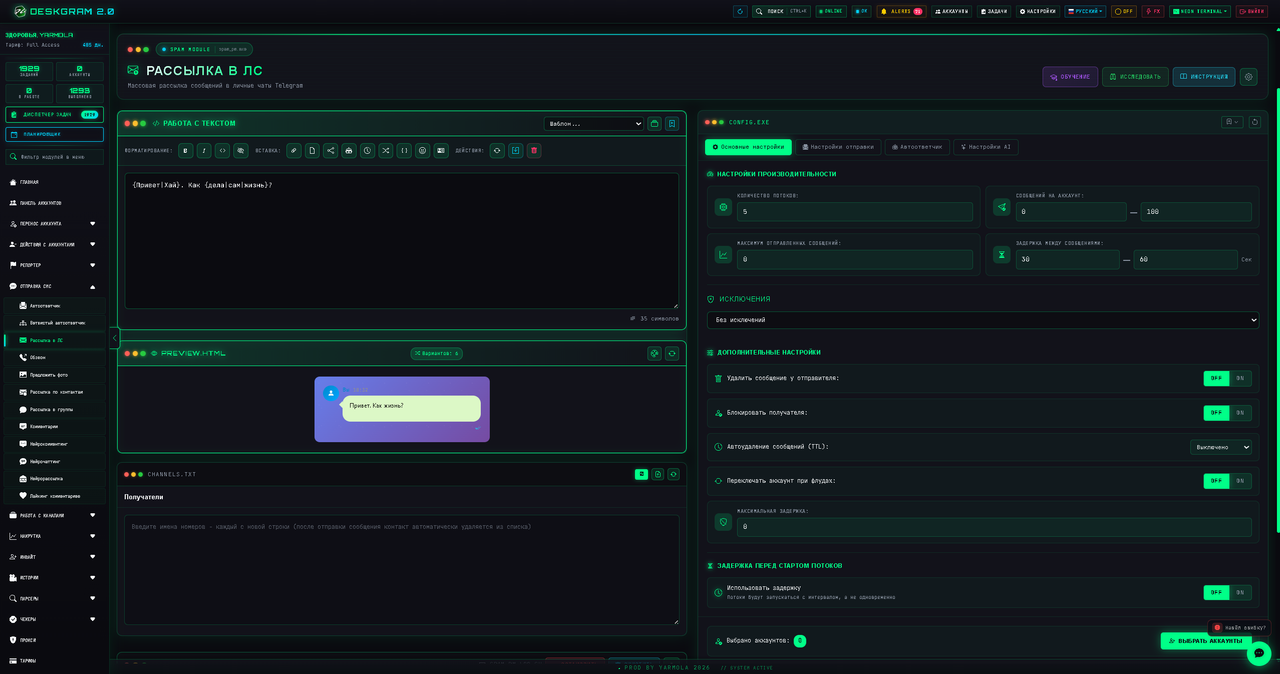
Existing Russian screenshots are retained. Preview is an aid, not a guarantee of identical appearance in every Telegram client. Verify one actual message to your test recipient.
Text, formatting and links
Select text before applying bold, italic, monospace or spoiler formatting. Blockquote formatting is also available. The link control attaches a URL to a label; check the actual address, not only the visible text.
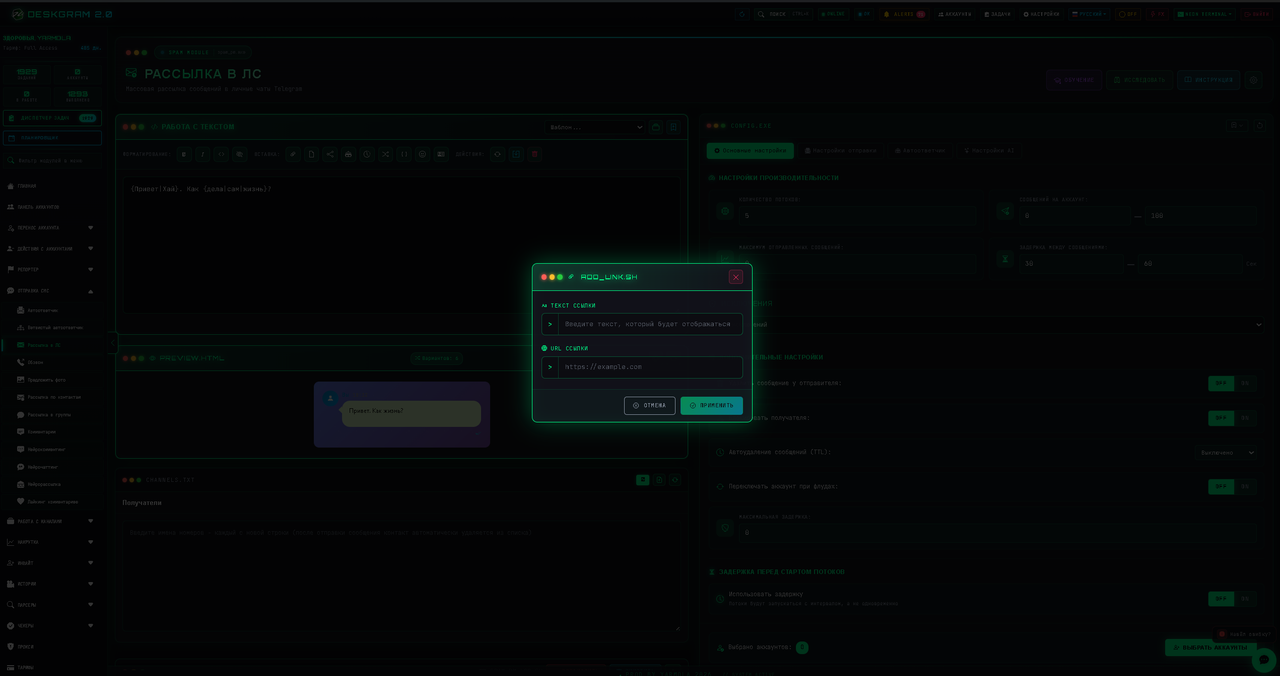
For pasted markup, check paired markers and the sent result. Formatting does not establish delivery or change Telegram restrictions.
Files and captions
Choose files or enter a supported link. Options include attachment type, voice, video note, document sending, random selection and text placement as a caption or separate text afterward. Use the modes available in that form.
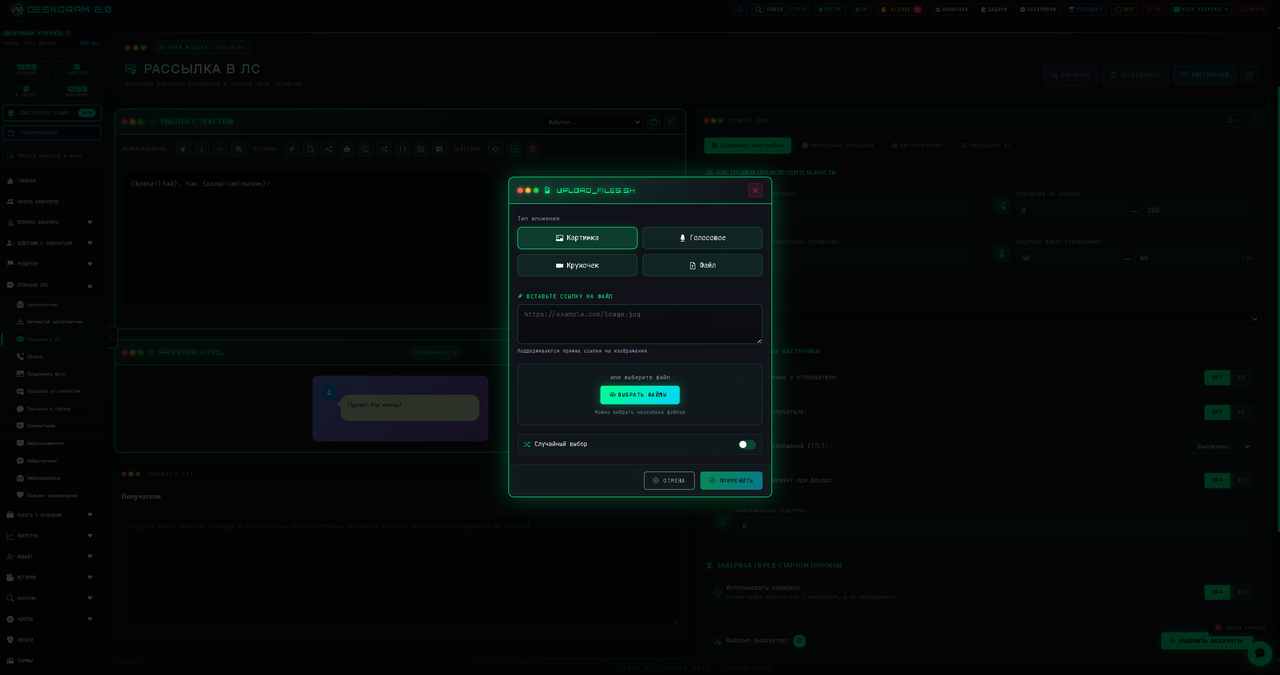
Review file previews, type, working-computer paths and text placement. Random selection does not send every file to every recipient. Selecting a file does not guarantee that Telegram and the sending module support its format.
Variables and Spintax
Open the variable list. Current names include %FIRSTNAME%, %LASTNAME%, %FULLNAME%, %USERNAME%; sender fields include %ACCOUNTFIRSTNAME%, %ACCOUNTLASTNAME%, %ACCOUNTFULLNAME%, %ACCOUNTUSERNAME%. It also shows %LINK%, %CHATNAME%, %CURRENTDATE%, %CURRENT_TIME% and recipient fields where data is available.
In the private-message recipient table, name, city, company supply %RECIPIENTNAME%, %RECIPIENTCITY%, %RECIPIENT_COMPANY%.
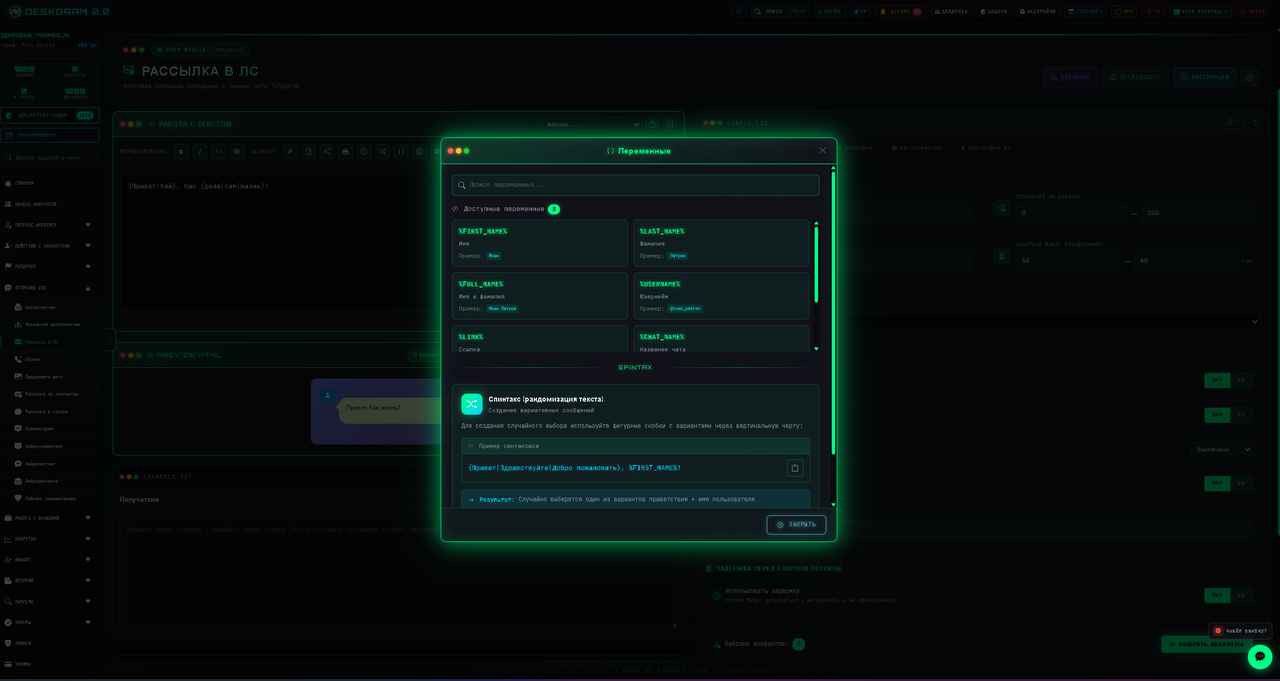
Substitution depends on the module and data. Do not assume every user has a known name, link, city or company. %LINK% in the shared list does not guarantee a populated private-message link. Do not replace current interface names with old %URL% or %CHAT_TITLE%.
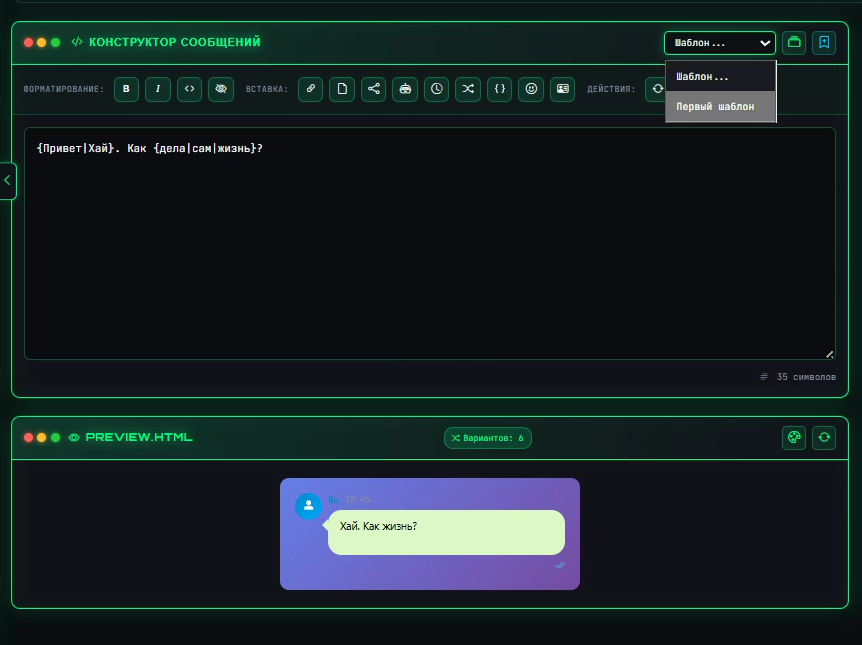
Illustrative example: {Hello|Good afternoon}, %FIRST_NAME%! One greeting and the available name are used. Also test a missing name. Spintax guarantees neither unique output nor account protection.
Reposts, Postbot and Stories
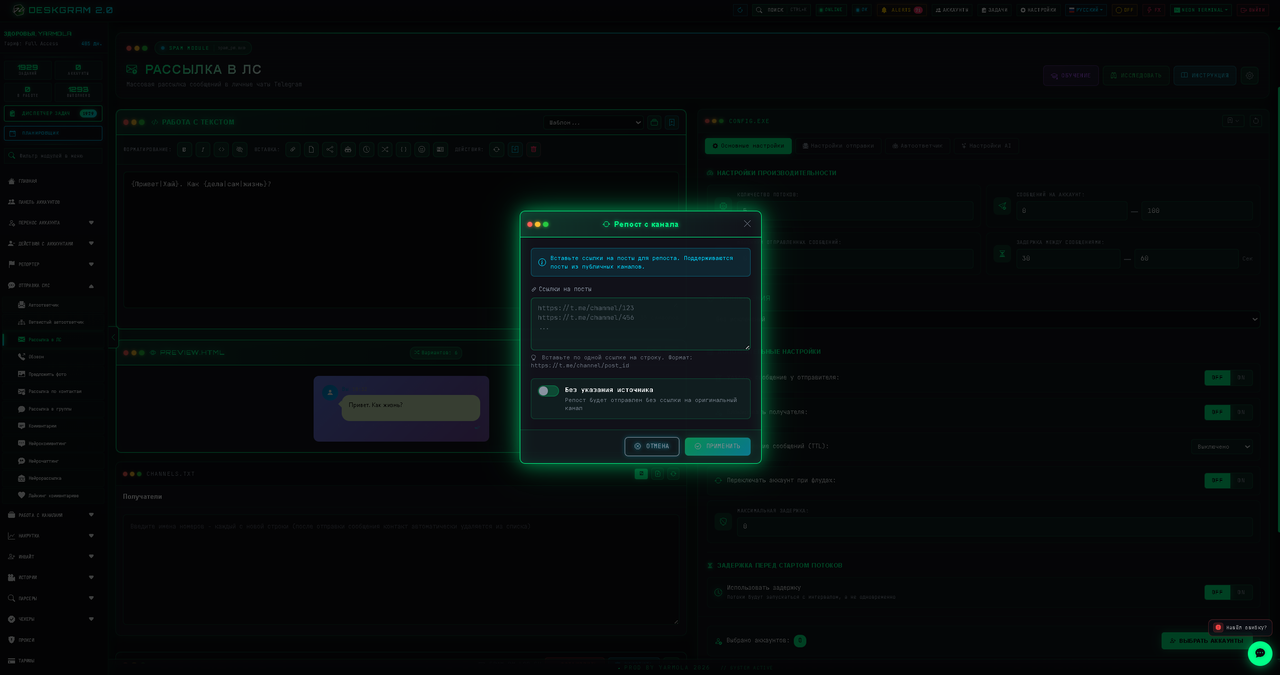
For a repost, enter links to messages accessible to the account. Source attribution has a separate setting; original-message restrictions still apply. A list does not mean every post is sent in one bundle: the processor supports rotating entries.
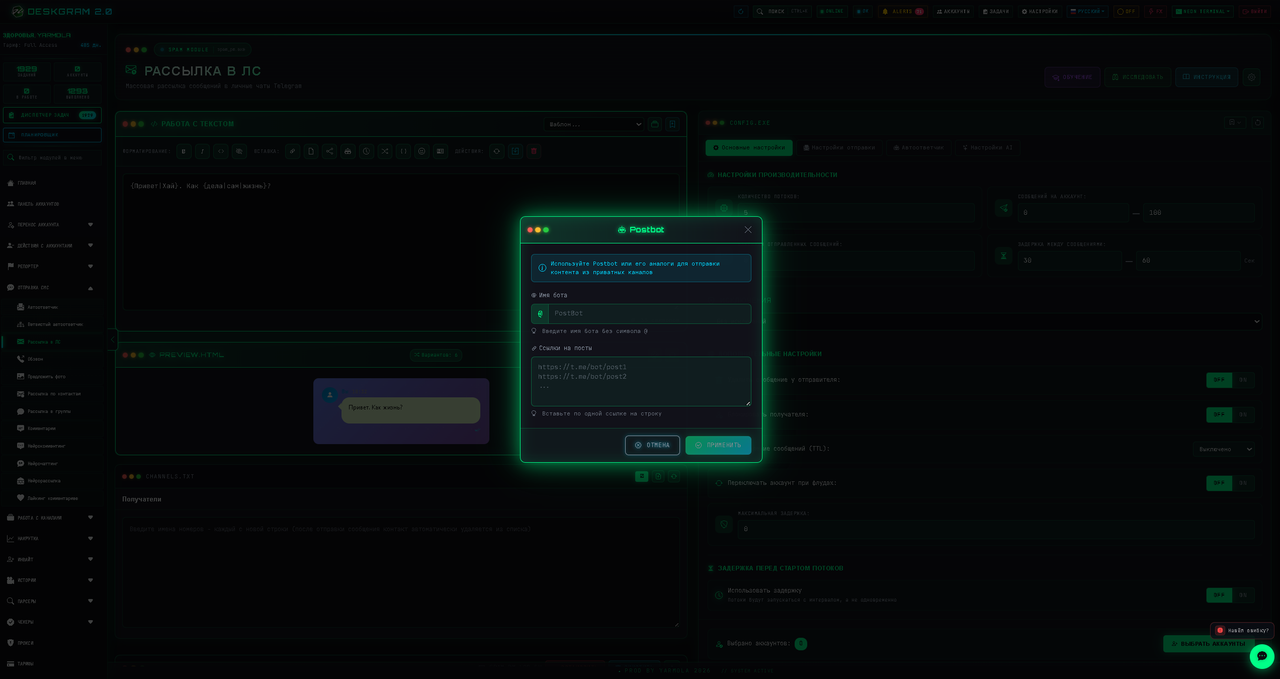
For Postbot, enter the bot username and publication links/identifiers in the form's format. This requires a compatible publication mechanism, not any bot or arbitrary message ID. Test one publication; lists can also rotate.
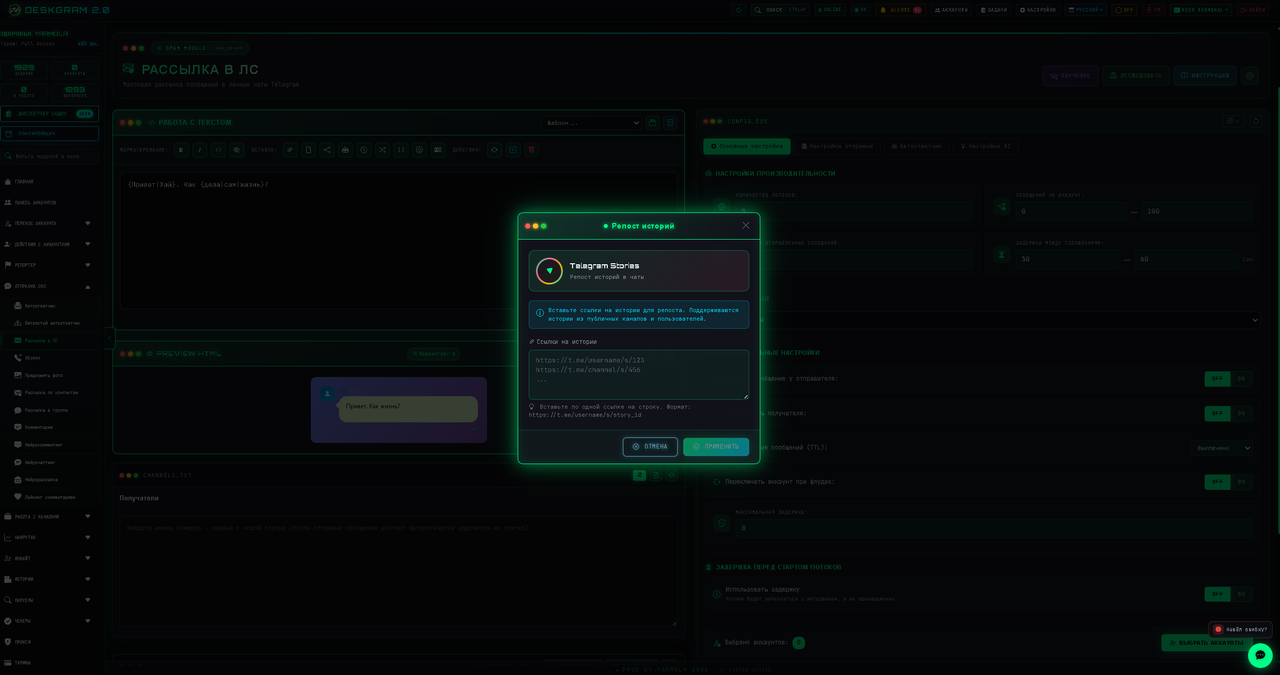
For Stories, use a story link accessible to the working account. Saving the link does not restore an expired, deleted or inaccessible story.
These formats disable some simultaneous text/file controls. If a button is disabled, inspect the existing mode and clear an unwanted block rather than combining conflicting formats.
Contact, emoji and quoted reply
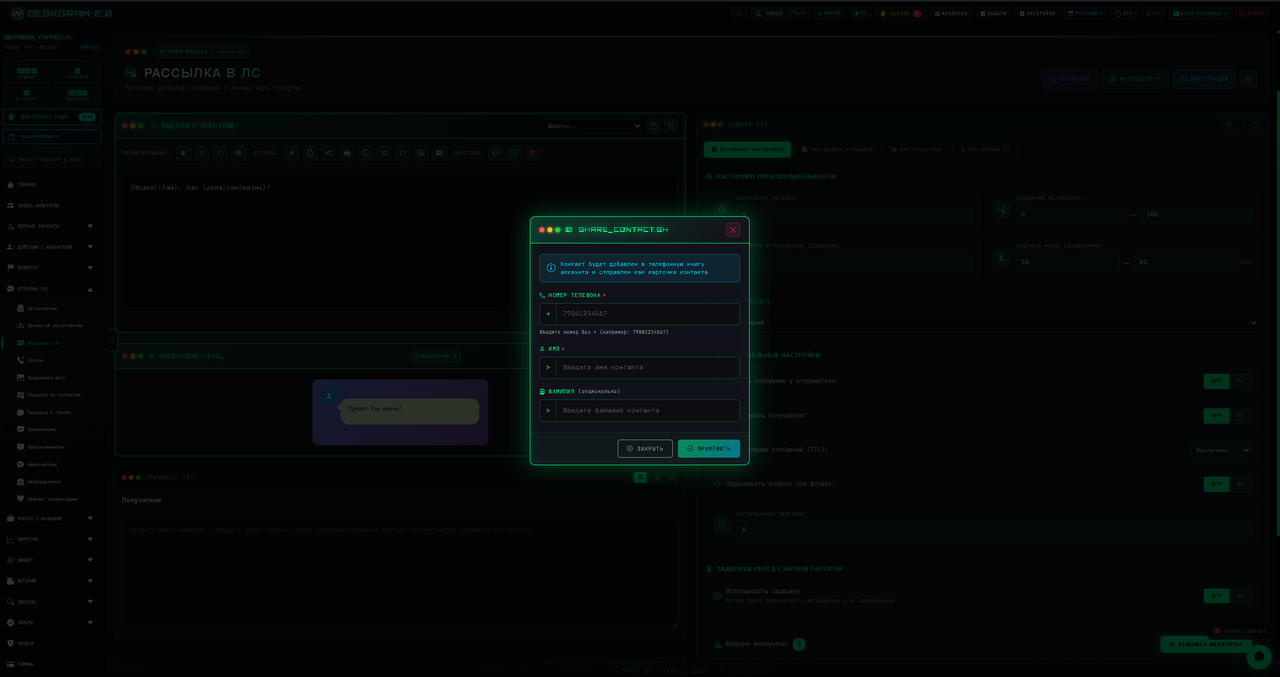
Enter phone and first name for a contact, optionally last name. Check its card and actual send; an arbitrary number is not guaranteed to resolve to a Telegram user.
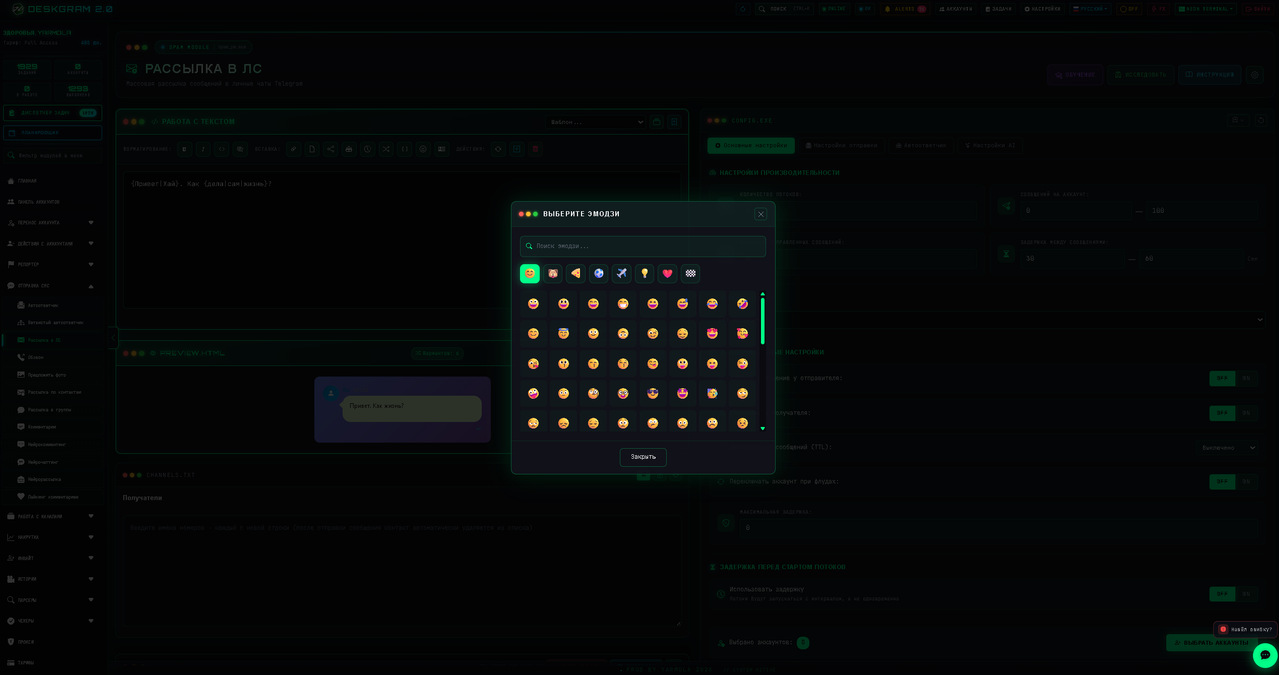
Emoji insertion does not by itself confirm that a custom or Premium emoji will retain its special appearance for the recipient. Check with your account and module.
Where quoted replies (quote_reply) are enabled, provide a specific message link and, if needed, an exact excerpt. If no excerpt is entered, a reply to the original message is created without an explicitly specified quote; the preview display depends on Telegram. Private links require access; an inaccurate quote can be rejected. This differs from formatting your own text as a blockquote and cannot be freely combined with files or repost modes.
Save content and a template
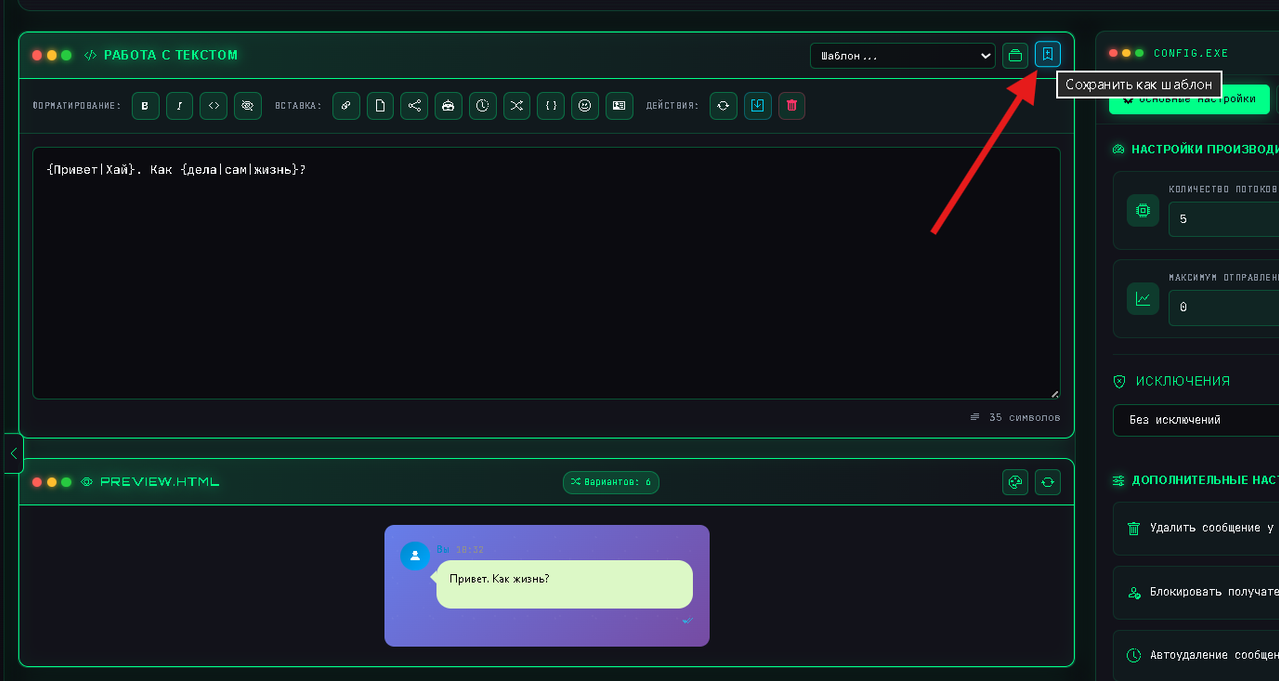
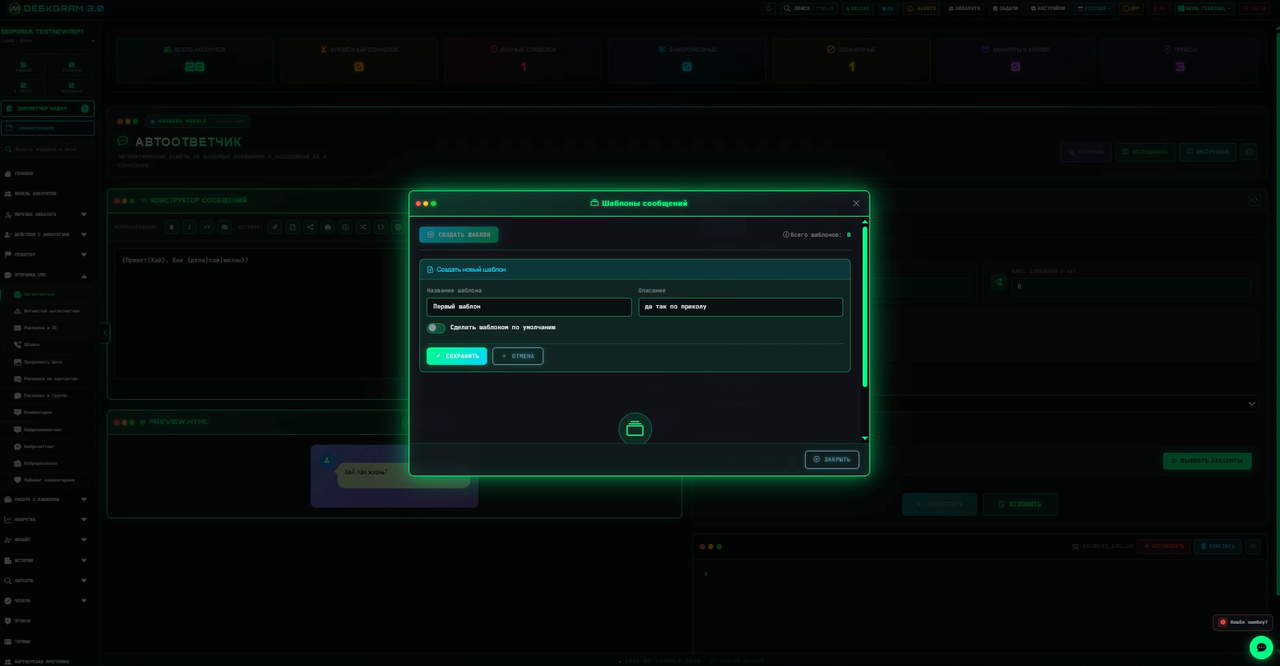
Save the builder content and return to the calling module. Confirm it uses the intended version. For reuse, open template saving, enter name and description, and save.
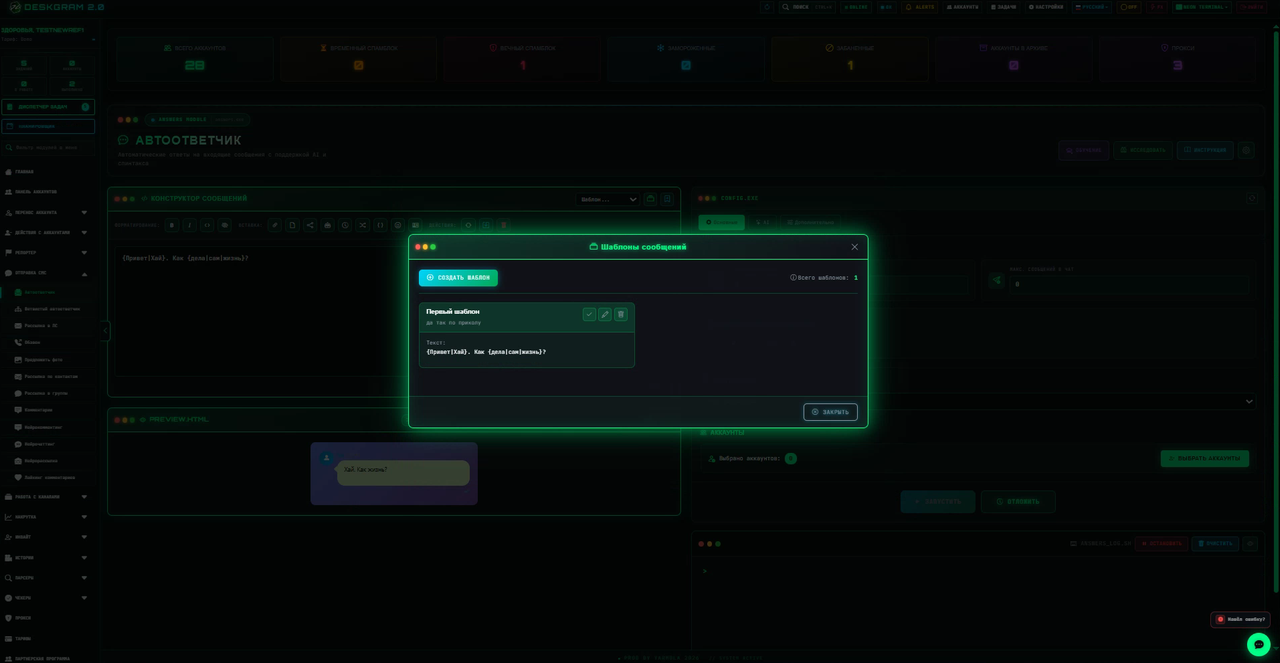
Select a saved template or open management. Recheck type, text, files, links and quote_reply after applying it. Templates do not make missing sources accessible. Editing a saved template does not replace checking an already configured task.
For an unexpected repost, check active formats. For an unresolved variable, inspect spelling and data source. For formatting problems, simplify and test markers separately. A file-send error requires checking its path and type, not merely preview text.
Continue with private messaging, group messaging, the catalog and downloads.