Messaging Telegram Groups with Deskgram 2
The Group Messaging module sends prepared messages to Telegram groups where your accounts are permitted to post. Use it for owned communities, approved announcements, or groups whose rules explicitly allow such communication.
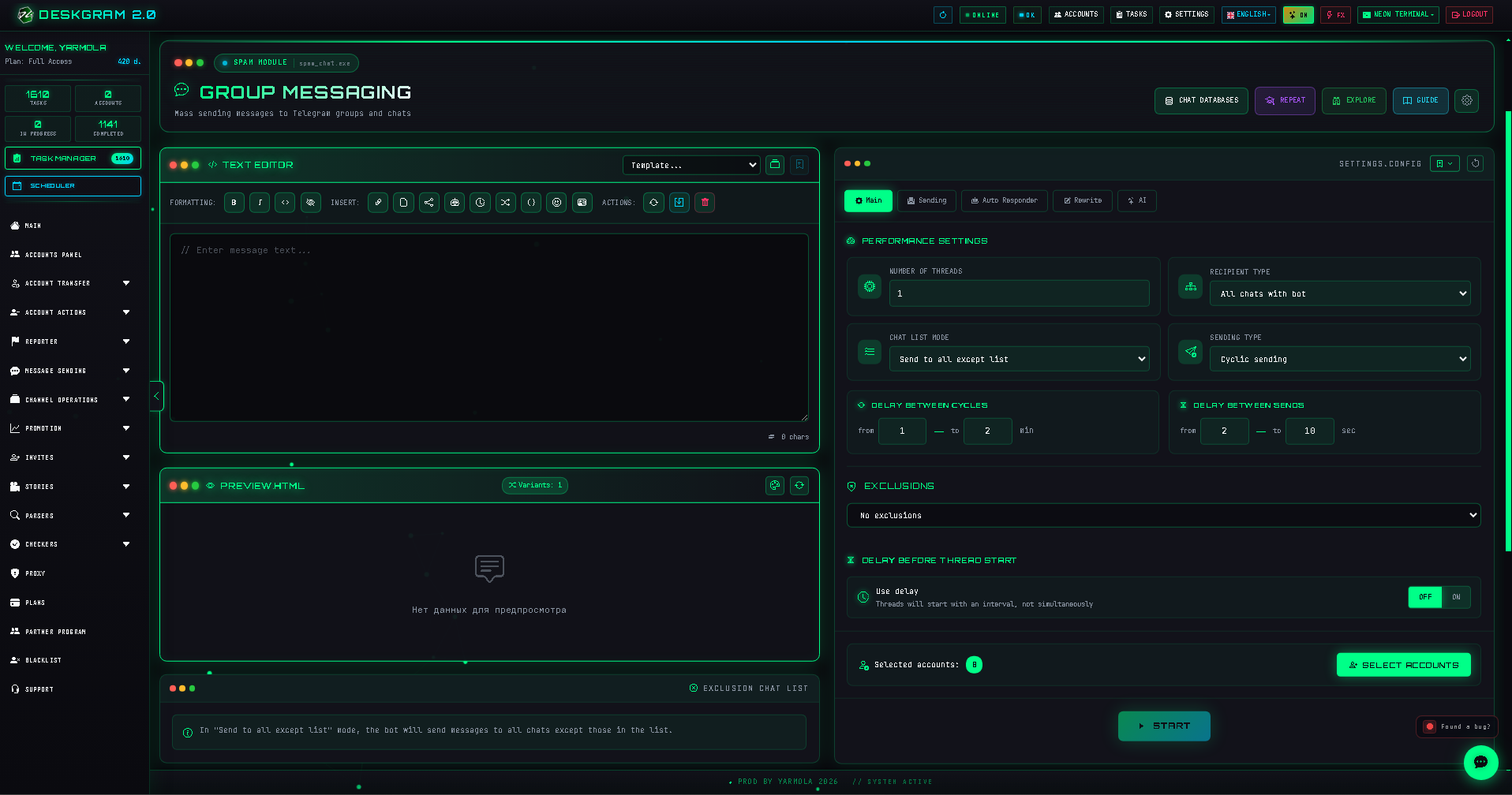
Before launch
Prepare the permitted group set, message variants, exclusions, any required follow-up workflow, and accounts that already have appropriate access.
Step-by-step setup
1. Prepare the message
Use the message builder to compose and review variants before launch.
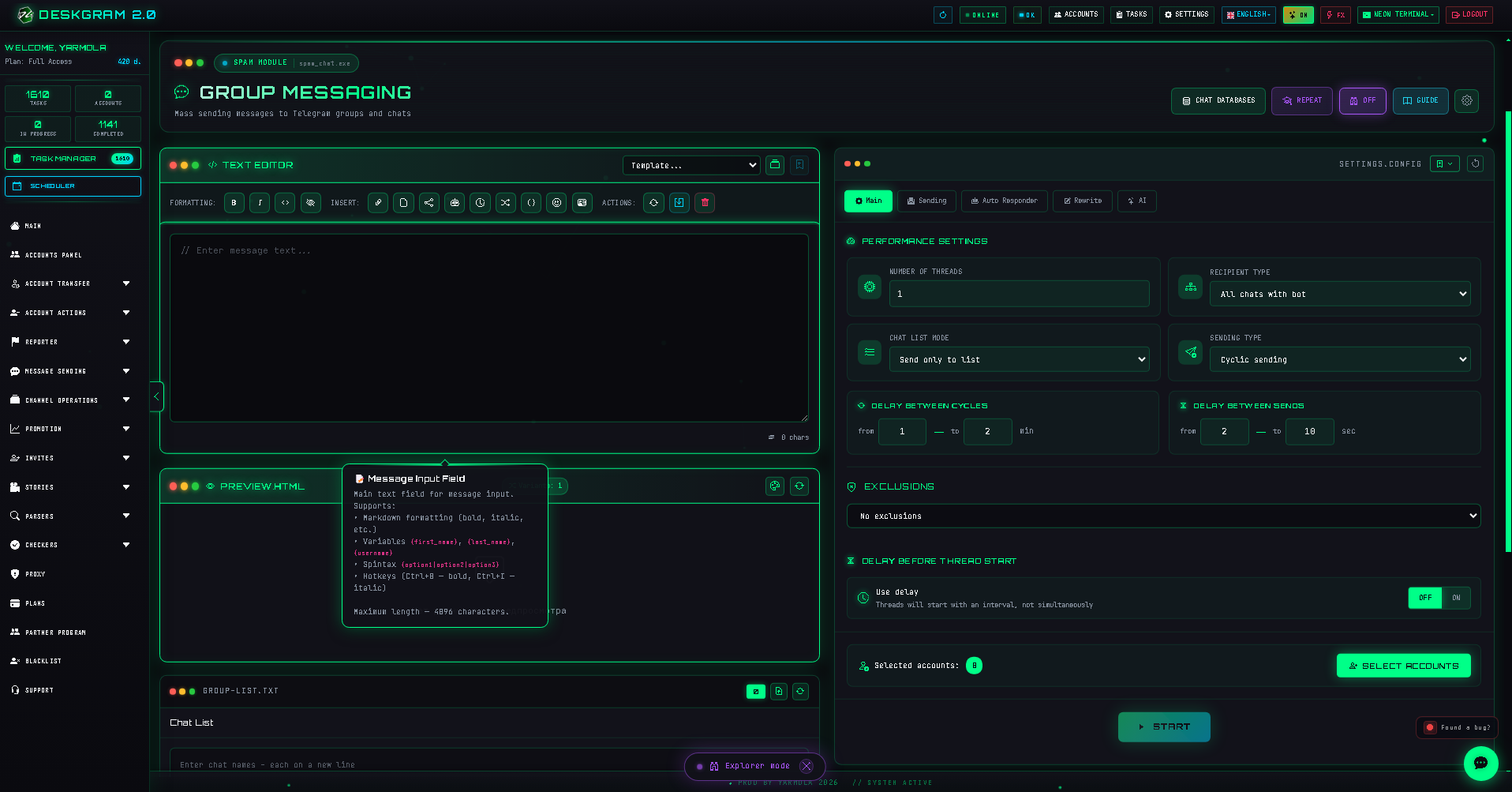
2. Load the group list and choose scope
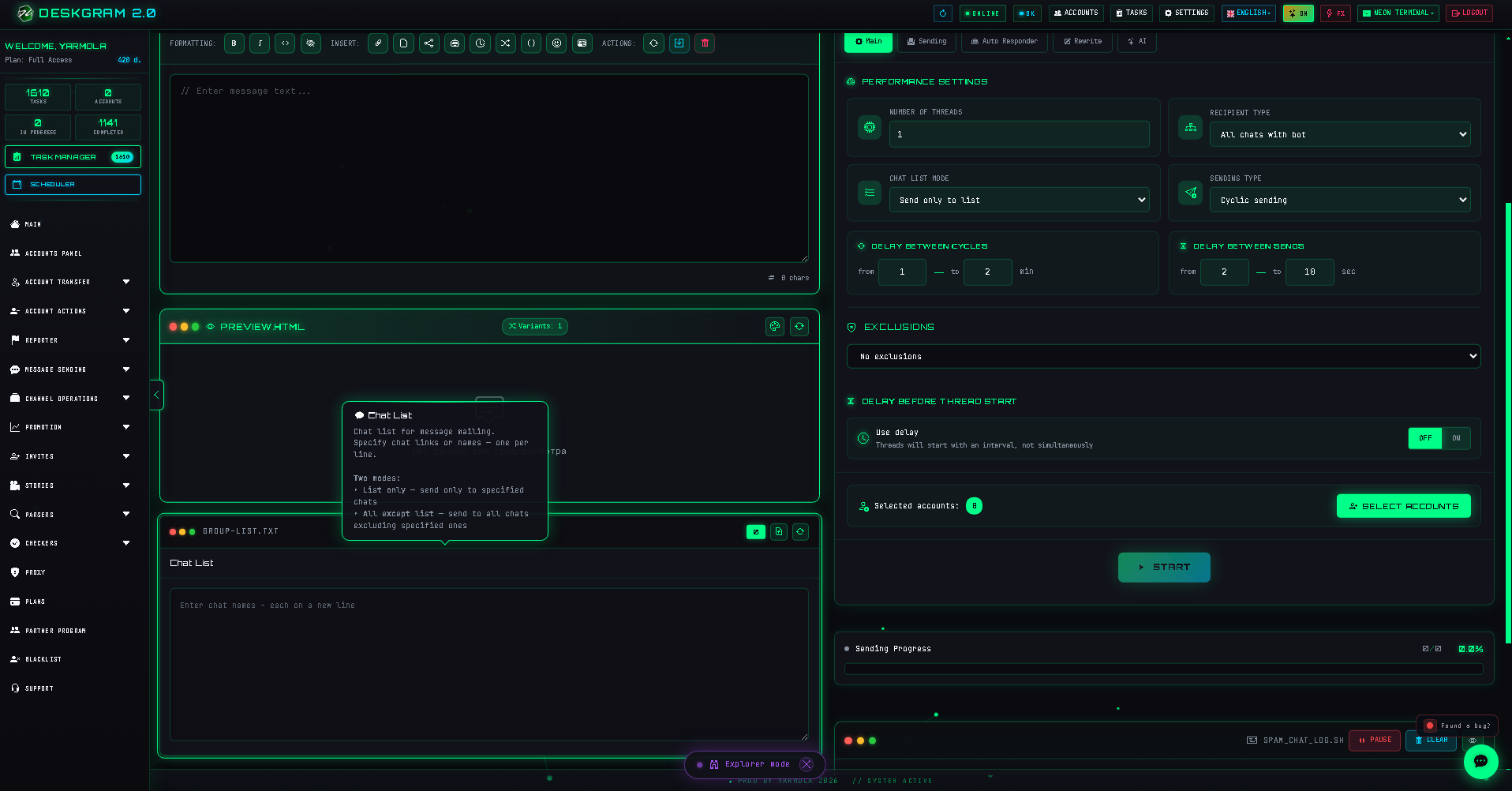
Configure exactly which groups are included or excluded. Only target spaces in which your messages are expected and allowed.
3. Configure pacing
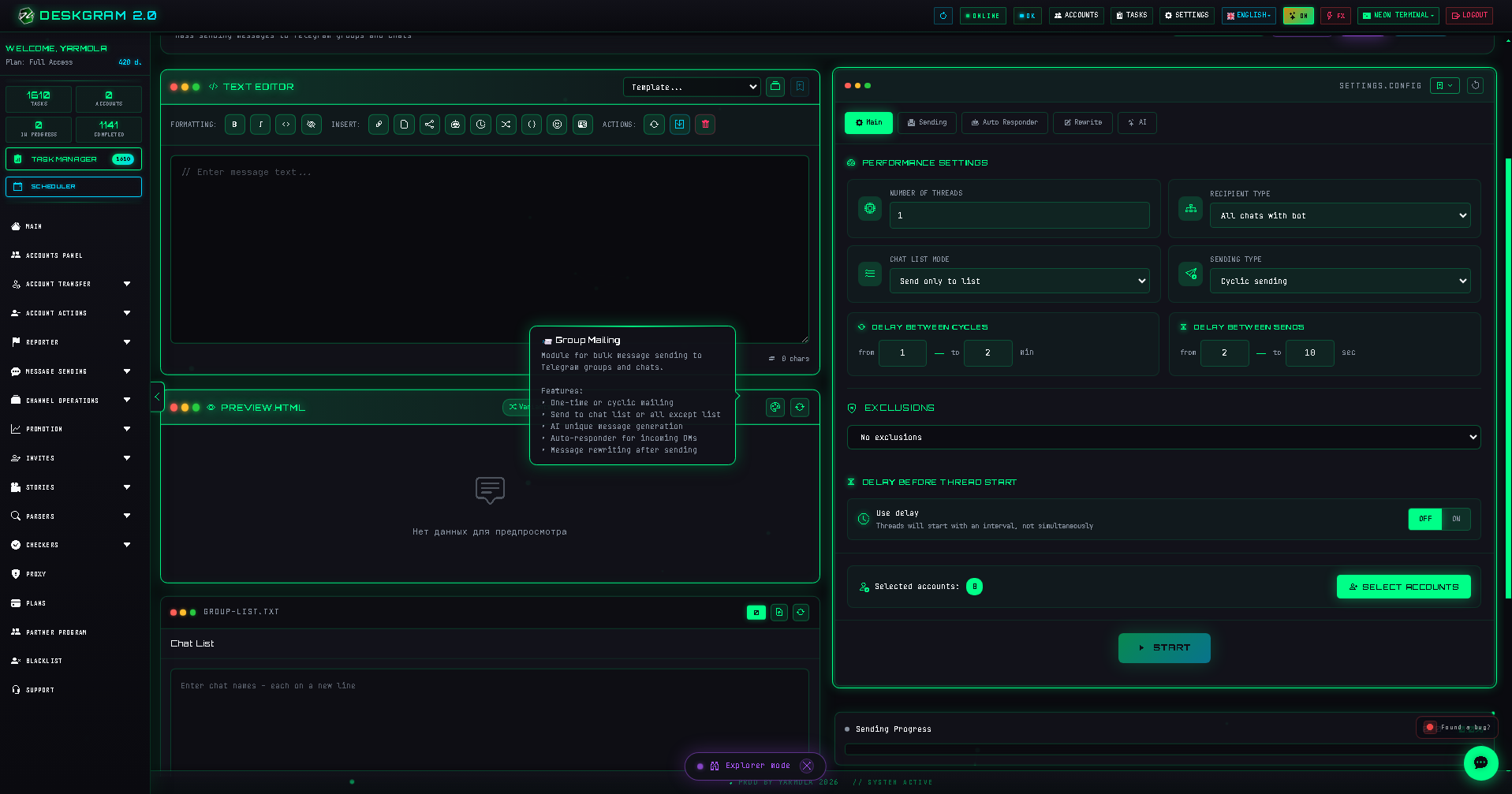
Review threads, messages per account, send delay, staggered start, one-time versus scheduled delivery, and exclusions. Conservative timing reduces account issues and improves recipient experience.
4. Review delivery and follow-up settings
Configure previews, quiet mode, failure handling, optional cleanup of outdated announcements in communities you manage, and an autoresponder only when replies form part of the agreed flow.
Common mistakes
- messaging groups without permission or relevance;
- sending too frequently;
- launching before checking message content and exclusions;
- failing to provide a clear next step or opt-out where applicable.
Use the web preview to inspect the module.