Find Similar Telegram Channels with Deskgram 2
The similar channels module helps you expand a small set of seed Telegram channels into a larger list of related sources. This is useful when you need more channels for parsing, competitor research, advertising analysis or niche exploration.
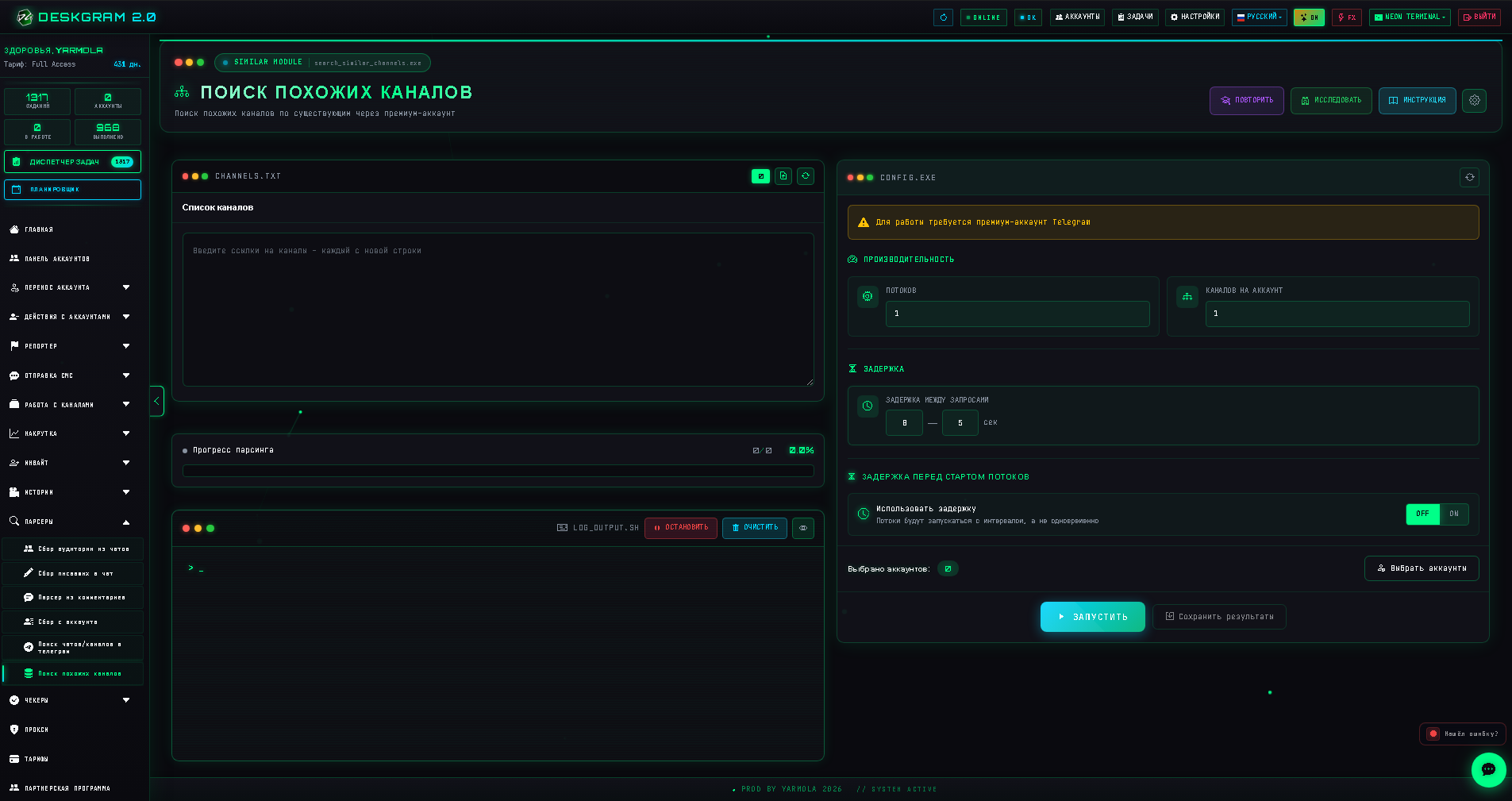
Why Similar Channel Search Matters
Telegram promotion usually starts with a few known channels. The problem is that a small list is rarely enough for stable traffic. You need more related sources, but manual search is slow and inconsistent.
Deskgram 2 uses your seed channels as a starting point and helps discover more channels from the same or adjacent niche.
Use it when you want to:
- expand a competitor channel list;
- find new sources for Telegram audience parsing;
- collect channels for ad placement analysis;
- build a niche map before launching a campaign;
- prepare data for invite, parsing or neuro-commenting workflows.
Step 1. Prepare Seed Channels
Start with several high-quality channels from the niche you care about. The better the seed list, the better the result.
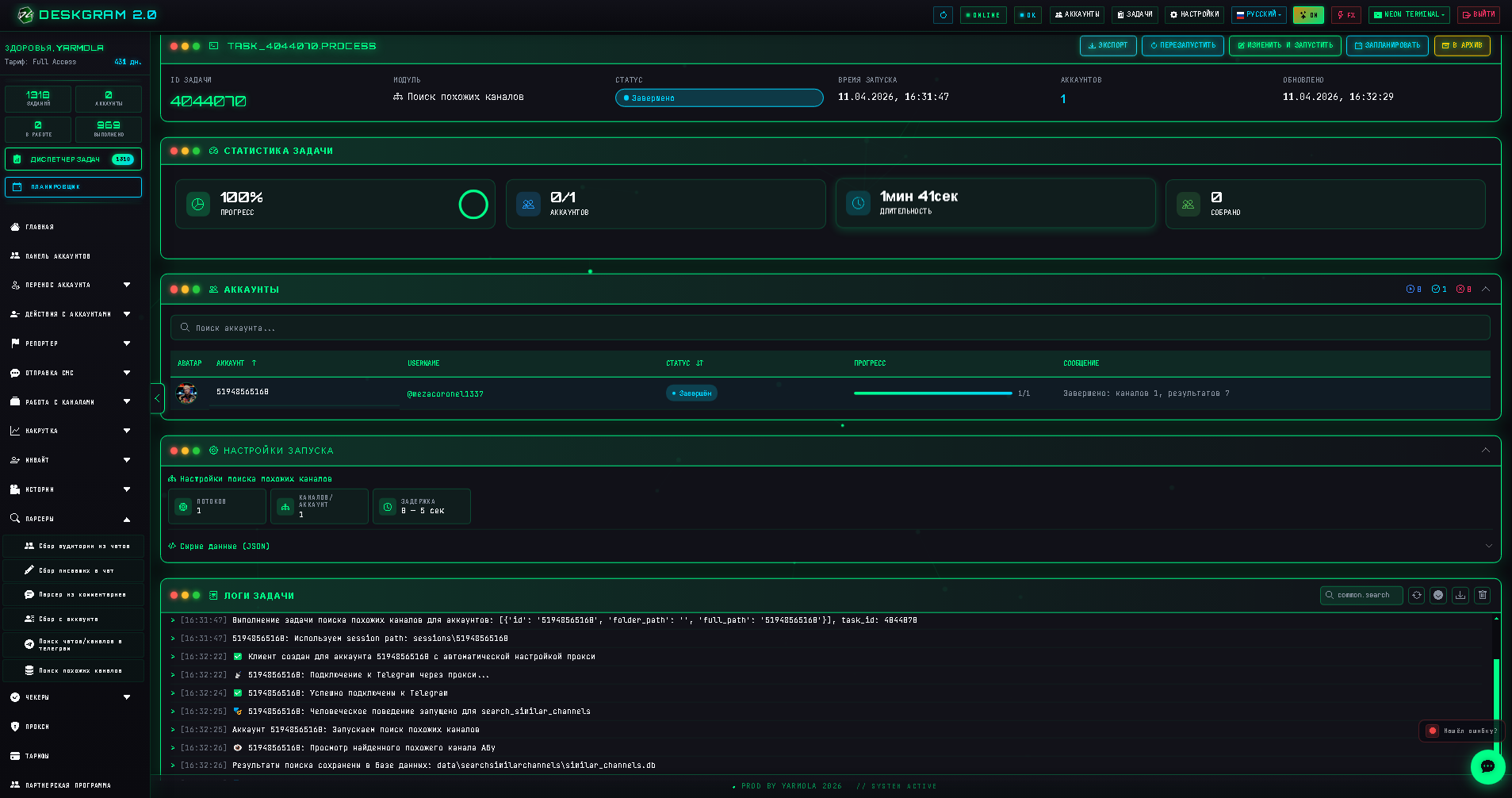
Good seed channels should be:
- active;
- relevant to your offer;
- not random meme or news channels unless that is your niche;
- large enough to have visible related recommendations;
- cleanly formatted as links, usernames or channel names.
Step 2. Use Telegram Premium When Possible
Telegram Premium improves the amount of data available for similar channel discovery. Without Premium, the result can be much smaller.
Typical difference:
| Account type | Expected result |
|---|---|
| Regular account | Around 10 similar channels per source |
| Telegram Premium account | Significantly more related channels, often hundreds across a good seed list |
Premium is not strictly required, but it makes the module much more useful for serious research.
Step 3. Configure Limits and Delays
Set reasonable delays and do not overload accounts. Similar channel discovery is usually not a task where speed matters more than quality.
Recommended approach:
- start with a small test batch;
- check result quality;
- remove weak seed channels;
- only then scale the task;
- keep proxies stable if you use multiple accounts.
Step 4. Review and Clean the Results
After the task finishes, export or review the discovered channels.
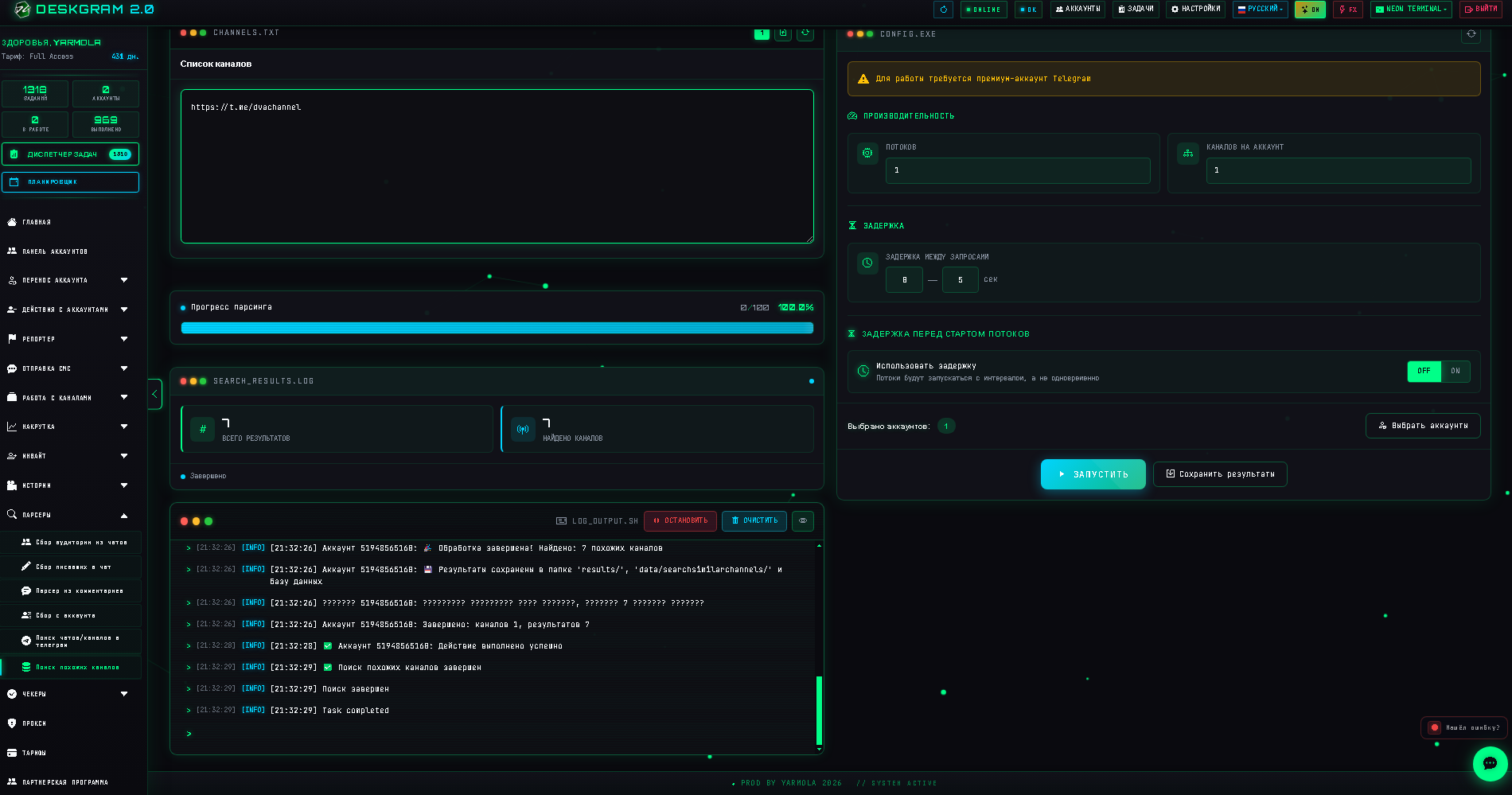
Do not send every result straight into promotion. First remove:
- irrelevant channels;
- inactive channels;
- channels from the wrong language or region;
- low-quality spam sources;
- duplicates.
What to Do Next
The clean list can be used in other Deskgram 2 workflows:
- parse audience from related communities;
- check which channels have open comments;
- build a competitor database;
- prepare sources for Telegram invite campaigns;
- analyze potential ad placements.
For the next steps, see the guides on joining Telegram groups and Telegram neuro-commenting.
Key Takeaways
- Similar channel search expands a small seed list into a broader Telegram source base.
- Seed quality matters more than raw quantity.
- Telegram Premium can significantly improve results.
- Always clean the results before using them for parsing, inviting or comments.