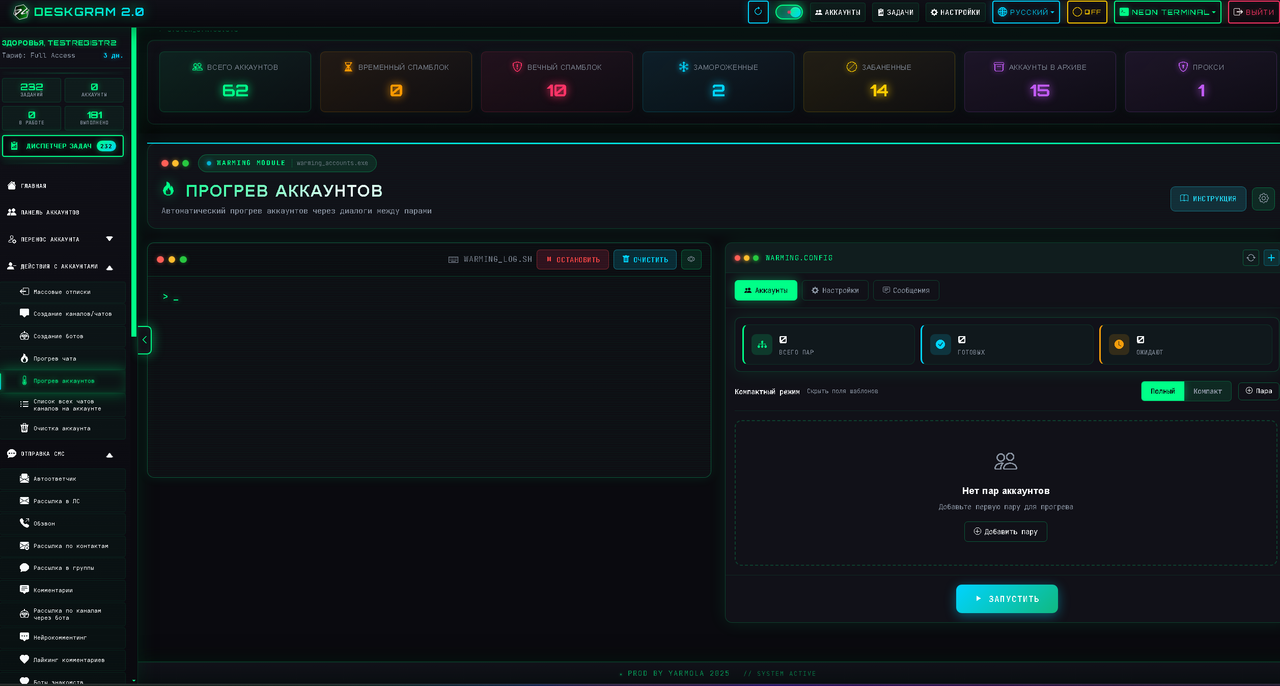
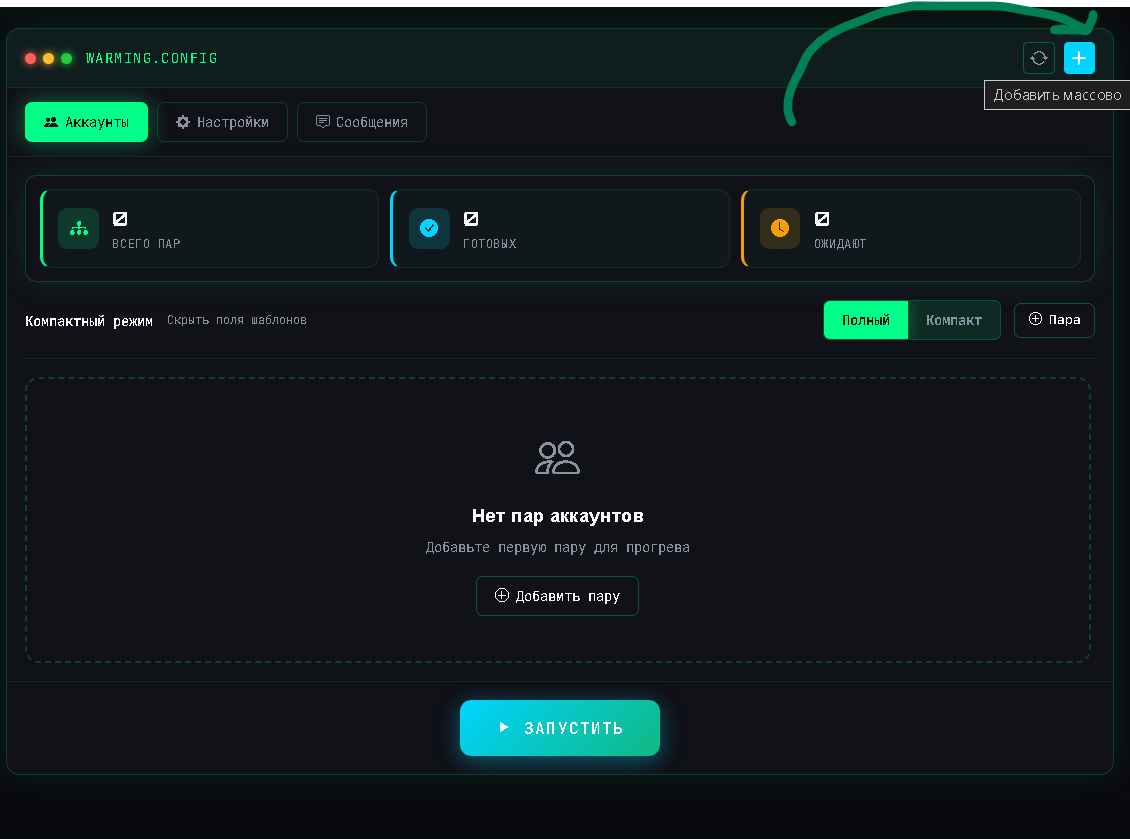
1. Select Pairs or Pool
The module runs conversations between selected accounts. In Pairs, assign a sender and a recipient to each row. In Pool, add the account list used to form conversations. Check that the participants have valid sessions before starting. Importing a session does not prove that it can send or receive messages.
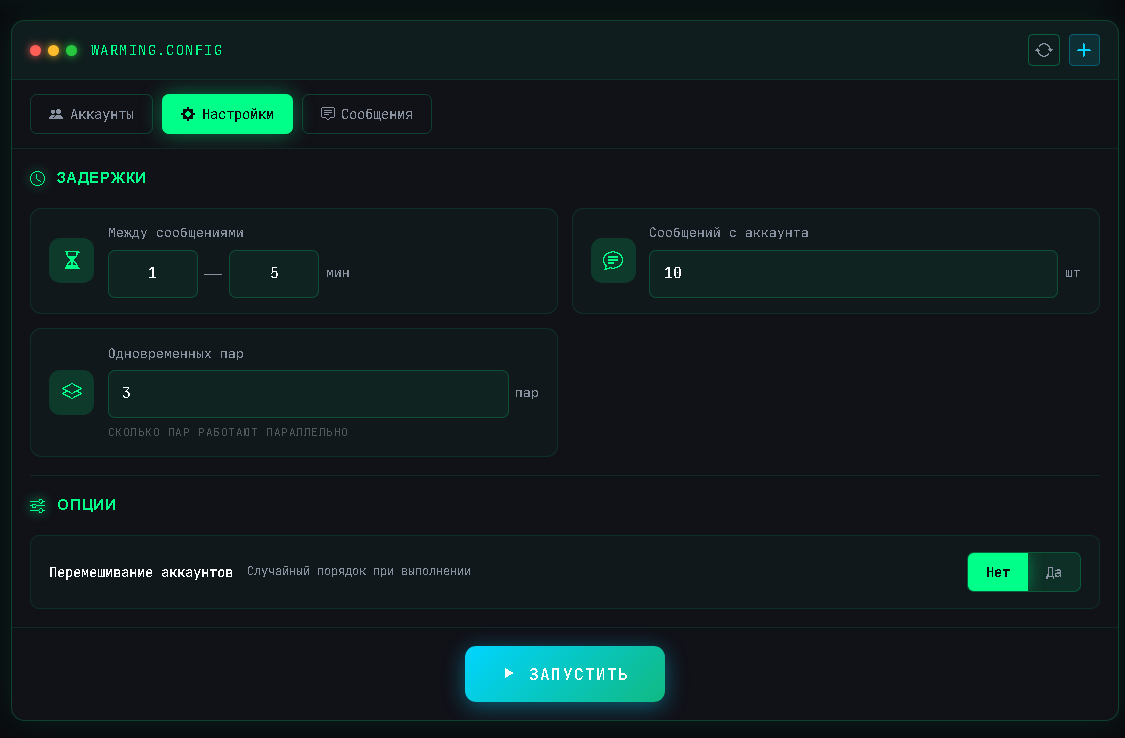
2. Set the workload and pauses
Check the message count and concurrent pairs. Five concurrent pairs means up to ten participants, not five accounts. The minimum and maximum wait settings use minutes. A shuffle option changes pair assignments according to its settings; it does not remove Telegram restrictions.
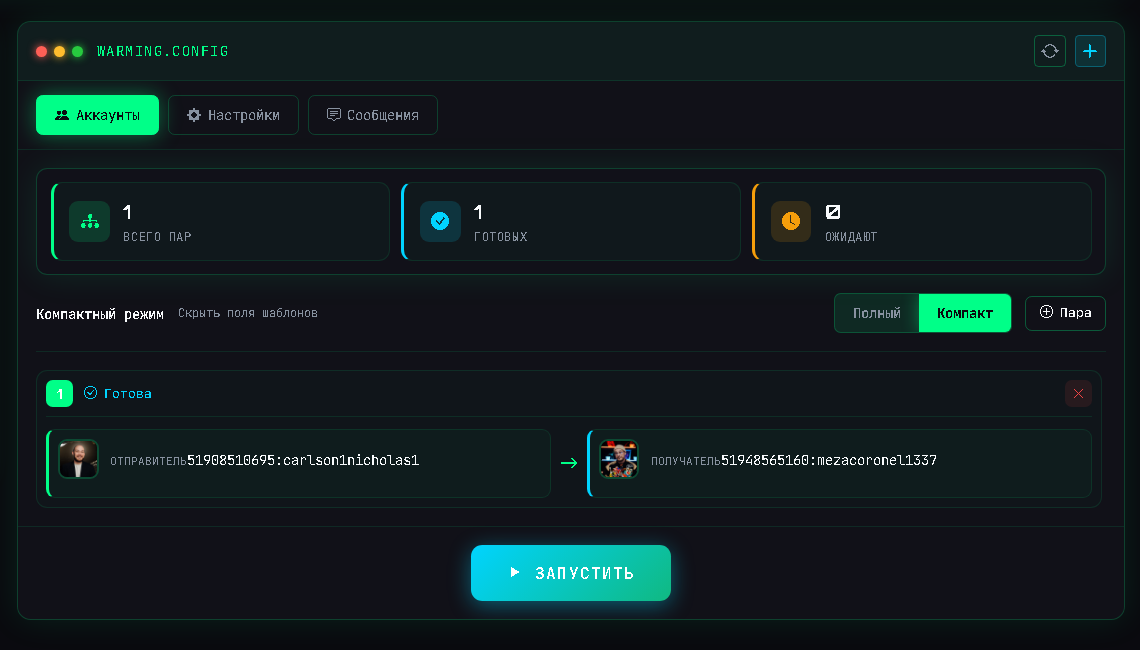
Use a small test to check the selected participants and interval units. Avoid running another messaging task on the same accounts during this check: otherwise it is difficult to tell which task caused an error.
3. Choose prepared phrases or AI
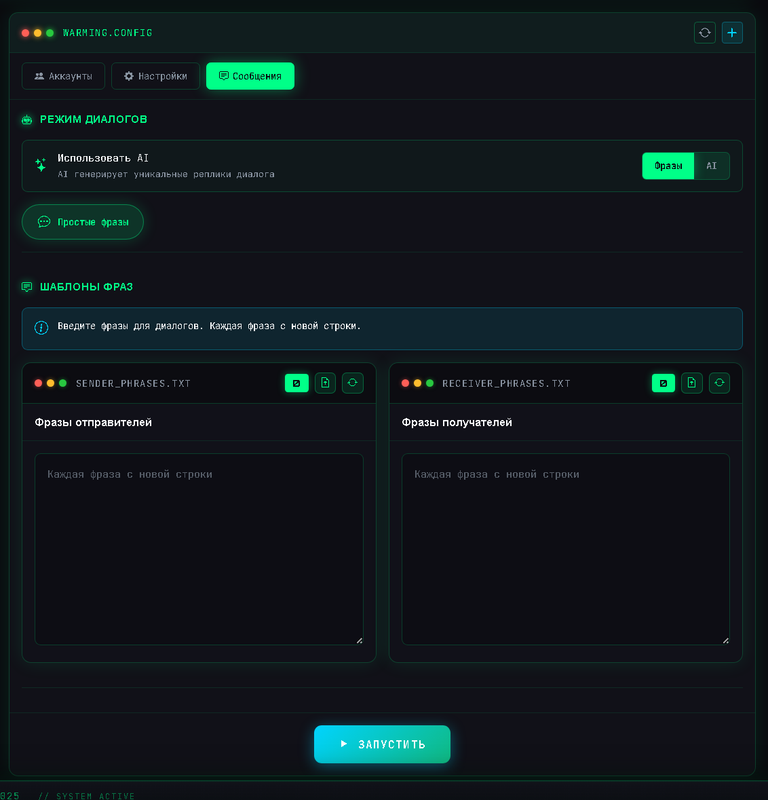
For prepared phrases, fill in both the sender and recipient lists. For AI, select the provider and model, check the API key and balance, and enter separate instructions for both sides. A model appearing in a list does not establish that your key can use it. Check the current provider list in your version; older screenshots do not cover every provider.
A short test conversation might ask and answer a question about planning a working day. Keep private information out of prompts. If AI replies fail, inspect the provider error and try a prepared-phrase test to separate connection problems from model-access problems.
4. Check delivery and the log
Verify that the intended recipient actually received the message. Distinguish a completed send, a pending reply, a session or proxy error, an AI error and a Telegram restriction. A running task counter alone does not confirm delivery.
Do not repeatedly rerun the full list after an error. Save the task settings and an anonymised log excerpt, identify the affected participants, then repeat only the necessary test. Do not share session files, login codes or API keys with support.
Does warm-up remove restrictions?
No. This module runs the configured conversations. It does not certify an account for later messaging or provide a universal number of days or messages after which restrictions disappear. Review the next task separately.
Choose a warm-up mode · Advanced warm-up settings · AI settings · Scheduler · Download Deskgram 2 · Plans