Guide

Advanced Account Warmup Scenarios in Deskgram 2

Build controlled account activity scenarios with templates, manual sequences, or AI adaptive mode in environments you manage.

cheating 4 min2026-08-30

Key Takeaways

  • Templates: start quickly with one of the built in activity presets, selecting a level appropriate for the current state of the account.
  • Manual builder: arrange a deliberate sequence of allowed actions, from light browsing to interactions in spaces you manage.
  • AI Adaptive: set an activity level and AI boundaries, allowing the module to choose varied actions within the approved scenario.
  • Advanced Account Warmup in Deskgram 2 The Advanced Warmup module creates multi step activity scenarios for accounts and communities you control.

Advanced Account Warmup in Deskgram 2

The Advanced Warmup module creates multi-step activity scenarios for accounts and communities you control. It is useful for testing operational readiness and establishing normal account activity before approved production workflows.
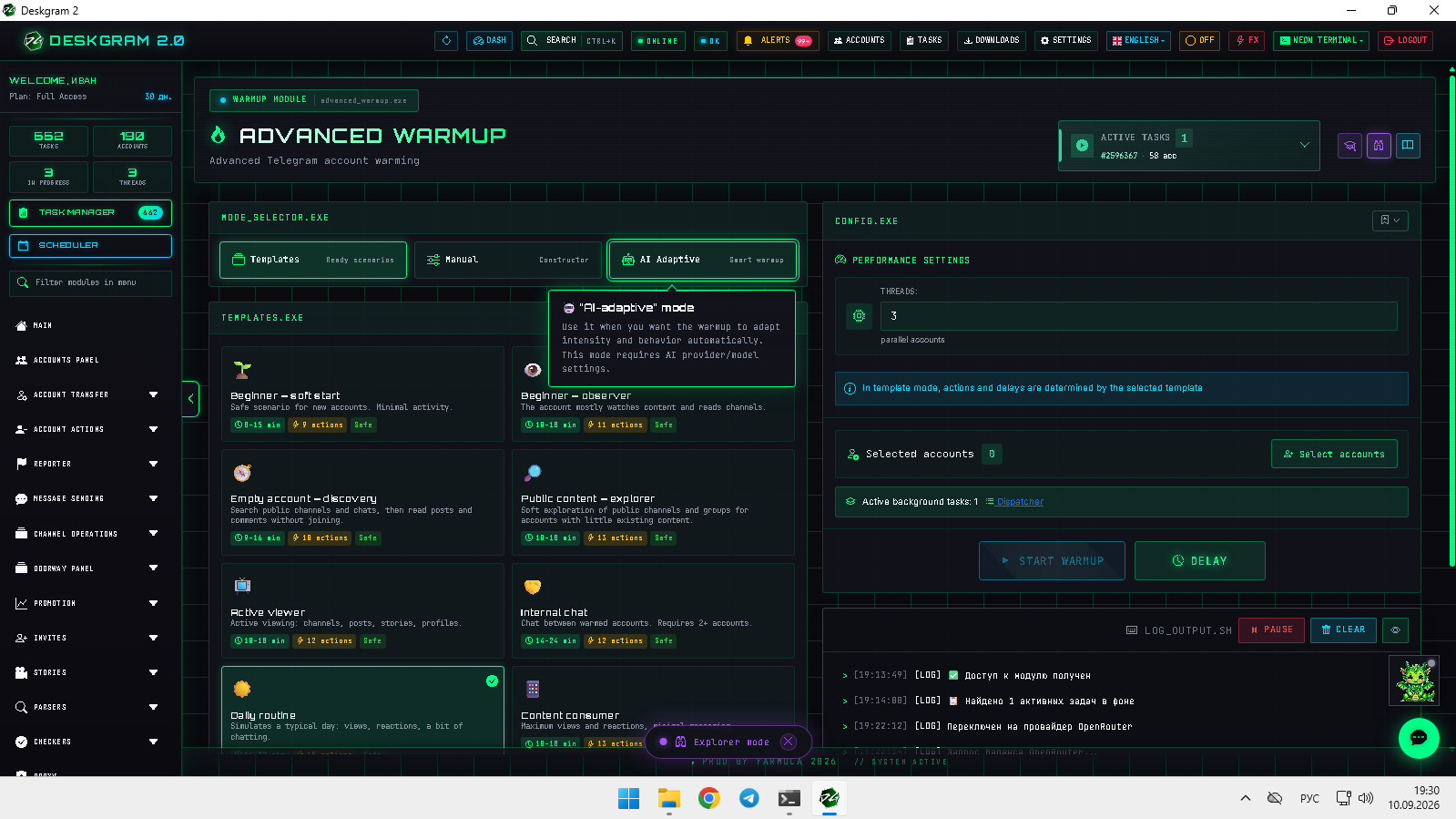
![Advanced warmup: main screen](https://raw.githubusercontent.com/Deskgram-2/telegram-advanced-warmup-deskgram-en/main/assets/screenshots/advanced-warmupmainen.png "Scenario mode and activity settings.")

1. Select a mode

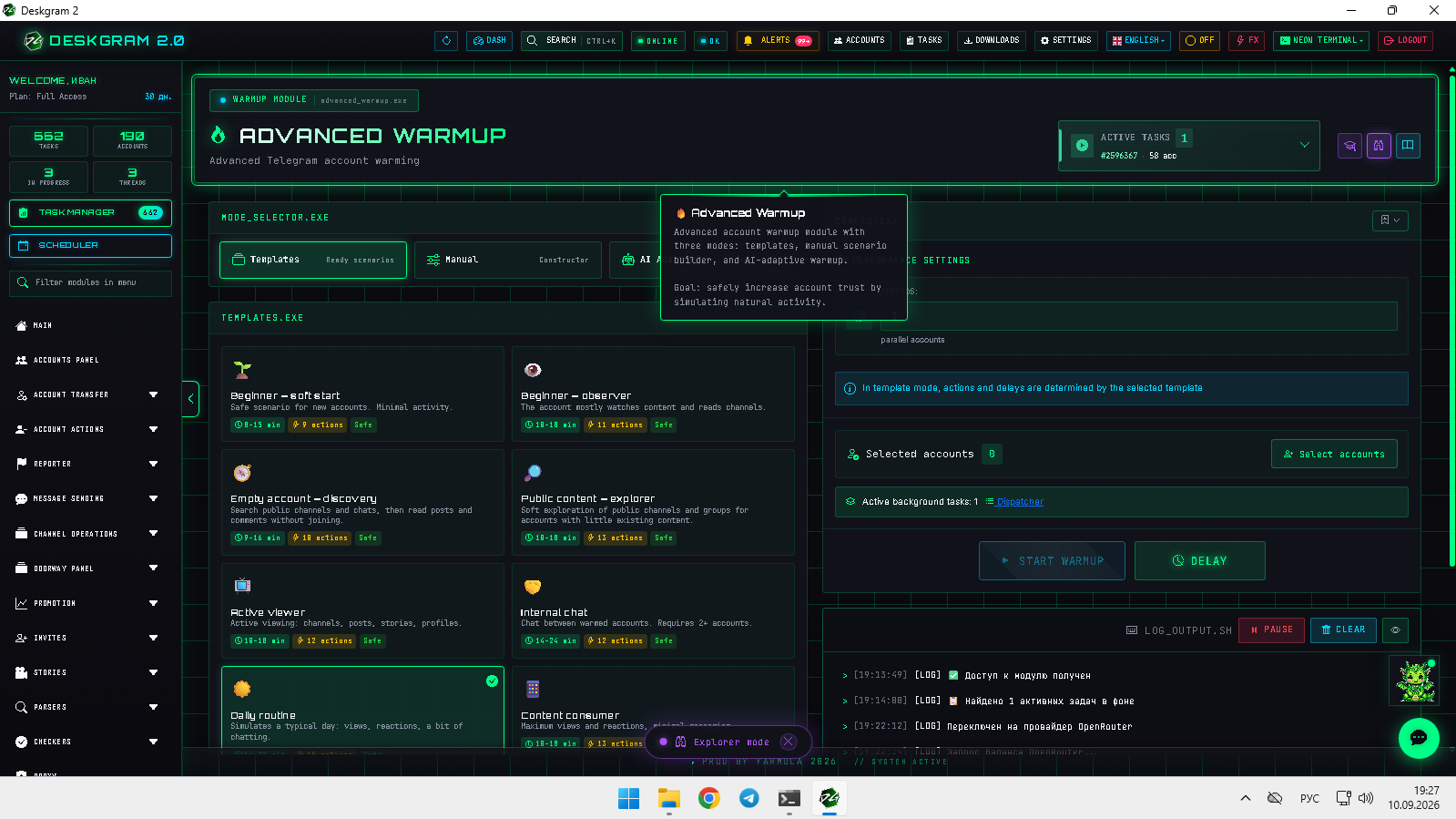
![Advanced warmup: modes](https://raw.githubusercontent.com/Deskgram-2/telegram-advanced-warmup-deskgram-en/main/assets/screenshots/advanced-warmupmodesen.png "Templates, manual builder, and AI adaptive mode.")

  • Templates: start quickly with one of the built-in activity presets, selecting a level appropriate for the current state of the account.
  • Manual builder: arrange a deliberate sequence of allowed actions, from light browsing to interactions in spaces you manage.
  • AI Adaptive: set an activity level and AI boundaries, allowing the module to choose varied actions within the approved scenario.
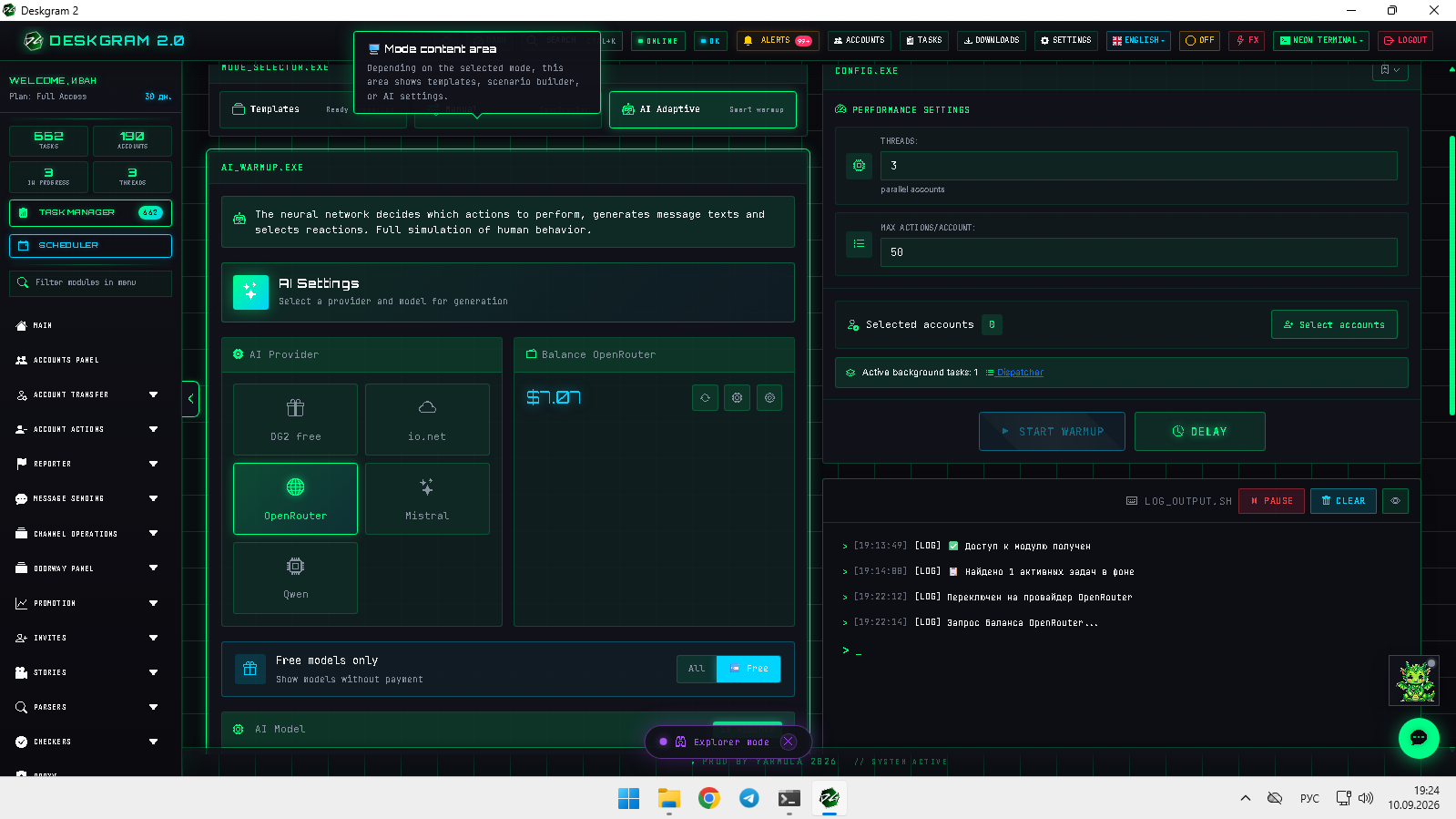
![Advanced warmup: AI mode](https://raw.githubusercontent.com/Deskgram-2/telegram-advanced-warmup-deskgram-en/main/assets/screenshots/advanced-warmupai-modeen.png "AI activity level and controls.")

2. Configure limits

Set concurrent accounts and a maximum actions limit for manual or AI modes. Conservative limits help verify the workflow before a wider run.
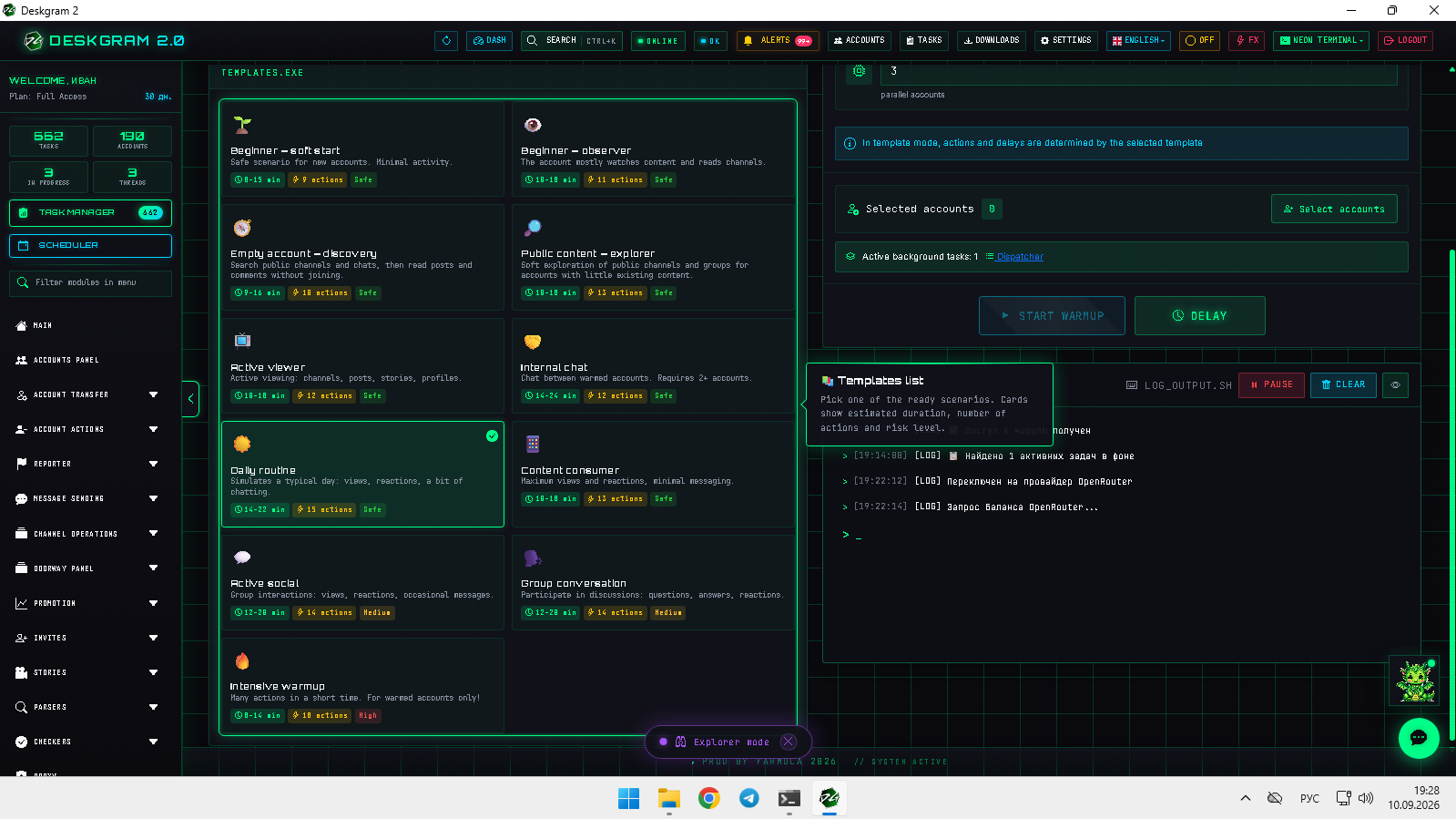
![Advanced warmup: templates](https://raw.githubusercontent.com/Deskgram-2/telegram-advanced-warmup-deskgram-en/main/assets/screenshots/advanced-warmuptemplatesen.png "Templates and scenario stages.")

3. Separate account groups

Do not combine brand-new accounts with accounts that already have established usage histories in one run. Keep groups separate and select a scenario suitable for each group.

View the interface in the web preview.

Helpful Links