Guide

Validate Telegram Links and Usernames with Deskgram 2

Validate Telegram usernames and links at scale, classify resources, reuse saved results, and retrieve available metadata.

checkery3 min2026-08-30

Key Takeaways

  • Validating Telegram Usernames and Links with Deskgram 2 Despite its name, the Username Checker works as a link validator: it verifies existing Telegram usernames and links without unnecessary interaction inside Telegram.
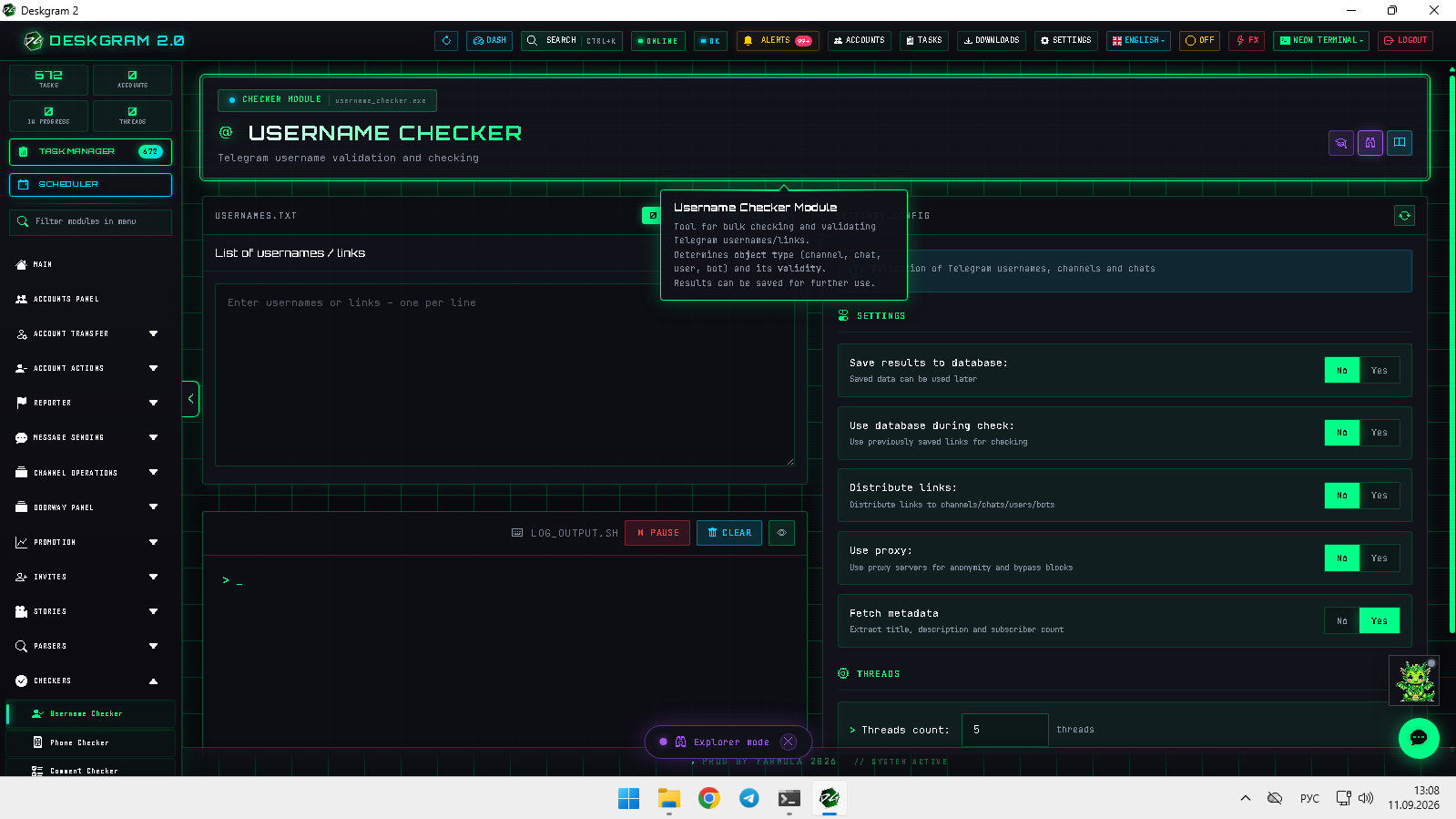
  • Username checker: main screen 1.
  • Validate an existing list Paste usernames or links.
  • Enable saving results to the database and database reuse when previously checked values should be resolved without repeated network requests.

Validating Telegram Usernames and Links with Deskgram 2

Despite its name, the Username Checker works as a link validator: it verifies existing Telegram usernames and links without unnecessary interaction inside Telegram.

![Username checker: main screen](https://raw.githubusercontent.com/Deskgram-2/telegram-username-checker-deskgram-en/main/assets/screenshots/username-checkermainen.png "Link input, settings, and statistics.")

1. Validate an existing list

Paste usernames or links. Enable saving results to the database and database reuse when previously checked values should be resolved without repeated network requests. Results are classified into channels, users, bots, and invalid entries.

2. Configure network parameters

Large lists may encounter rate limits. The module supports proxies, but reducing threads is often sufficient and avoids spending costly proxy traffic unnecessarily.
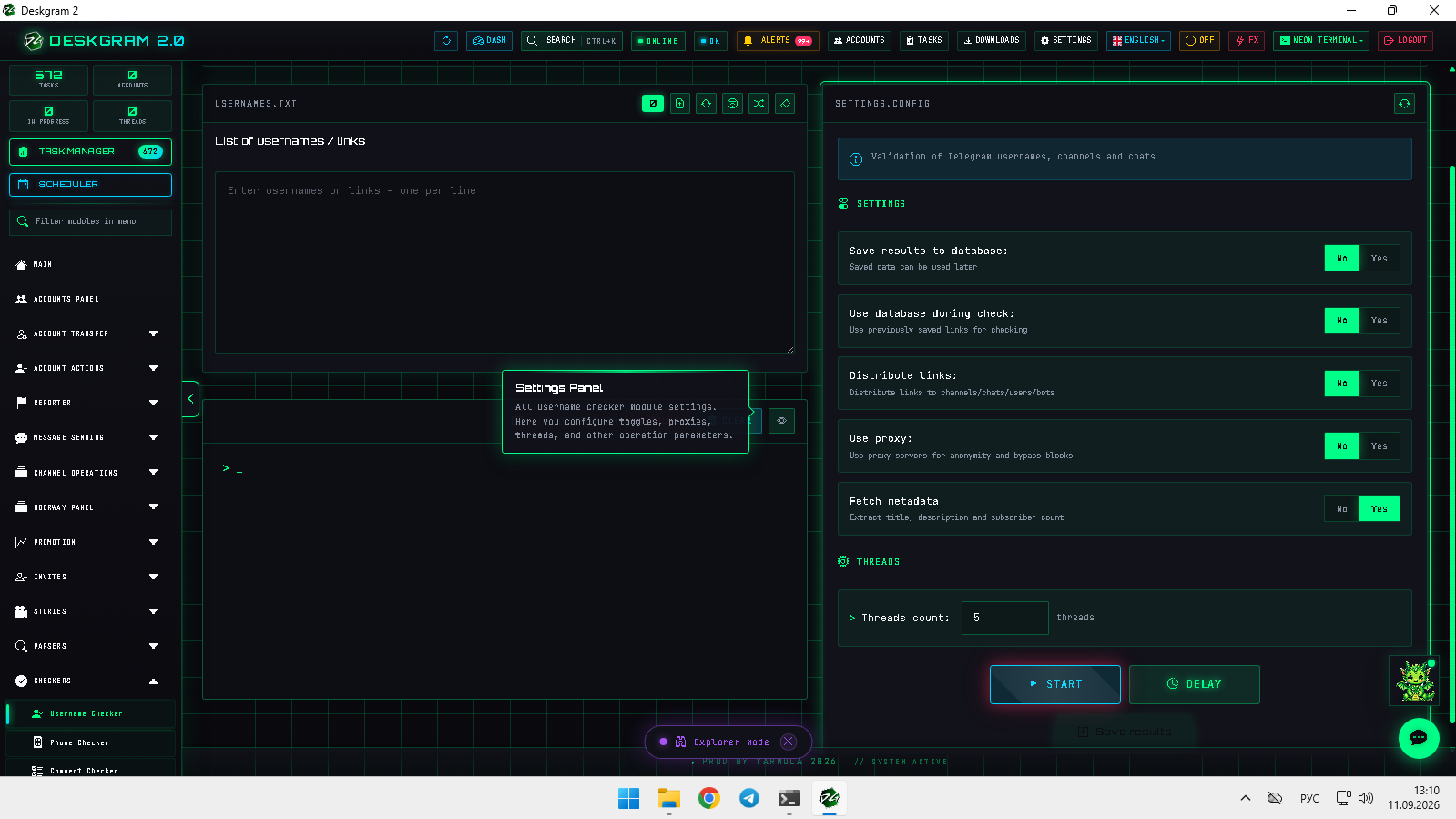
![Username checker: settings](https://raw.githubusercontent.com/Deskgram-2/telegram-username-checker-deskgram-en/main/assets/screenshots/username-checkersettingsen.png "Main controls, proxy options, and limits.")

3. Retrieve metadata

Enable metadata collection to obtain resource names and channel or group audience counts where available. This adds context beyond simple valid/invalid classification.

4. Review and export

Monitor statistics and logs while valid items are sorted and invalid links are separated.
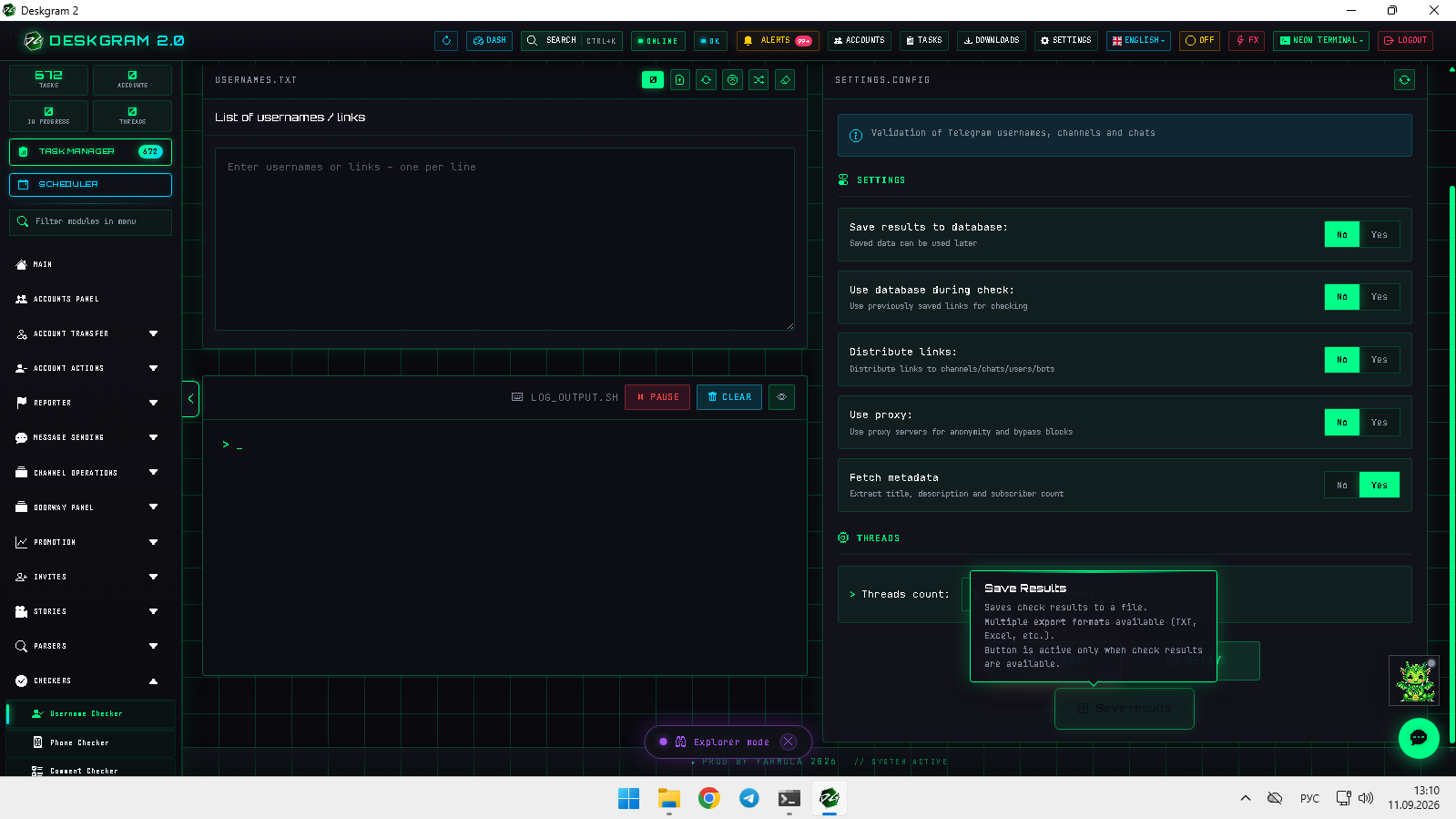
![Username checker: results](https://raw.githubusercontent.com/Deskgram-2/telegram-username-checker-deskgram-en/main/assets/screenshots/username-checkerresultsen.png "Valid and invalid resource results.")

The module validates your existing list; it does not discover new links. Use the web preview to inspect it.

Helpful Links