How to Post Telegram Stories with a Link Without Premium
This guide explains a practical workflow for publishing Telegram Stories with a clickable link and then distributing that story through Deskgram 2.
Step 1. Create the Original Story
Use an account that already has Telegram Premium to create the original story with the clickable link.
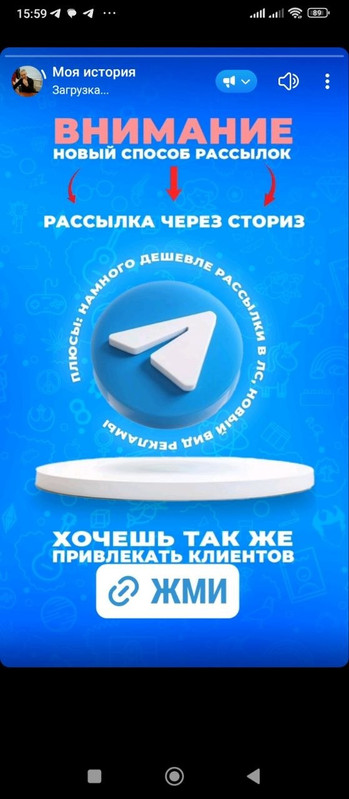
Add the creative, attach the Telegram account link and publish the story.
Step 2. Copy the Story Link
Open the published story, tap share and copy the link.
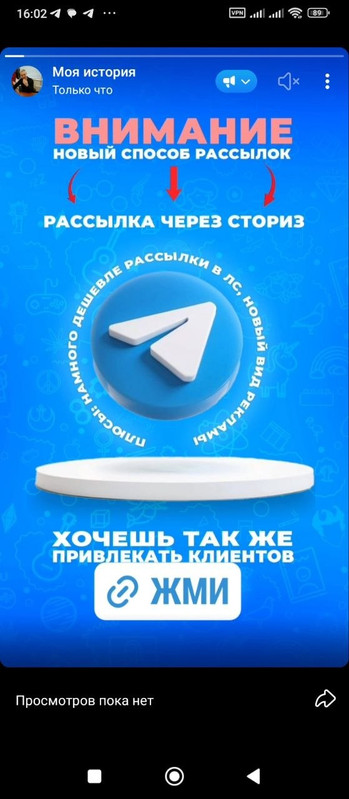
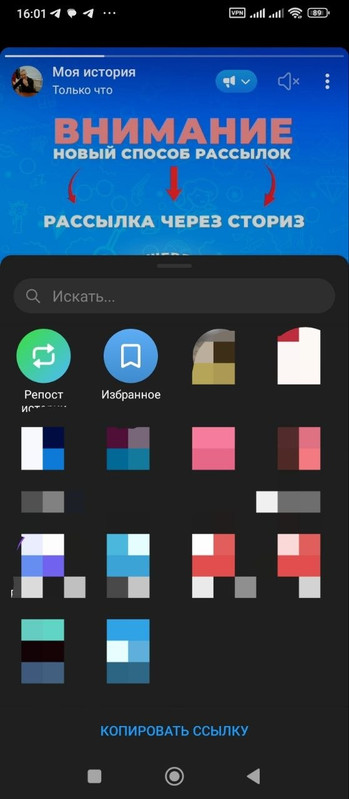
This link will be used in Deskgram 2.
Step 3. Add the Link to Deskgram 2
Open the Stories module in Deskgram 2 and paste the copied story link.
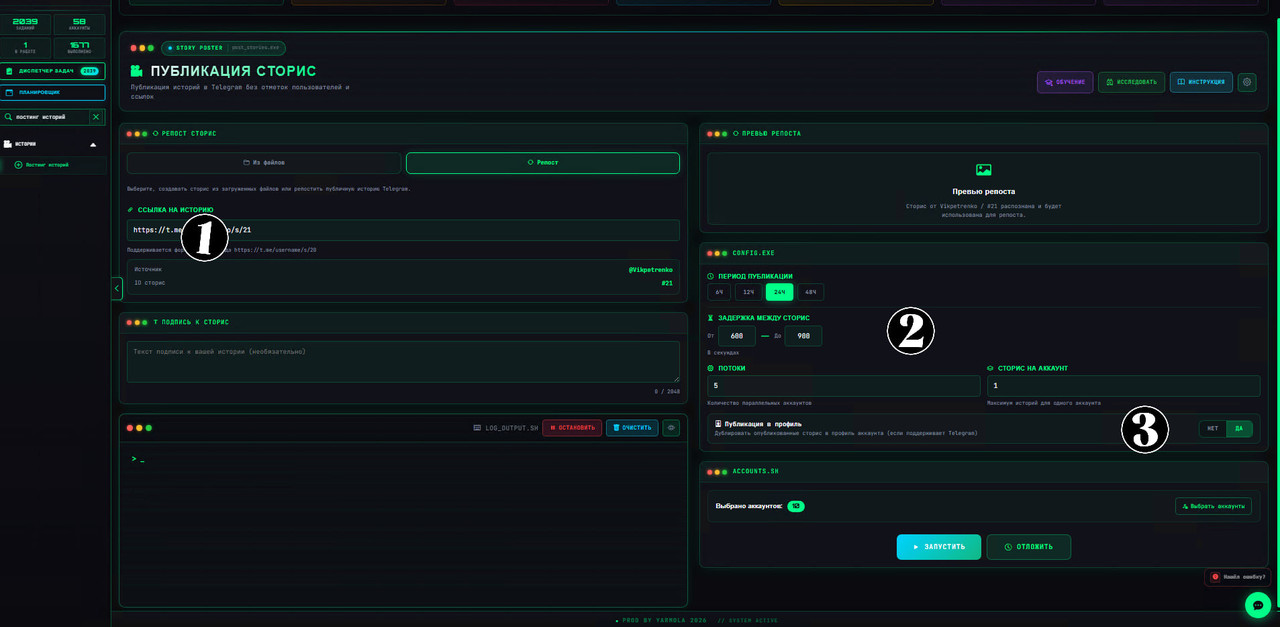
Make sure the target accounts are selected correctly.
Step 4. Configure Repost Settings
Set the repost mode, period, thread count and stories per account.
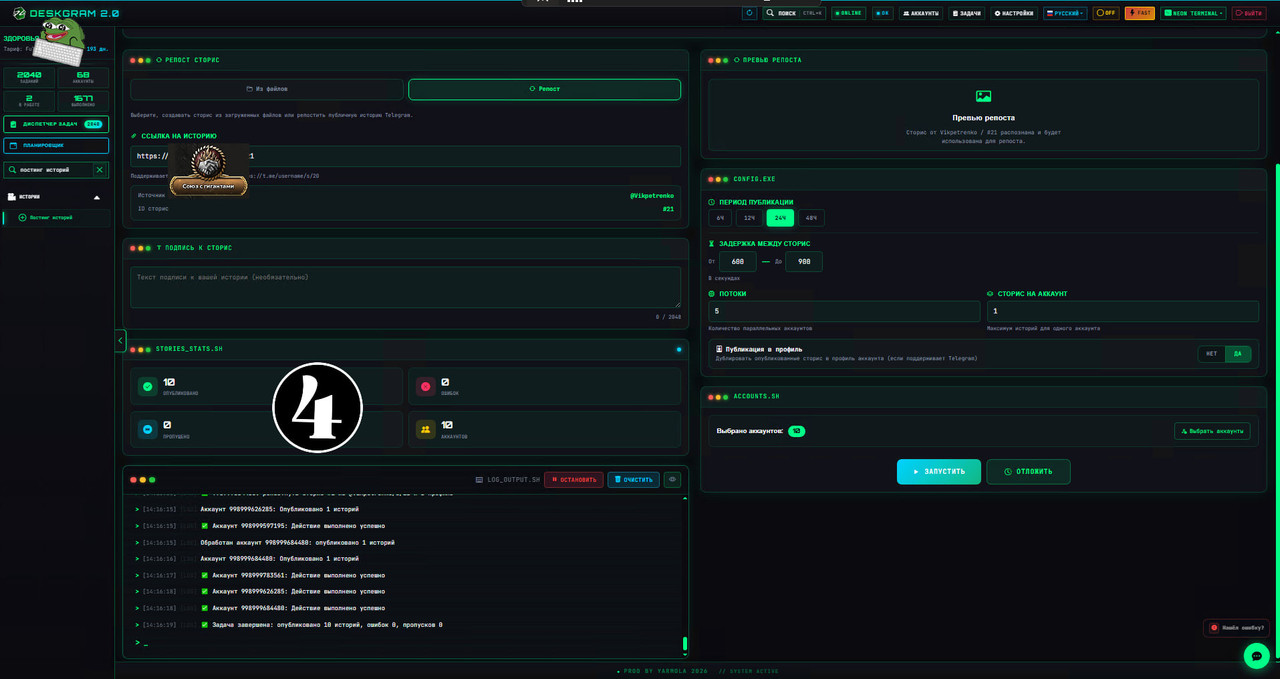
Recommended approach:
- start with a small account group;
- use reasonable delays;
- do not overload fresh accounts;
- check that the link remains clickable after reposting.
Step 5. Launch and Check Result
Launch the task and verify that stories are published correctly.
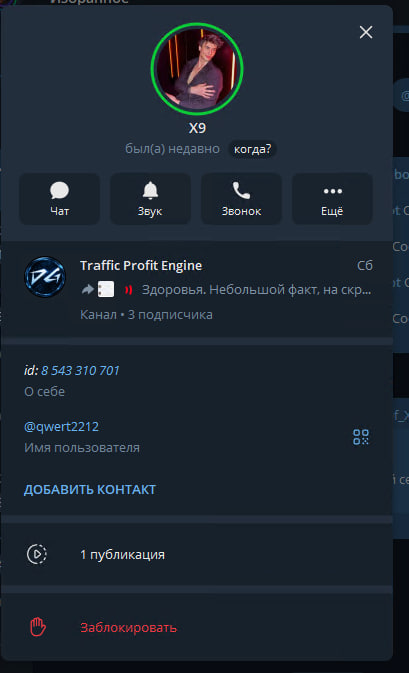
After publishing, open several target accounts and check the story manually.
Key Takeaways
- The original story with a clickable link should be created from a Premium account.
- Deskgram 2 can help distribute the prepared story through selected accounts.
- Always test with a small account group first.
- Check the final story after publication.