Reporting Telegram Policy Violations with Deskgram 2
The Reporter module helps submit reports about scam, phishing, prohibited content, or other genuine policy violations to Telegram in an organized workflow. It should be used only for good-faith reporting, never to target lawful competitors or coordinate false reports.
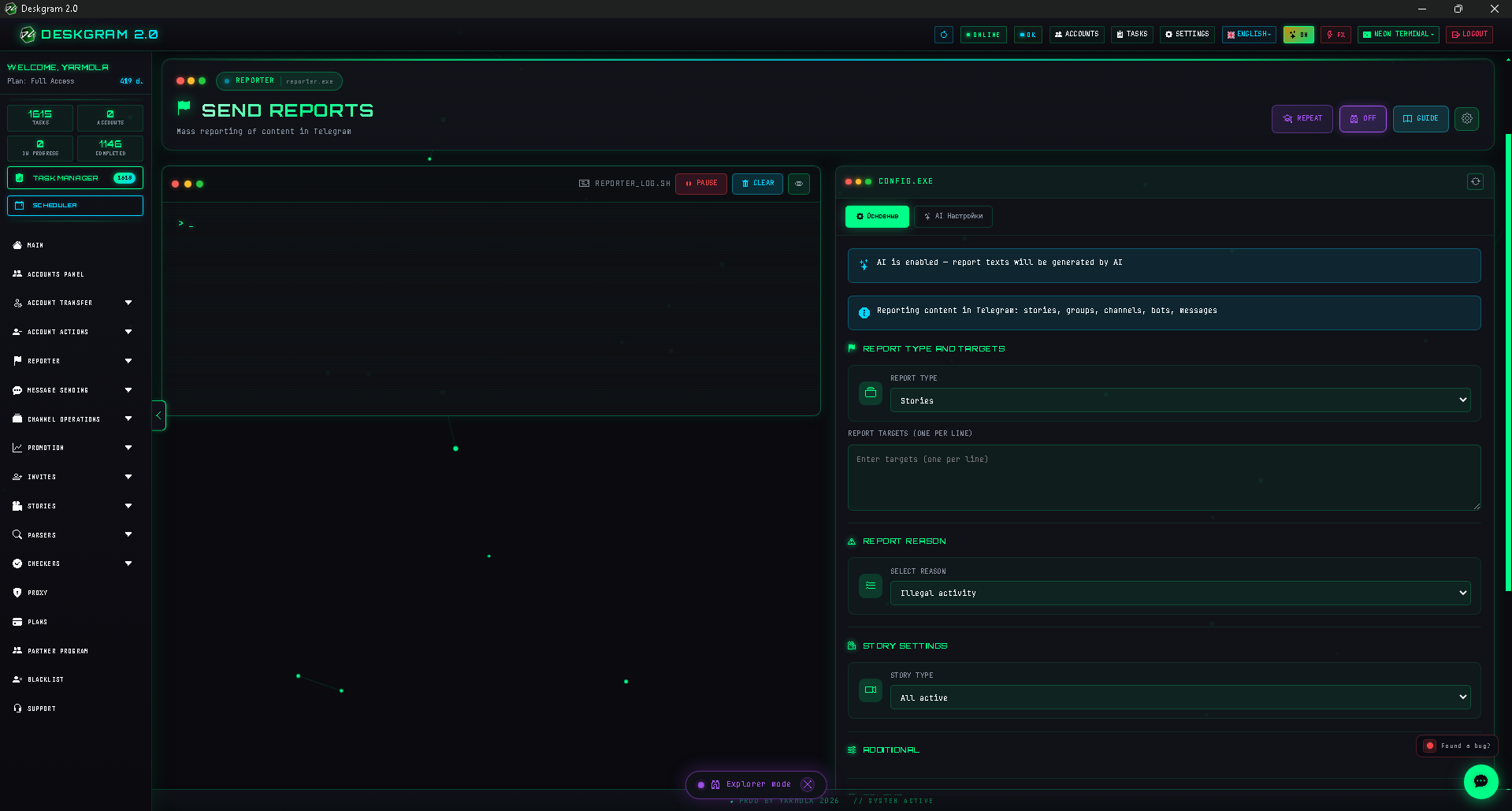
1. Add the target
Paste links or usernames for the violating channel, bot, user, story, or specific chat message. Execution logs appear below the input area.
2. Select target type and accurate reason
Choose the target type and the reason that truthfully corresponds to the violation. For stories, channels, and groups, select the specific object being reported where the interface provides that choice.
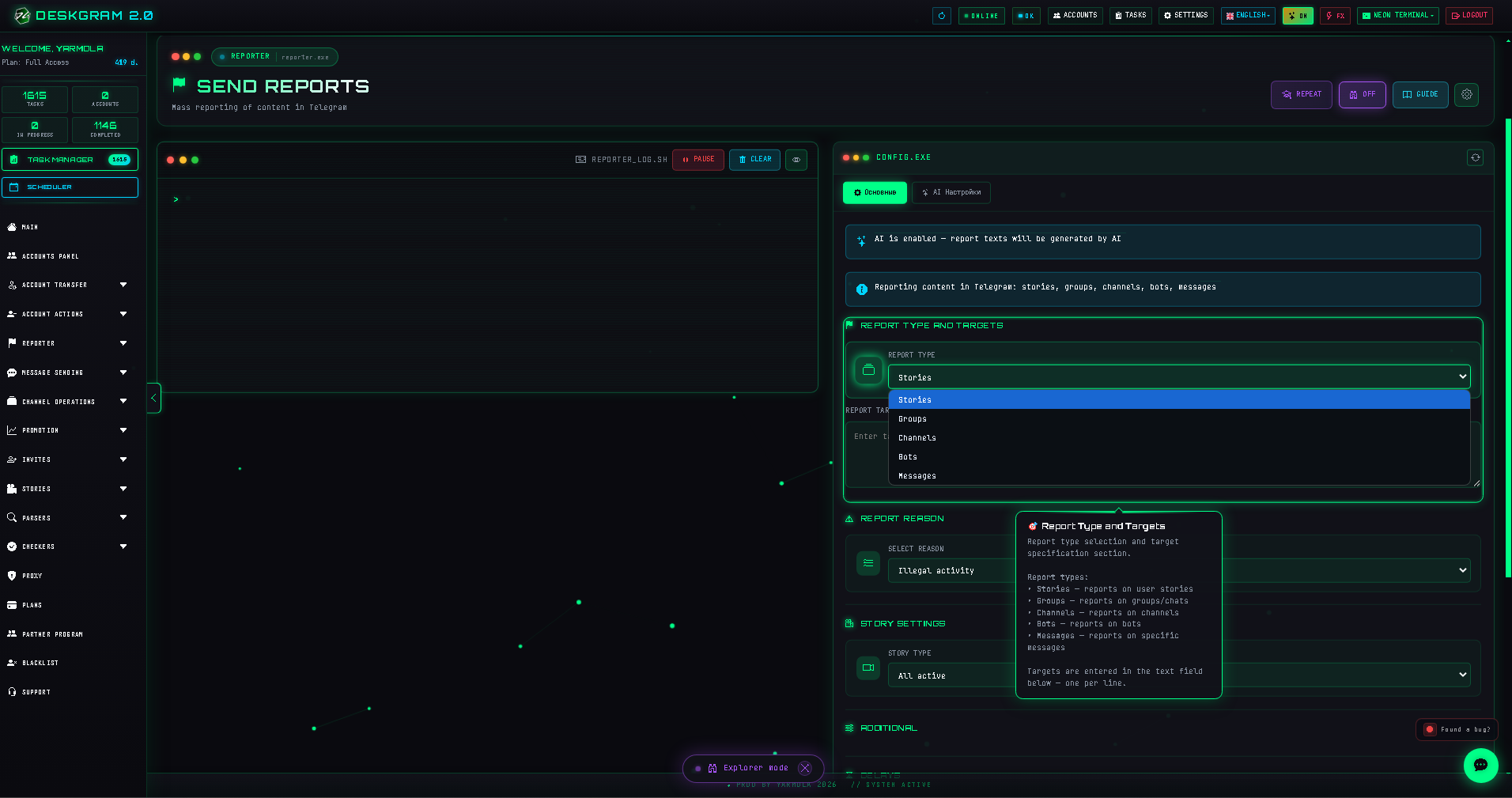
3. Set delays and review explanations
Use delays and staggered starts to avoid account problems. If an explanatory text is required, the AI settings can help draft it, but you must review the preview and ensure that every statement is accurate.
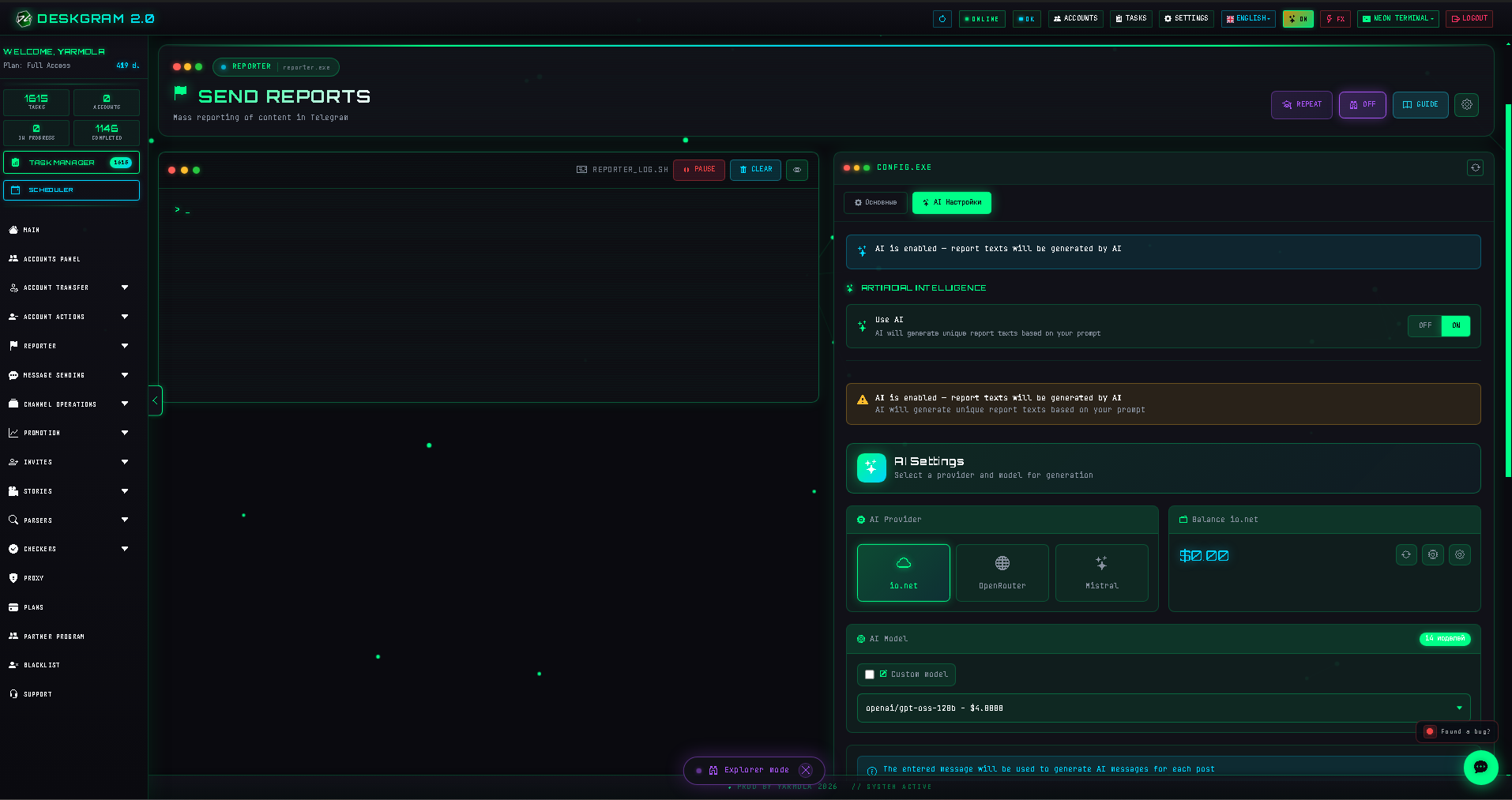
4. Launch only substantiated reports
Select appropriate accounts and submit only reports based on real violations. An incorrect report reason or mass submission without evidence undermines moderation and may harm your accounts.
Use the web preview to inspect the interface.