Telegram Proxy Manager in Deskgram 2
This guide explains how to configure proxies in Deskgram 2: how to add them, verify their quality, bind them to accounts, and use proxies as part of a stable Telegram infrastructure.
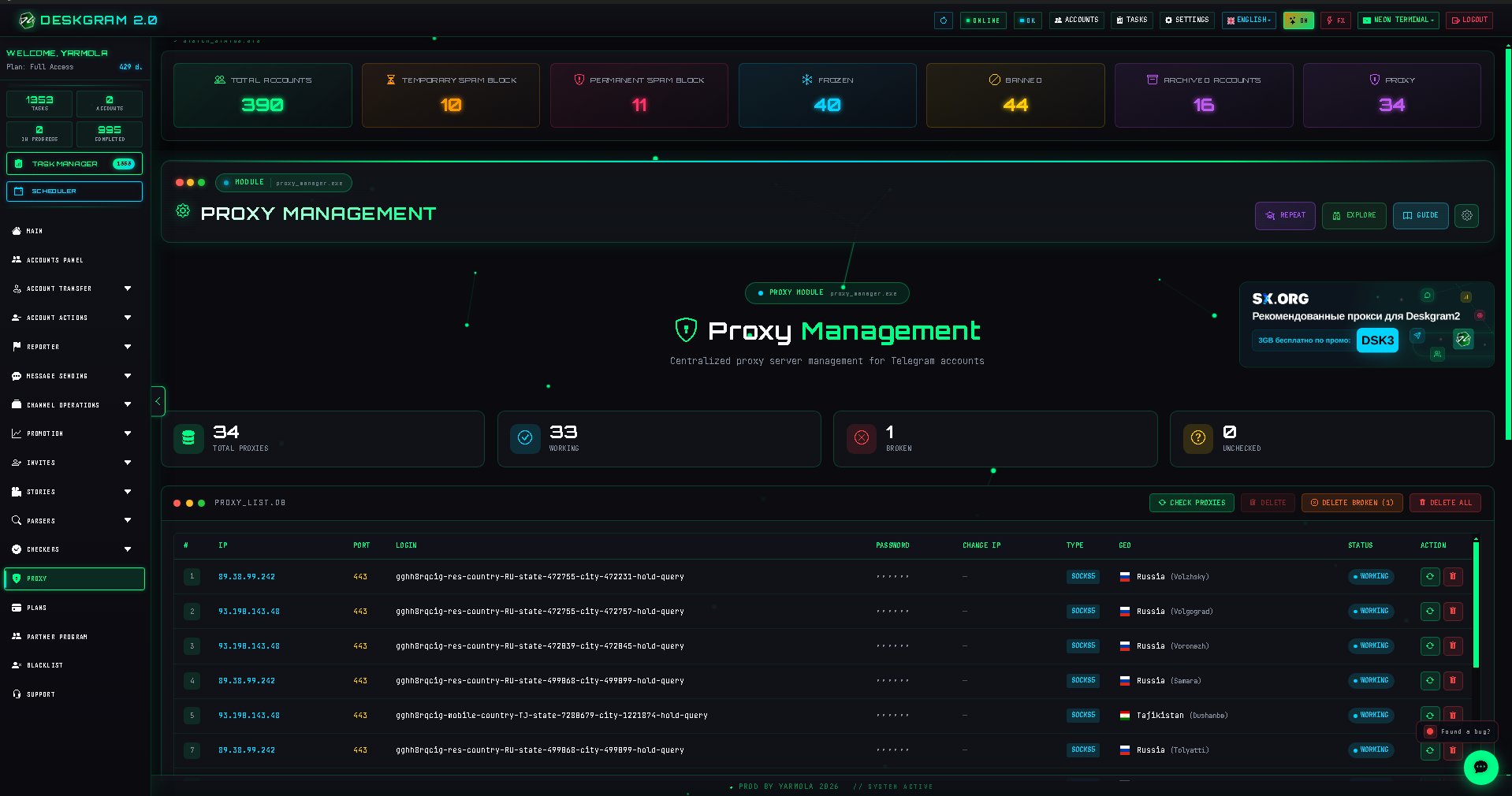
What this section does
The proxy section controls the network layer of the whole system. Here you store proxies, verify them, import new ones, and use them as the infrastructure base for accounts and modules.
What to prepare before you start
- a proxy list in the format you want to use;
- an idea of which proxies should work with which accounts;
- a basic segmentation scheme: by tasks, quality, or account groups;
- time for validation, not just bulk loading.
Recommended workflow
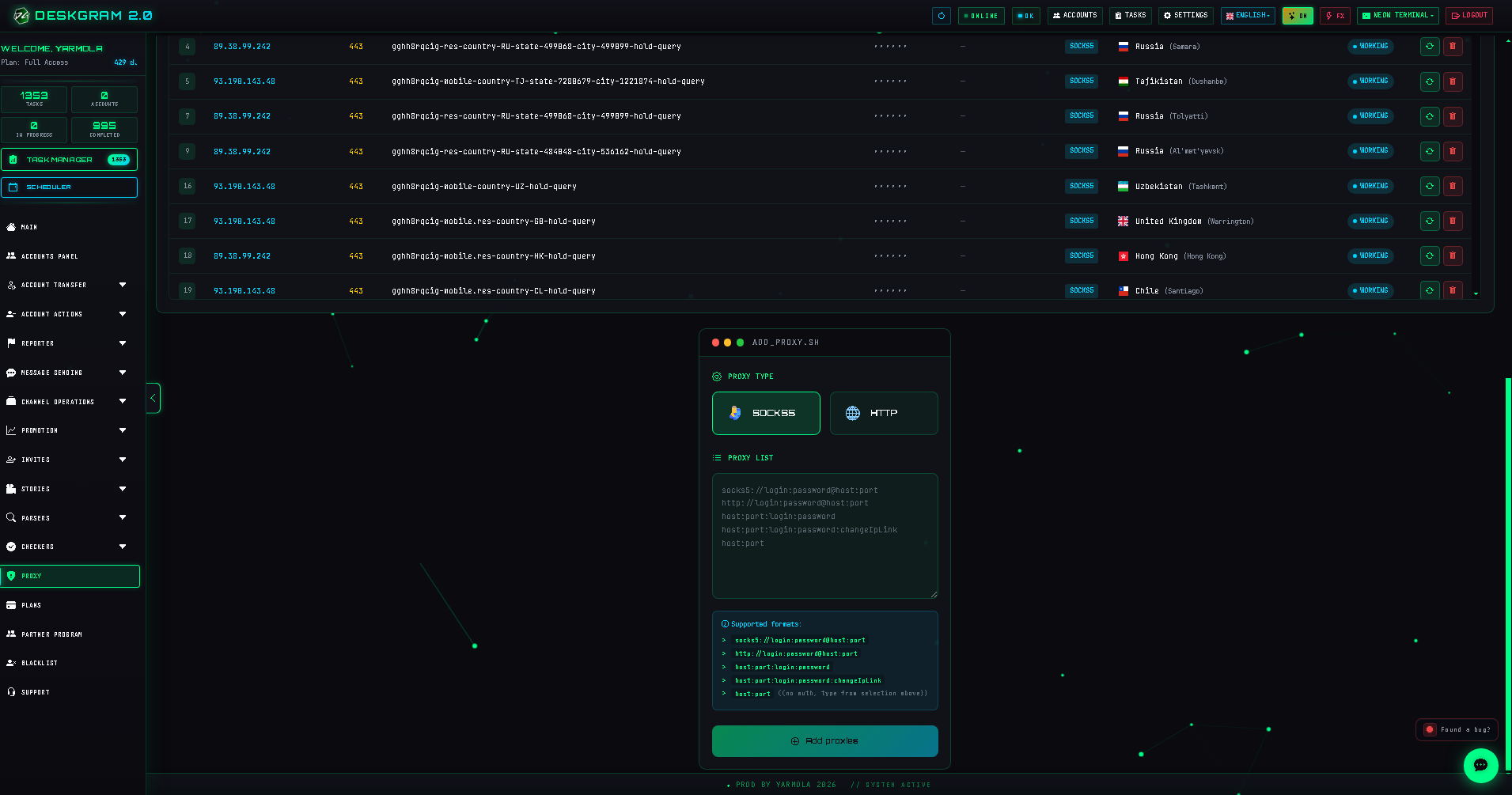
1. Add or import proxies
First bring the proxy list into the system. At this stage, completeness and structure matter more than using proxies immediately in live modules.
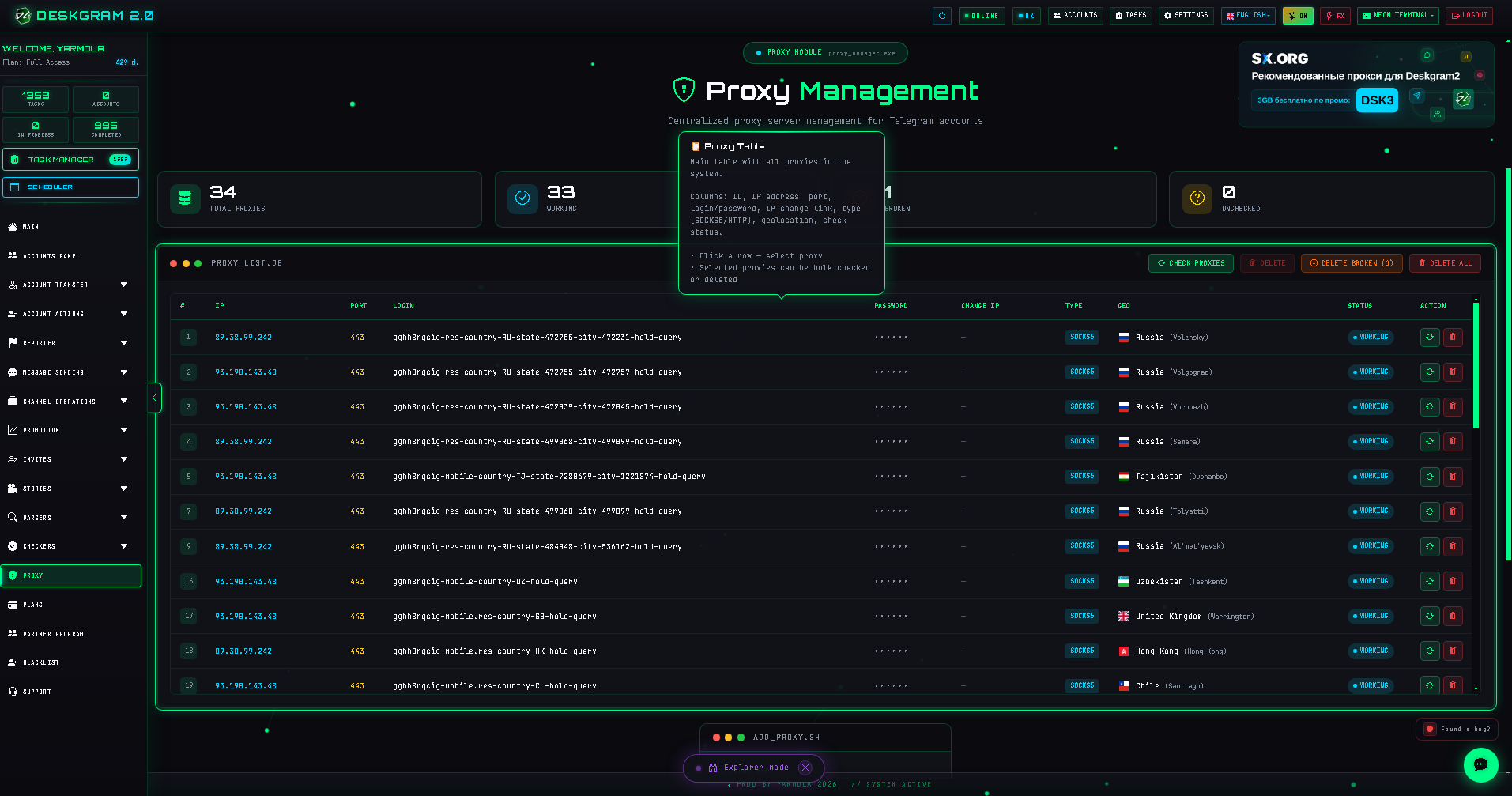
2. Verify quality and working state
Then confirm that proxies are actually usable. Without this step, the list only looks operational on paper.
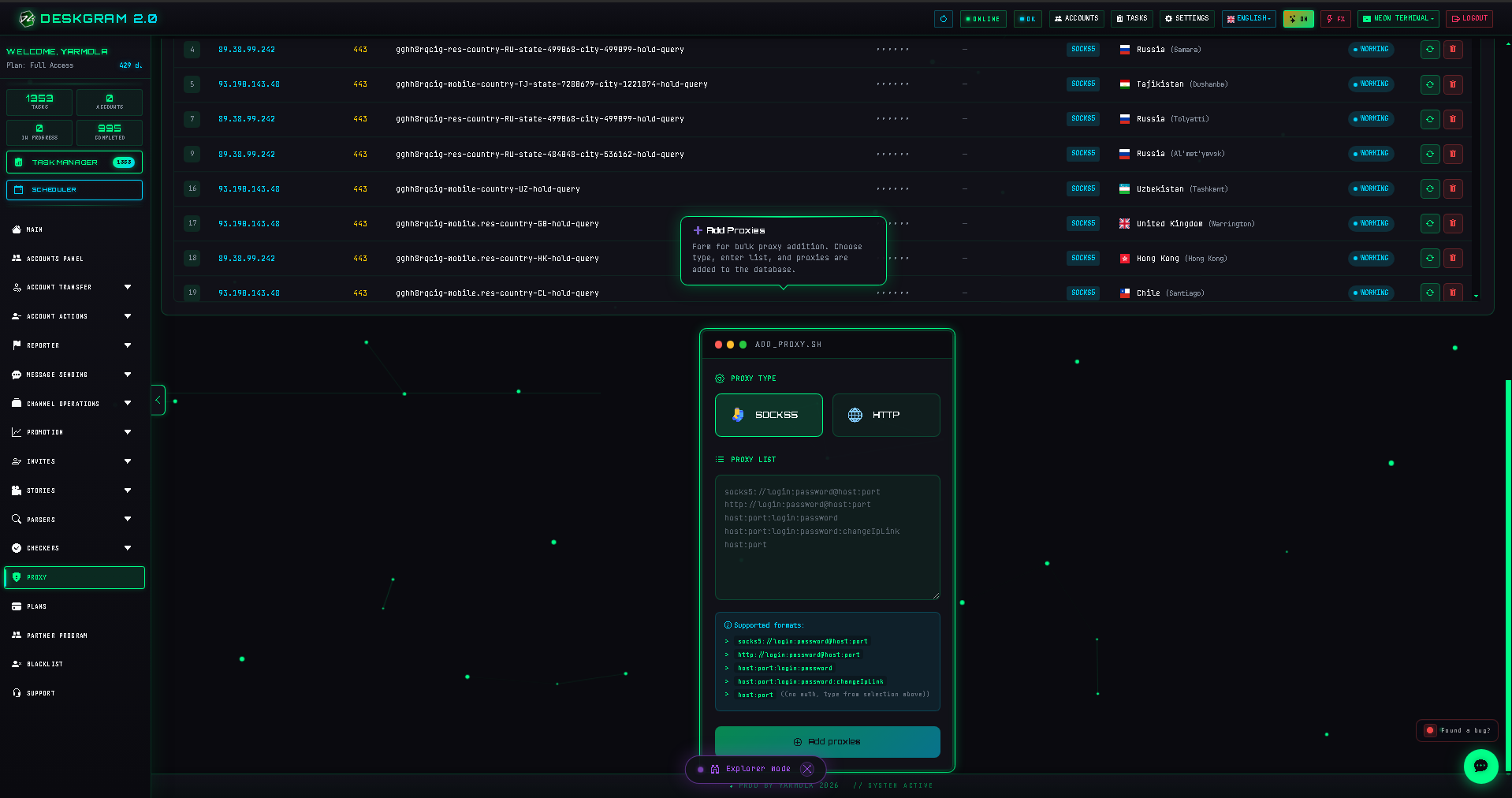
3. Configure account binding
Once the list and quality are clear, move to the account binding layer. This is where the infrastructure becomes operational instead of remaining a raw list.
Main setting groups
Proxy table
This is the core of the section. It shows what proxies exist in the system and what state they are in.
Import and adding
This block expands the infrastructure. The point is not only to add proxies, but to make them manageable afterward.
Verification
Verification is the quality filter. Without it, the infrastructure is not trustworthy.
Account binding
Binding accounts to proxies turns the list into a real working network layer.
What to check first if infrastructure feels unstable
- some proxies may be invalid or inconsistent;
- account binding may be chaotic;
- the same network layer may be overloaded by several workflows;
- proxies may have been imported without later verification.
Common mistakes
- loading proxies and using them immediately in live workflows;
- not segmenting proxies by quality and workload;
- skipping rechecks after import;
- not knowing which accounts sit on which proxy layer.
What to connect next
- Account Manager if you are building account and infrastructure linkage;
- Deskgram 2 Settings if the whole system is still being prepared;
- Operational modules once the network layer is verified;
- Web preview if you want to inspect the interface before installation.
FAQ
Should proxies be configured before launching modules?
Yes. Proxies are part of the base infrastructure and should be prepared before live execution.
Can I store proxies without binding them to accounts?
Yes, but the section becomes operational only when the account-to-proxy relationship is clear.
Can I inspect the interface before installation?
Yes. You can open the web preview and inspect the section in the browser.