Keyword Subscriptions in Deskgram 2
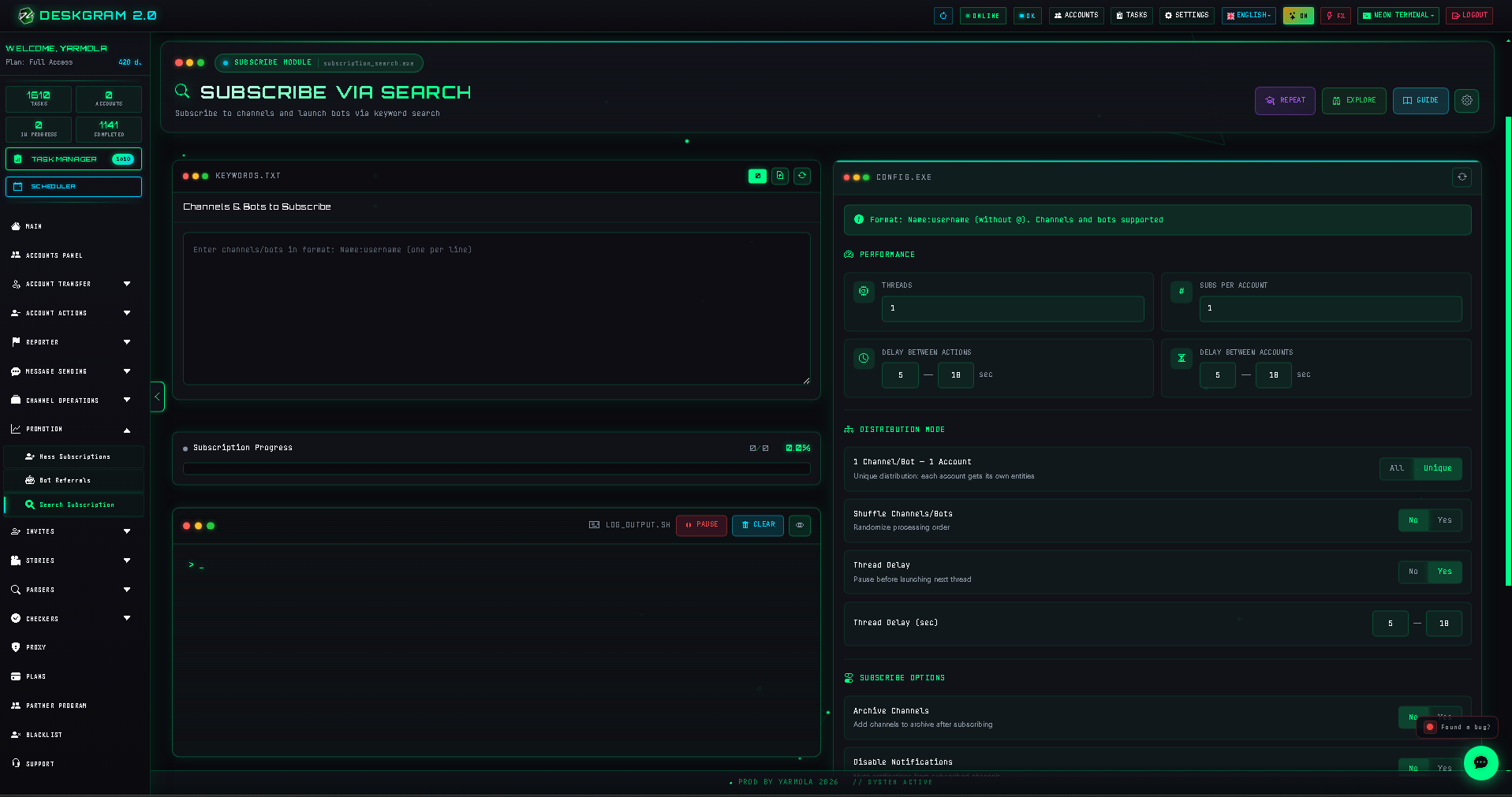
The Keyword Subscriptions module combines Telegram search and subscription into one workflow. It is useful for testing how your own public channel, group, or bot can be found through relevant search terms and for guiding accounts through a deliberate discovery flow.
1. Public resources only
Because the module uses Telegram global search, it works only with public channels, groups, and bots. Private invitation links cannot be found through this workflow.
2. Input format
Enter each target in the strict format:
Search phrase:channel_usernameFor example:
Traffic analytics:analytics_publicThe module searches the phrase, locates the specified public resource in results, and performs the configured permitted action.
3. Configure limits and distribution
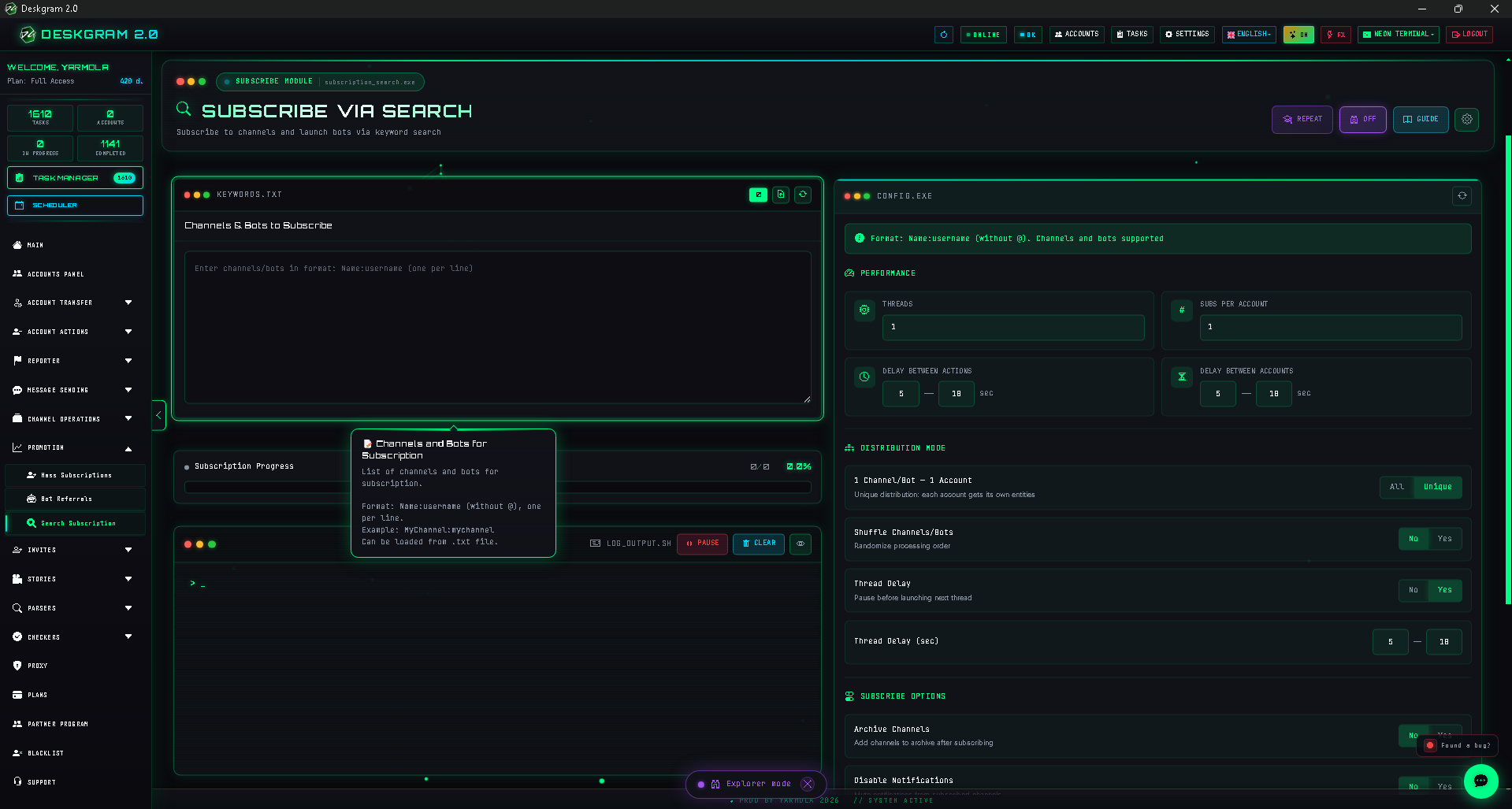
Configure threads, maximum actions per account, delays between actions, and staggered account starts.
Distribution modes determine whether each account handles the entire prepared list or the list is divided across accounts. Randomized order may help represent natural testing sequences.
4. Optional actions
For public resources you operate, the module can open recent posts, send a configured command to your bot, mute notifications, or archive a resource after subscription.
5. Launch and inspect results
Choose accounts that fit the task, begin with moderate pace, and watch statistics for search results and successful actions.
Use this module consistently with Telegram rules and only for resources and activity you are authorized to manage. View it in the web preview.