Telegram Invite Tool in Deskgram 2
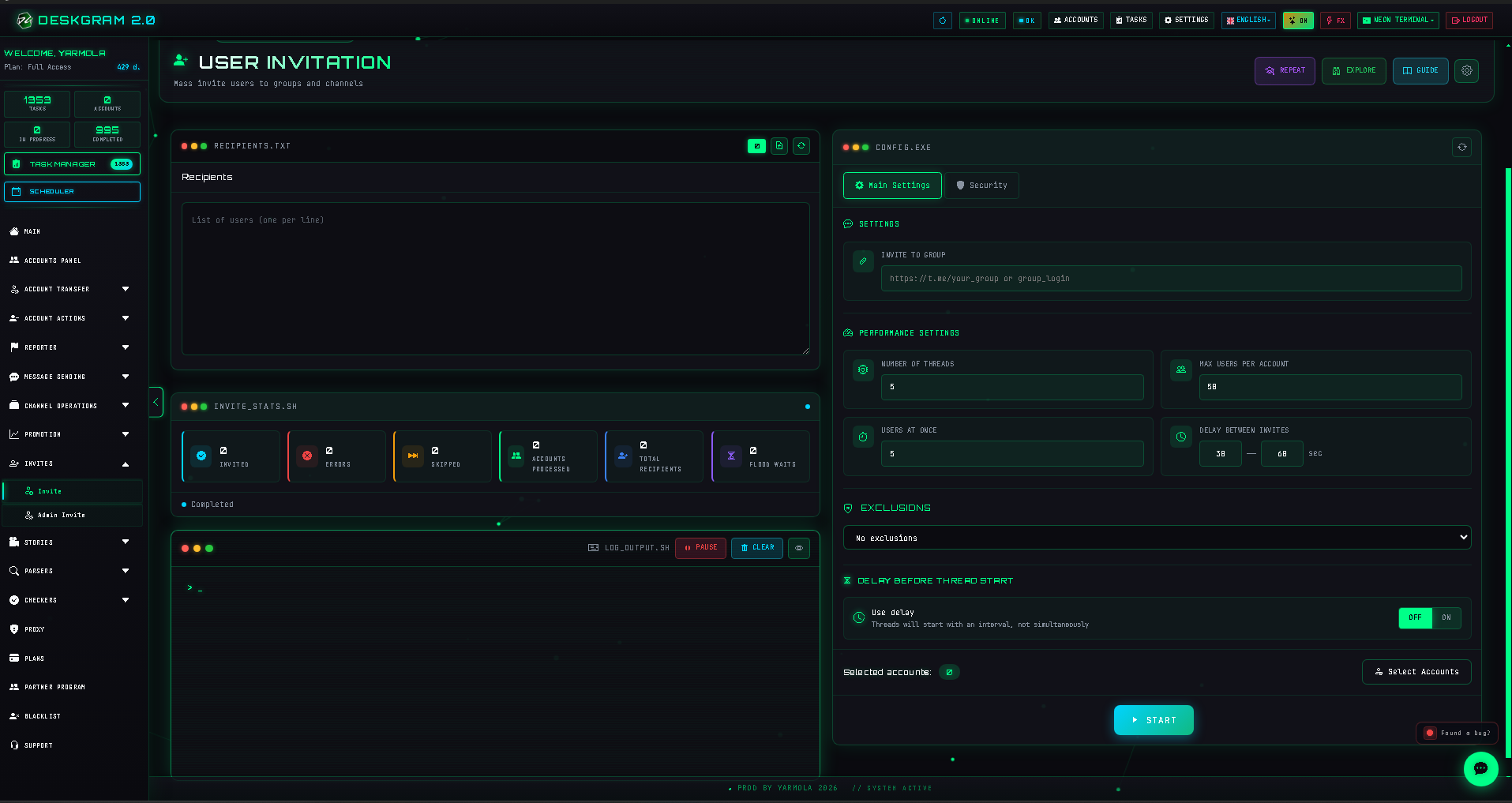
The Invite module is used when you need to bring prepared users into a Telegram group or channel. Unlike direct messaging, the main goal here is not a private dialog. The goal is to move users into a destination where content, community, or the next funnel step already exists.
What to prepare before launch
Prepare:
- a clean user base;
- a target group or channel;
- accounts suitable for invite activity;
- proxies if you use a larger account set;
- soft limits and delays;
- a small test segment;
- content inside the target destination.
Do not invite users into an empty or unclear destination. If the group or channel has no value, the invite may technically work but the result will be weak.
How the module is structured
The module usually depends on four key parts:
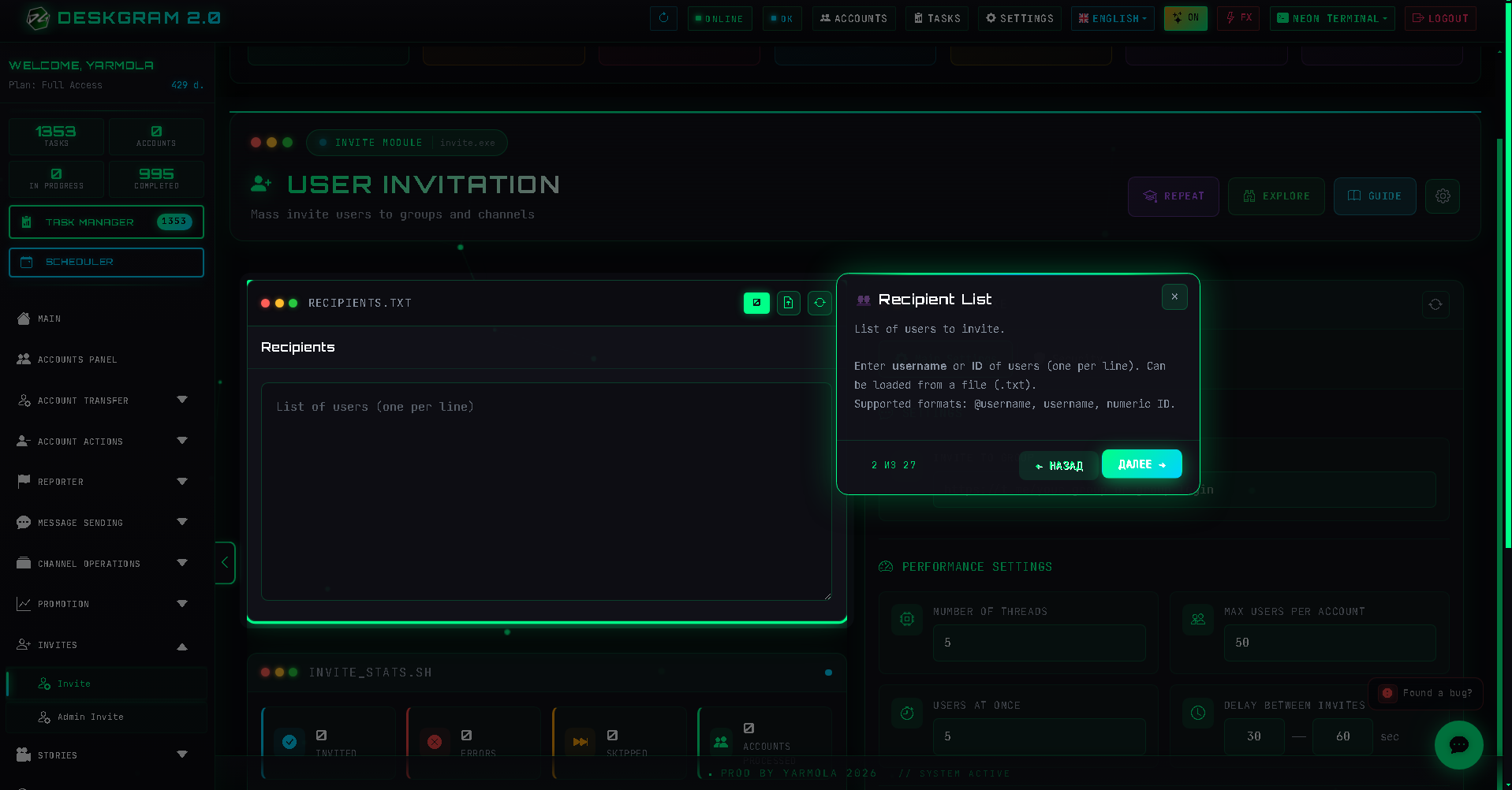
- user base;
- target destination;
- account selection;
- limits and pauses.
Logs and verification are important because invite tasks can fail for different reasons: account limits, weak base, target restrictions, or access problems.
Basic workflow
- Add the user list.
- Choose the target group or channel.
- Select accounts.
- Configure limits and pauses.
- Run a small test.
- Check logs and results.
- Scale only if the first run is stable.
User base
The source base determines the quality of the invite. If users are not connected to the target topic, the result will be poor even with careful settings.
Good sources include:
- audience parser exports;
- users from relevant chats;
- users from comments;
- segmented lists from previous campaigns.
Avoid using mixed databases without source labels.
Target destination
The target should be ready before the invite.
Check:
- name and description;
- first posts or rules;
- clear topic;
- moderation;
- why a user should stay;
- whether the destination matches the source base.
Limits and speed
Invite tasks should start carefully.
Recommended approach:
- start with a small test;
- use soft per-account limits;
- avoid high thread counts;
- increase volume gradually;
- check errors after each batch.
Aggressive invite settings can quickly make the whole task unstable.
Verification and logs
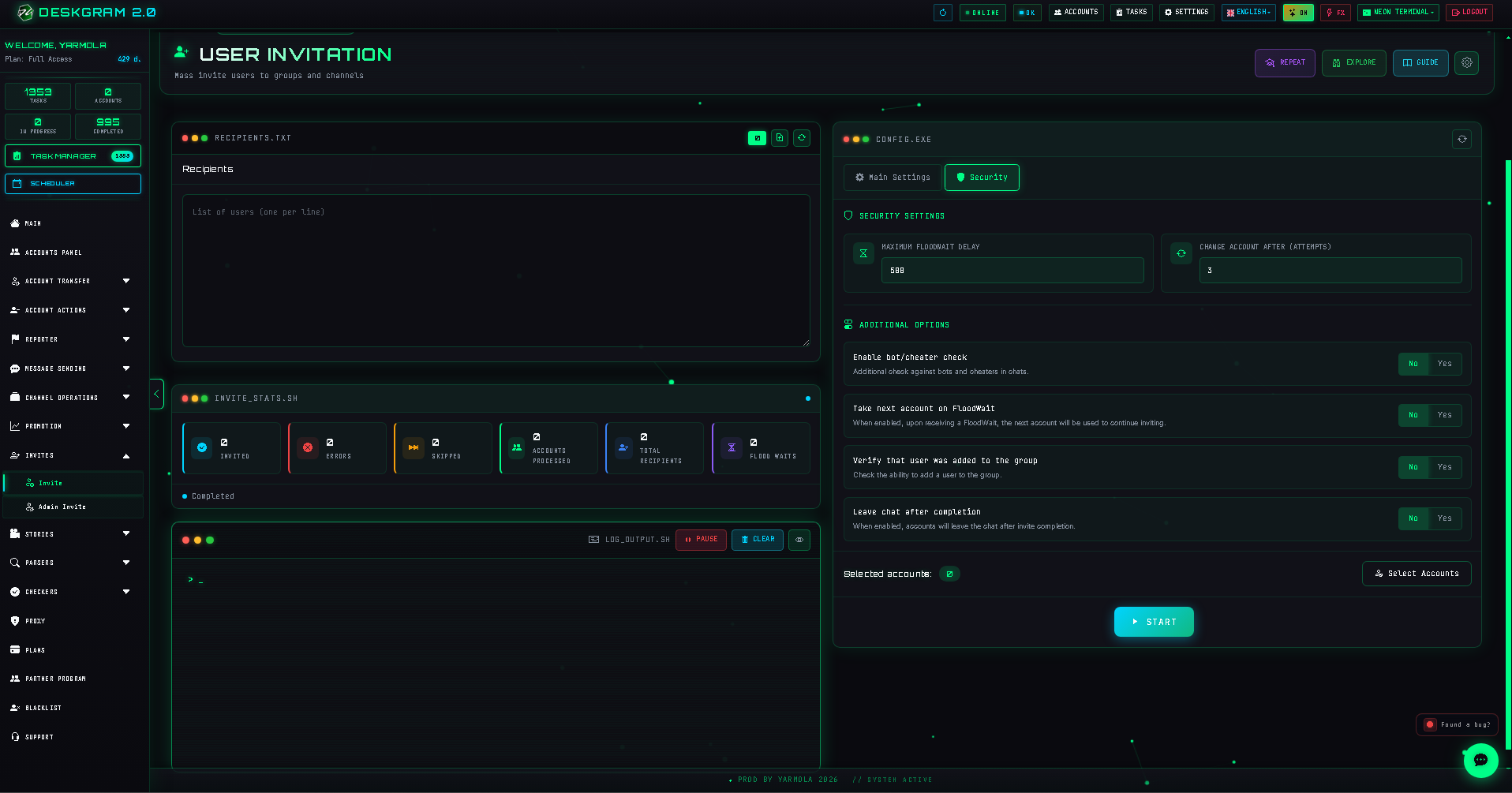
Before scaling, check verification and logs.
Look for:
- account errors;
- repeated failures;
- target restrictions;
- invalid or unsuitable users;
- too aggressive limits;
- proxy-related problems.
Common mistakes
- Inviting users into an empty group or channel.
- Using a broad base without segmentation.
- Starting with large batches.
- Ignoring account preparation.
- Not checking logs after the first run.
- Treating invite as a replacement for content.
What to use with this module
Use invite together with:
- Audience Parser for preparing the base;
- Join Groups if accounts need access first;
- Account Manager and Proxy Manager for infrastructure;
- Channel or chat creation if the destination is being built from scratch.
Summary
Invite works best when the base, accounts, limits, and destination are already prepared. It is not a magic growth button. It is a direct action that should be used after discovery, parsing, cleaning, and account preparation.
Run a small test first. If users are relevant and the destination is ready, invite becomes a useful growth tool.