Telegram Channel Post Grabber in Deskgram 2
The channel post grabber helps collect content from Telegram channels and prepare it for further processing: analysis, rewriting, moderation or publication to your own channel network.
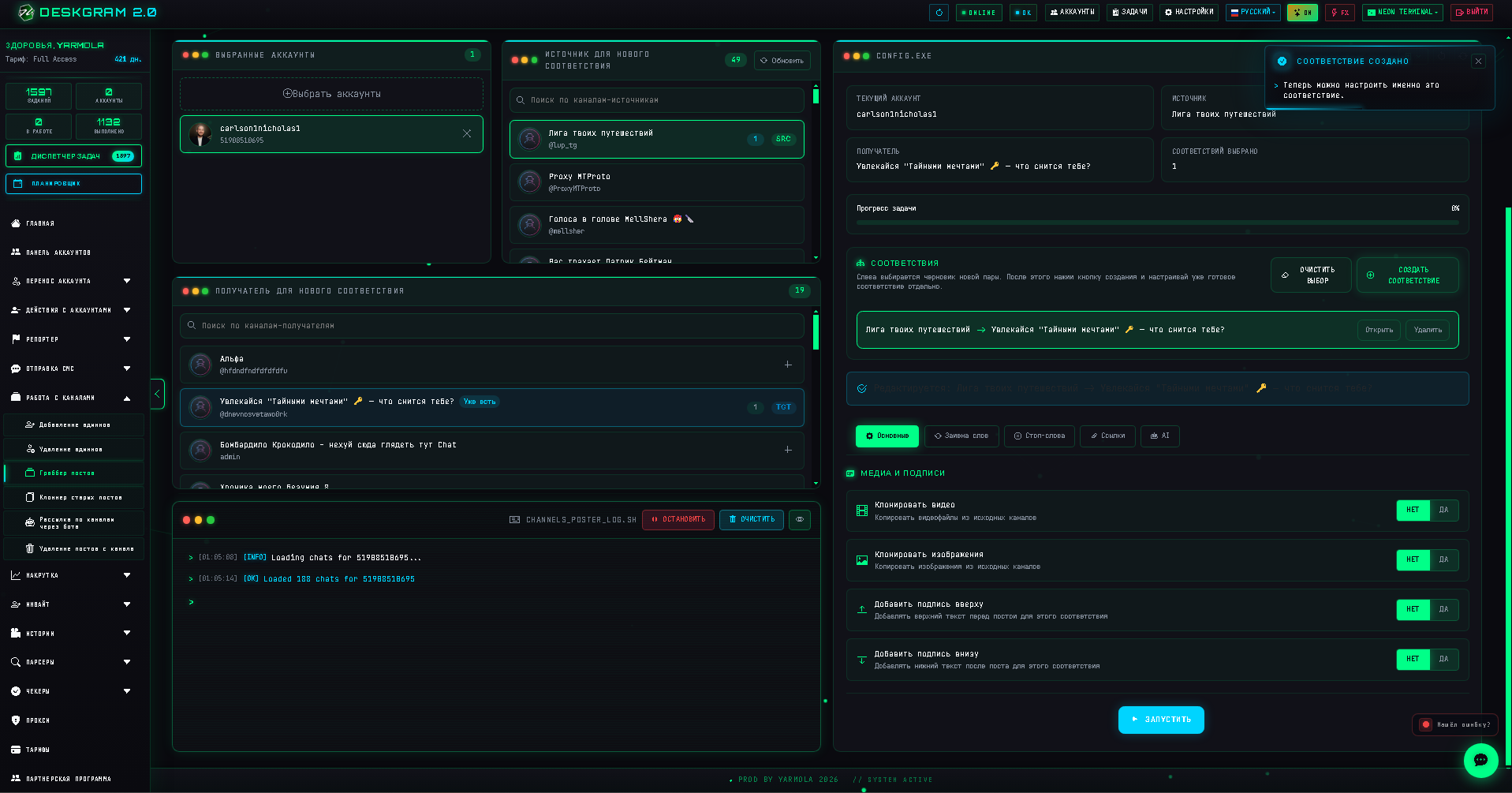
This module is not about blindly stealing content. Use it as a structured intake tool: collect ideas, monitor competitors, save useful posts and prepare materials for your own content workflow.
When to Use the Post Grabber
Use it when you need to:
- monitor posts from selected Telegram channels;
- collect content ideas from a niche;
- prepare posts for rewriting or editorial review;
- build a content queue for several channels;
- compare how competitors write headlines, offers and calls to action.
The strongest setup is to combine the grabber with manual review and AI rewriting. That way you keep speed without publishing low-quality duplicate content.
Step 1. Add Source and Target Channels
First, specify where Deskgram 2 should read posts from and where prepared materials may be sent later.
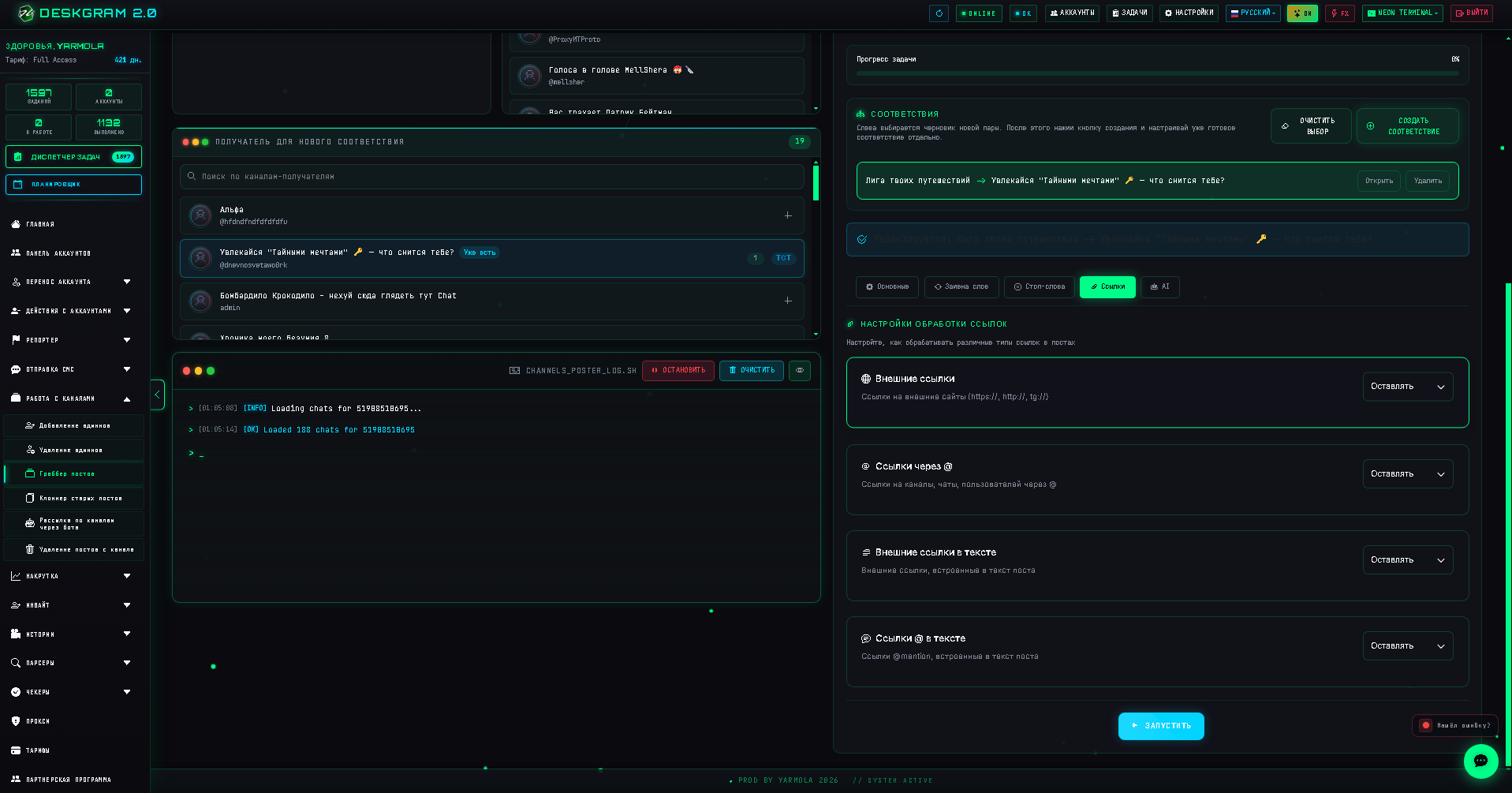
Recommended setup:
- source channels: competitors, niche media, useful public channels;
- target channels: your own channels or internal review destinations;
- one niche per task: do not mix unrelated topics in the same workflow;
- clear naming: make it easy to understand what each mapping does.
Step 2. Configure Mapping
Mapping defines how source channels are connected to target channels or processing flows.
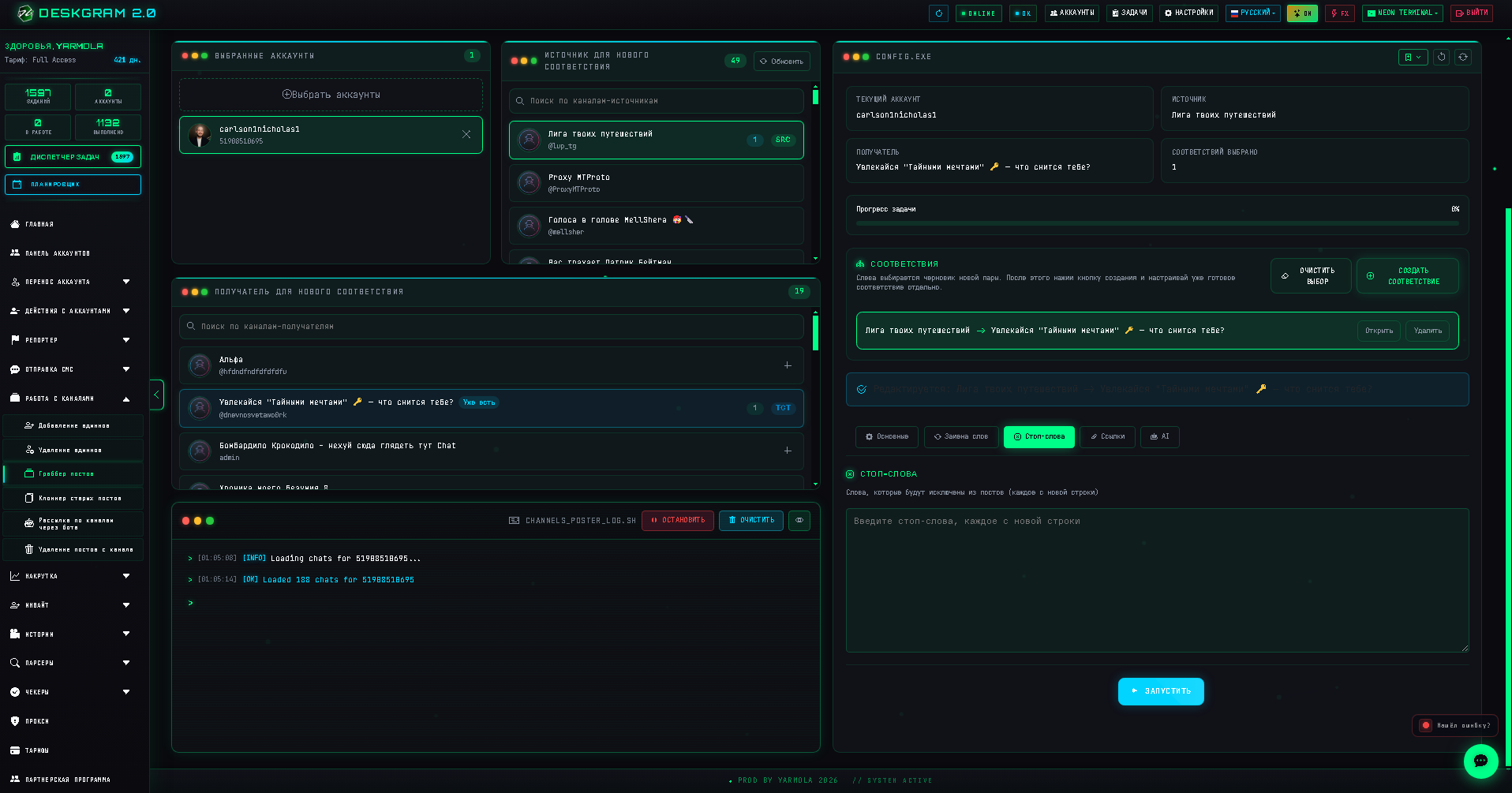
Good mapping helps avoid chaos when you work with several channels at once. For example, you can send posts from analytics channels to one destination and posts from news channels to another.
Before scaling, test one source and one target. Check that the content format, images and links are handled correctly.
Step 3. Use AI Carefully
If you use AI rewriting, treat it as an assistant, not as an automatic publisher.
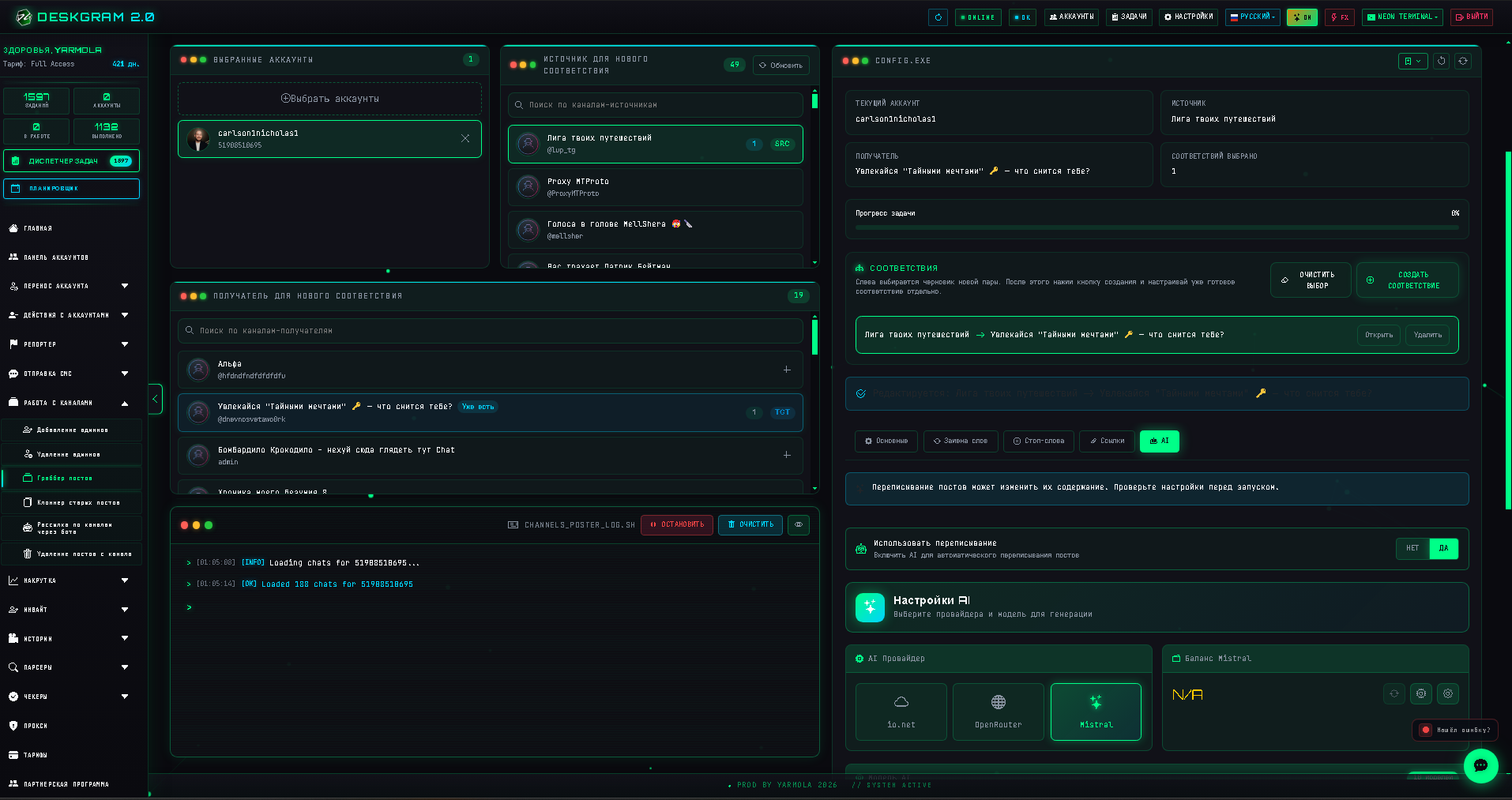
Useful AI tasks:
- rewrite a post in your brand voice;
- shorten long posts;
- extract key ideas;
- remove irrelevant fragments;
- create several headline variants;
- adapt content for a different audience.
Avoid publishing AI output without review. It can distort facts, remove important context or make several posts sound too similar.
Step 4. Review Before Publishing
The safest workflow is:
- collect source posts;
- review and filter them;
- rewrite or adapt useful materials;
- add your own examples and conclusions;
- publish only after final human review.
This keeps your Telegram channels useful and reduces the risk of duplicate, low-value content.
Common Mistakes
Avoid these mistakes:
- grabbing from too many unrelated channels;
- publishing copied content without editing;
- skipping source review;
- using weak AI prompts;
- ignoring copyright, authorship and platform rules;
- mixing content for different audiences in one target channel.
Key Takeaways
- The post grabber is best used as a content intake and research tool.
- Source-to-target mapping keeps multi-channel workflows organized.
- AI rewriting is useful, but human review is still necessary.
- Quality control matters more than raw posting volume.