Reusing Existing Telegram Channel Posts with Deskgram 2
The Channel Post Cloner transfers existing posts from a source channel to a destination channel. Use it only for your own content or material you have permission to republish. For new posts published in real time, use a post-grabber workflow instead.
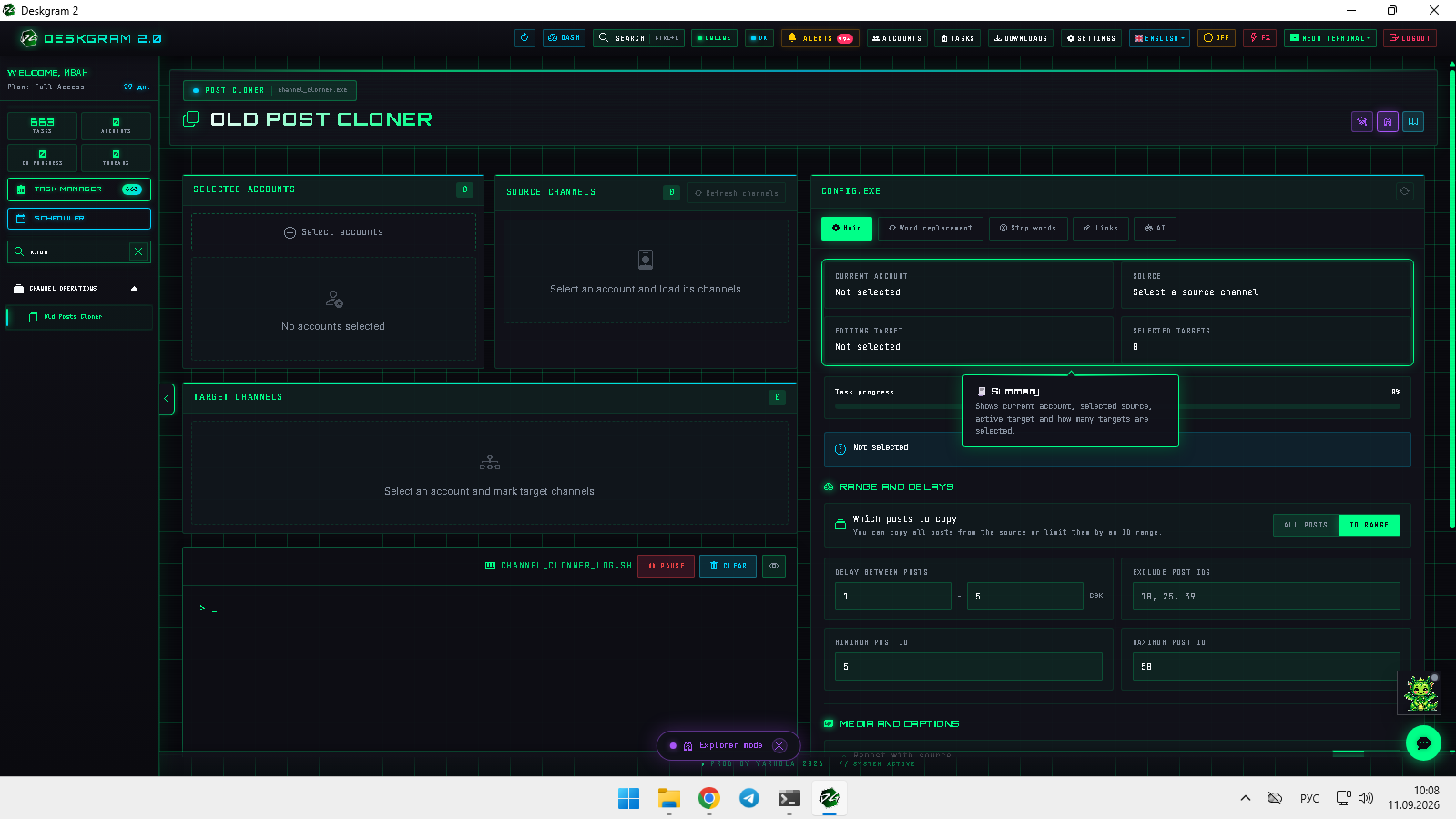
1. Choose source and destination
Select an authorized account, a source channel it can read, and a destination channel where it has publishing rights.
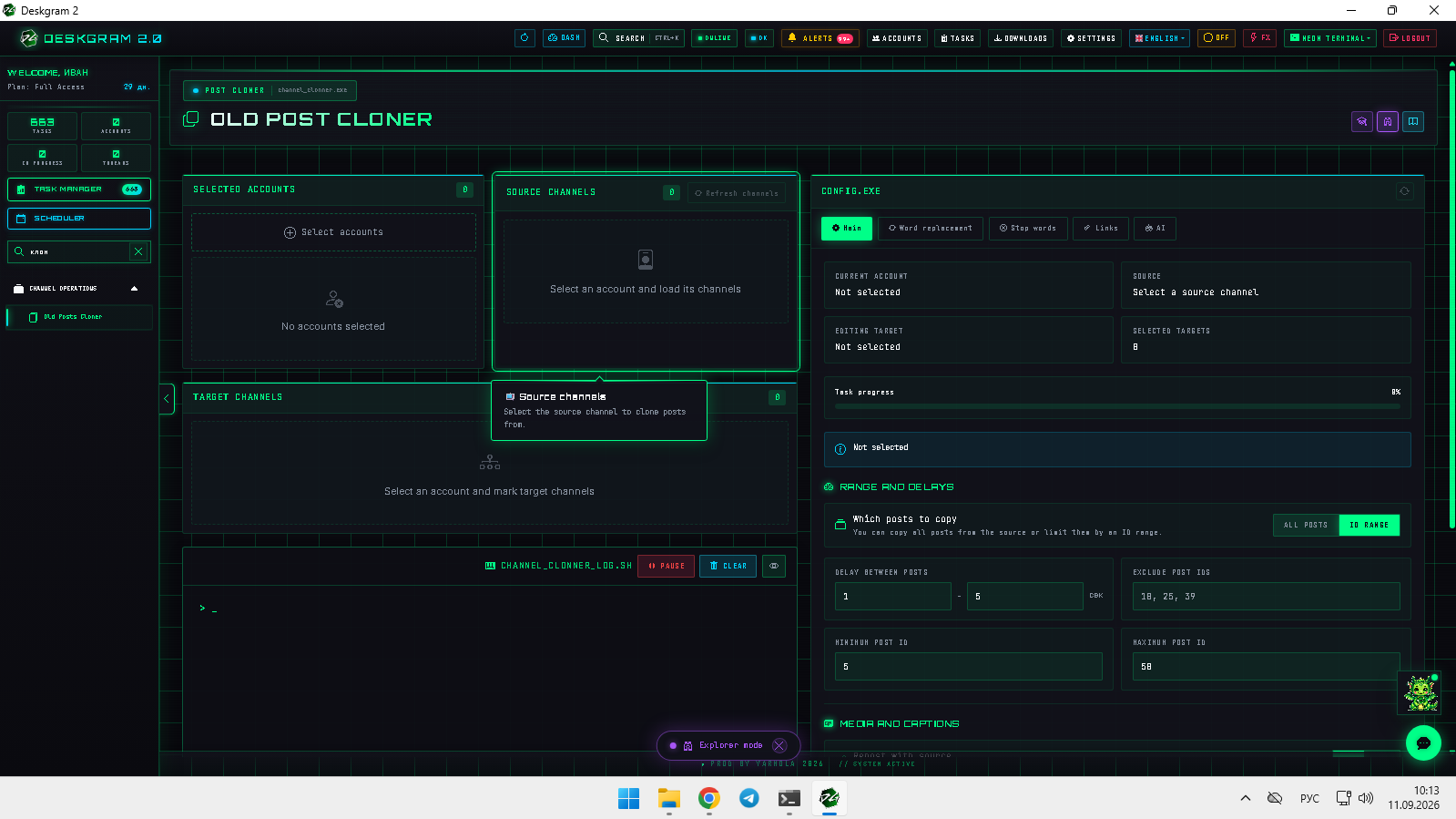
2. Configure posts, media, and timing
Choose all posts or a defined ID range, exclude unwanted post IDs, set publication delays, choose whether to copy media, and optionally add your own attribution or branding text.
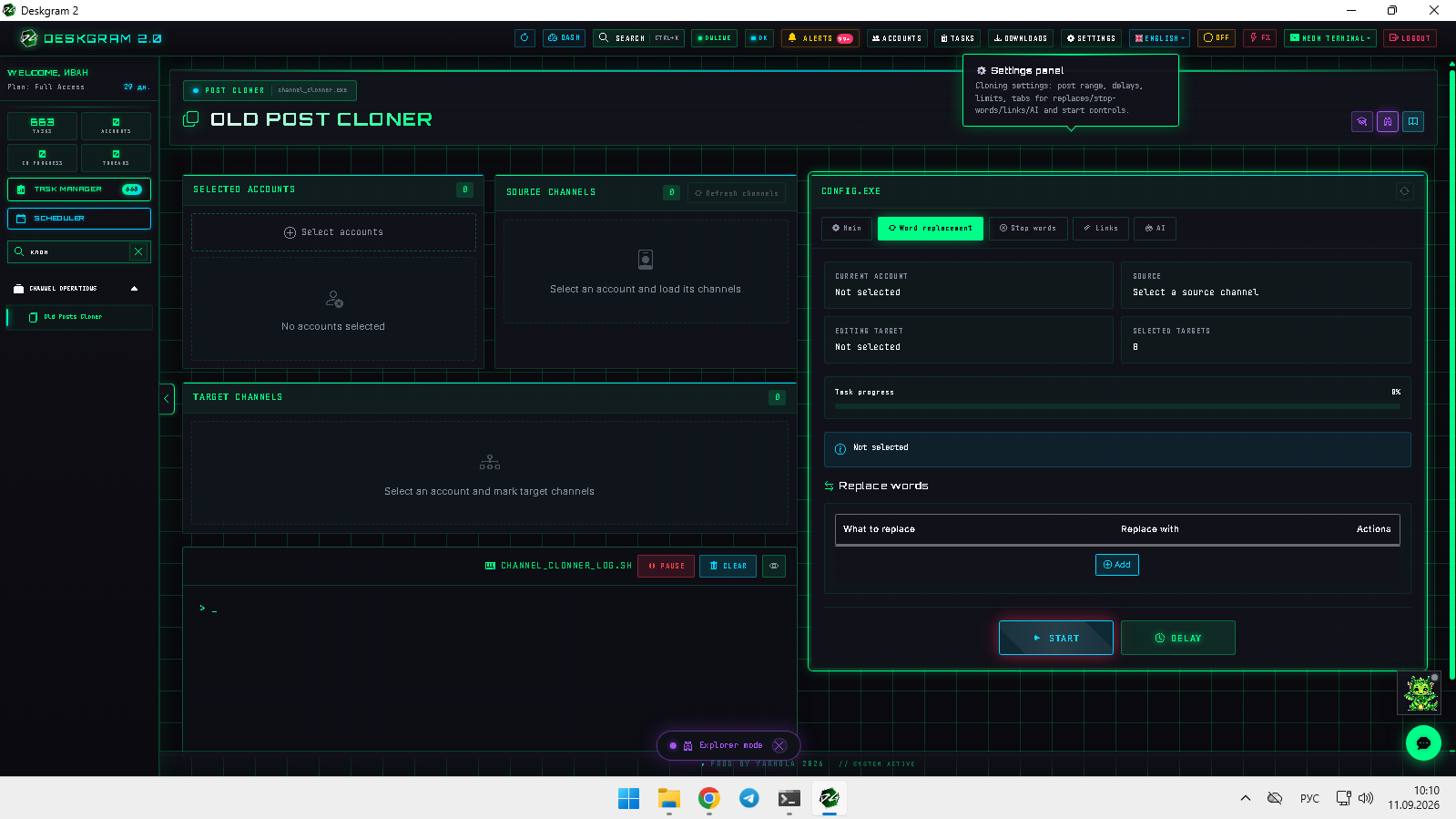
3. Adapt authorized content
Use word replacements, stop words, and link rules to update outdated references or localize material that you are entitled to reuse.
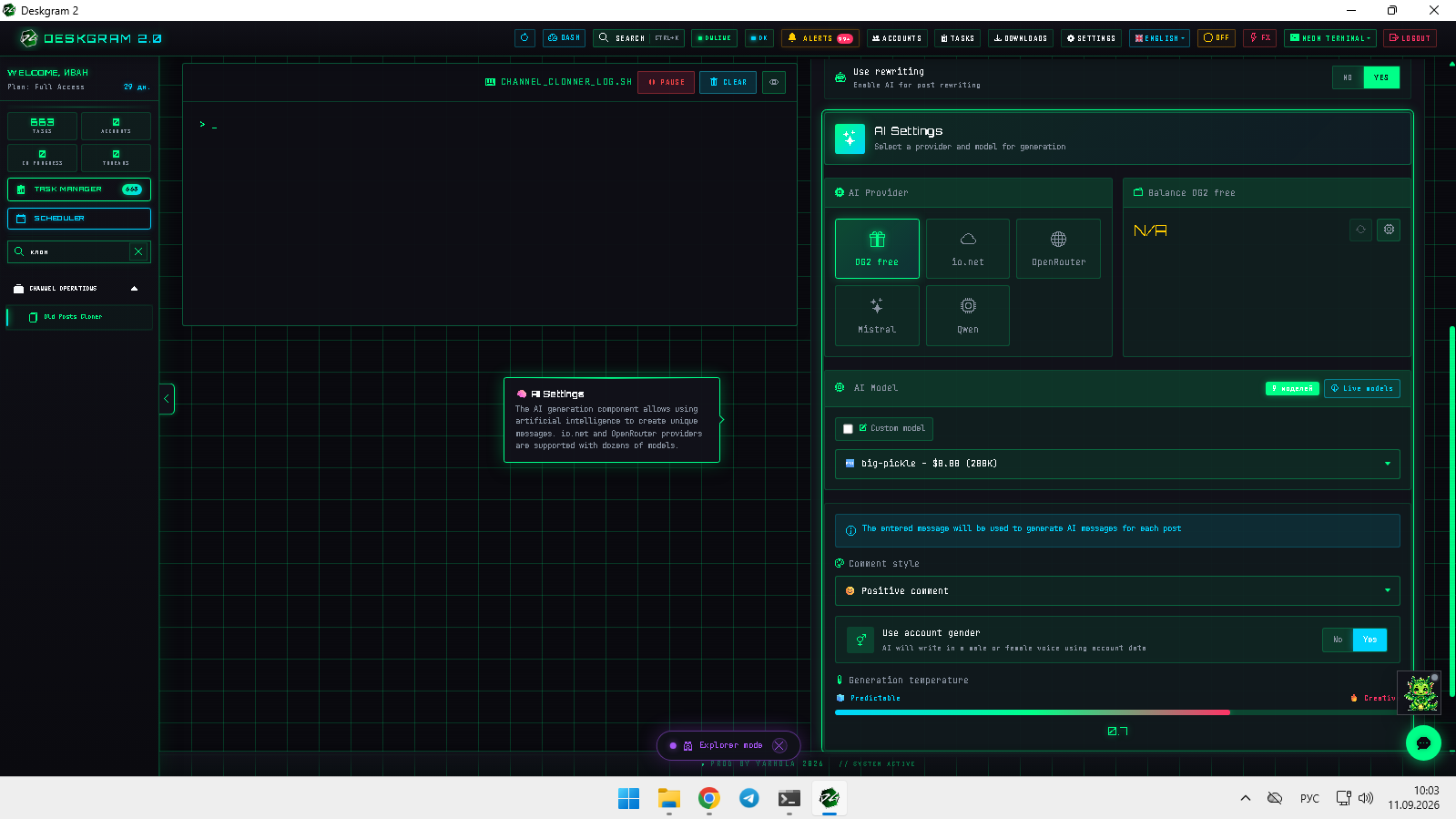
4. AI rewriting
The AI tab can help adapt tone, structure, or language for content that you own or license. Review the resulting text before publication.
5. Test first
Process two or three posts, verify formatting, media, attribution, and links in the destination channel, then expand the range.
Open the web preview to inspect the module.