Telegram Call Campaigns in Deskgram 2
The Call Campaigns module supports call-based contact scenarios for audiences who have agreed to receive communication or for internal testing. A call touchpoint should always be paired with an identifiable profile and a clear, respectful follow-up path.
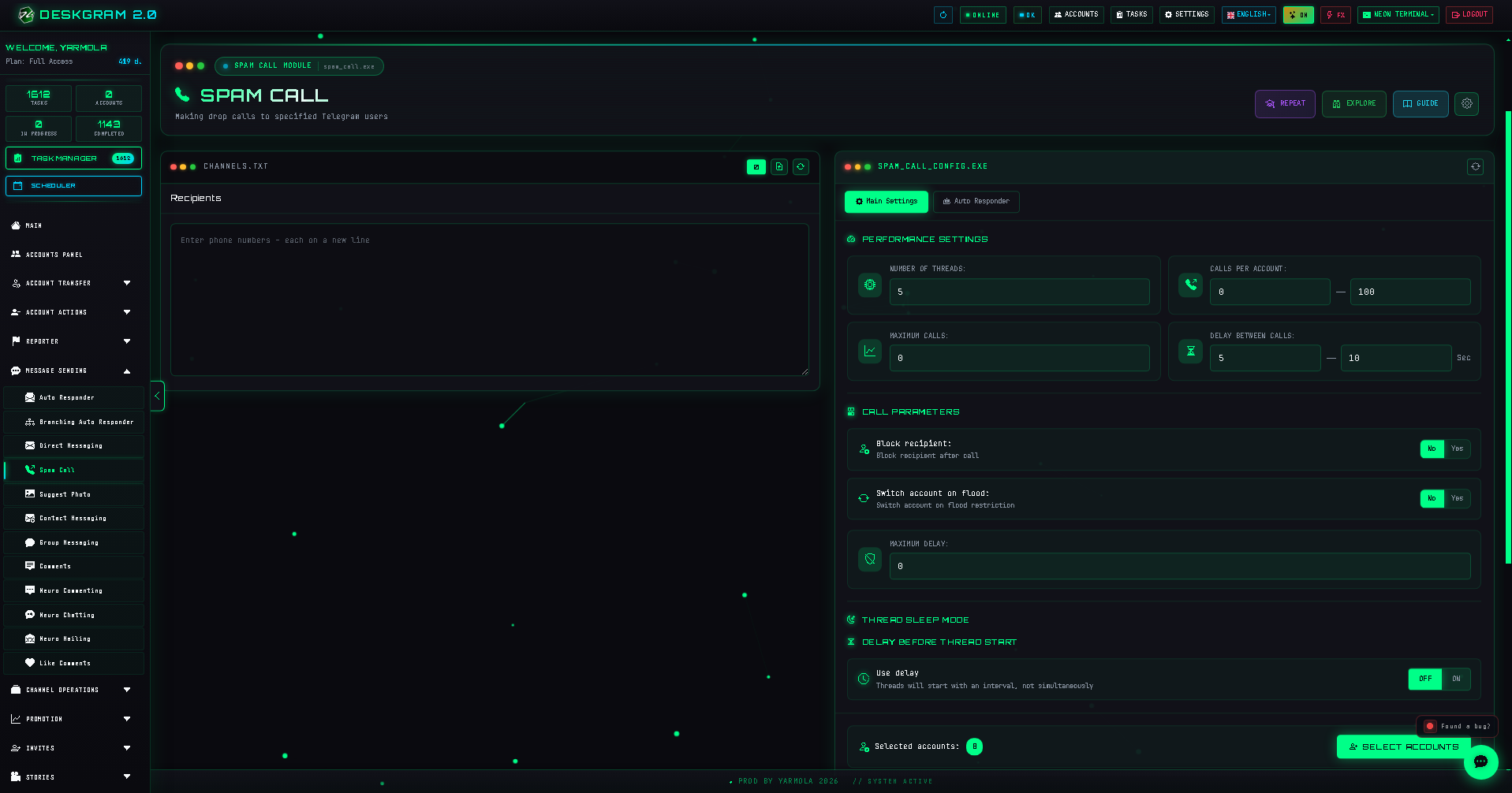
Prepare the contact flow
Before launching:
- Configure a recognizable profile, profile description, and relevant story or channel link.
- Define why the recipient expects the call or notification.
- Prepare an autoresponder message for recipients who write back, including context and an opt-out path.
Configure the module
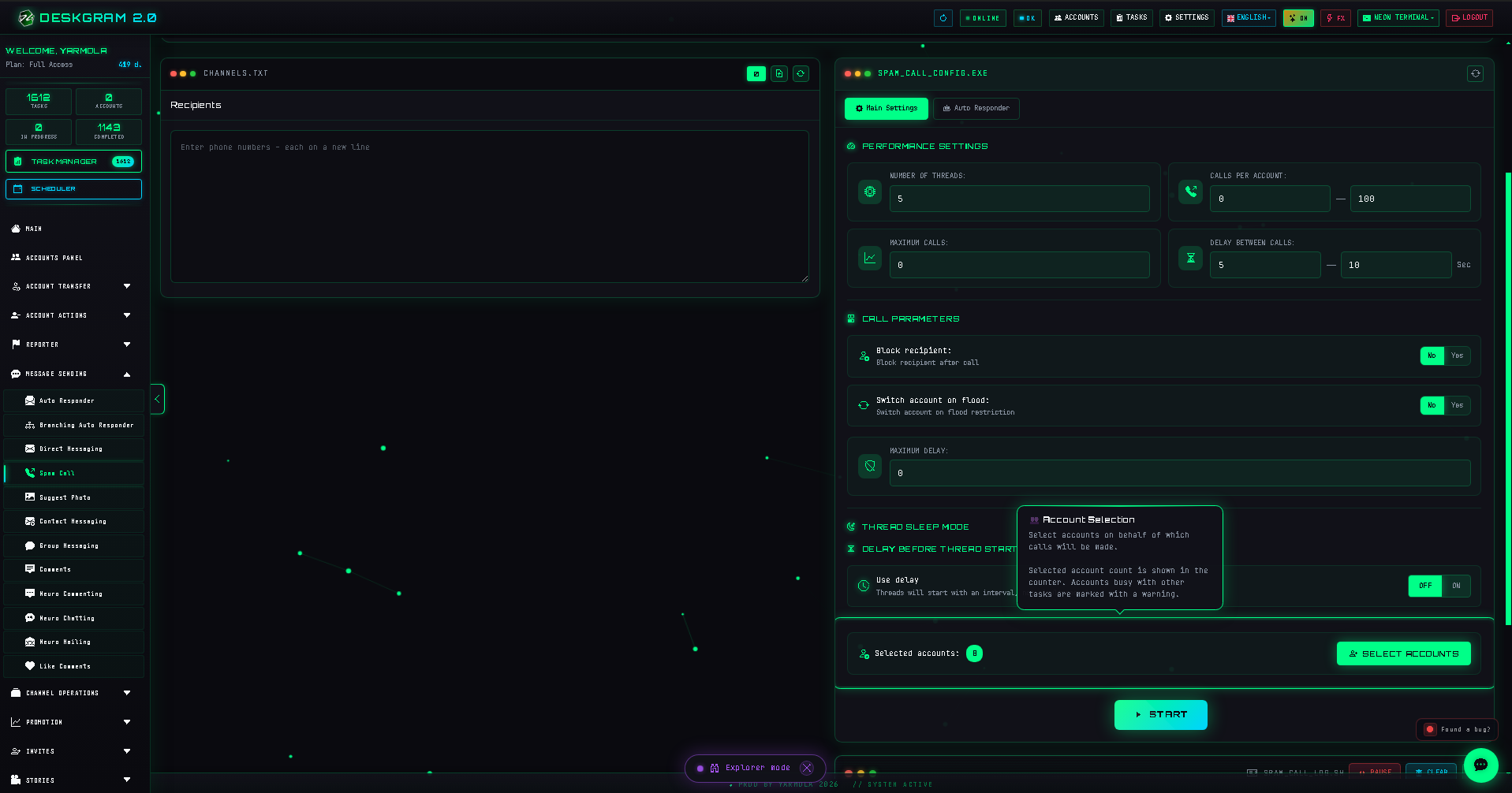
The interface includes a recipient list and logs on the left and Main plus Autoresponder settings on the right.
Main settings
- select recipients, preferably reliable usernames where appropriate;
- configure threads, calls per account, delays, and staggered starts;
- switch accounts on errors only within the limits of your authorized campaign.
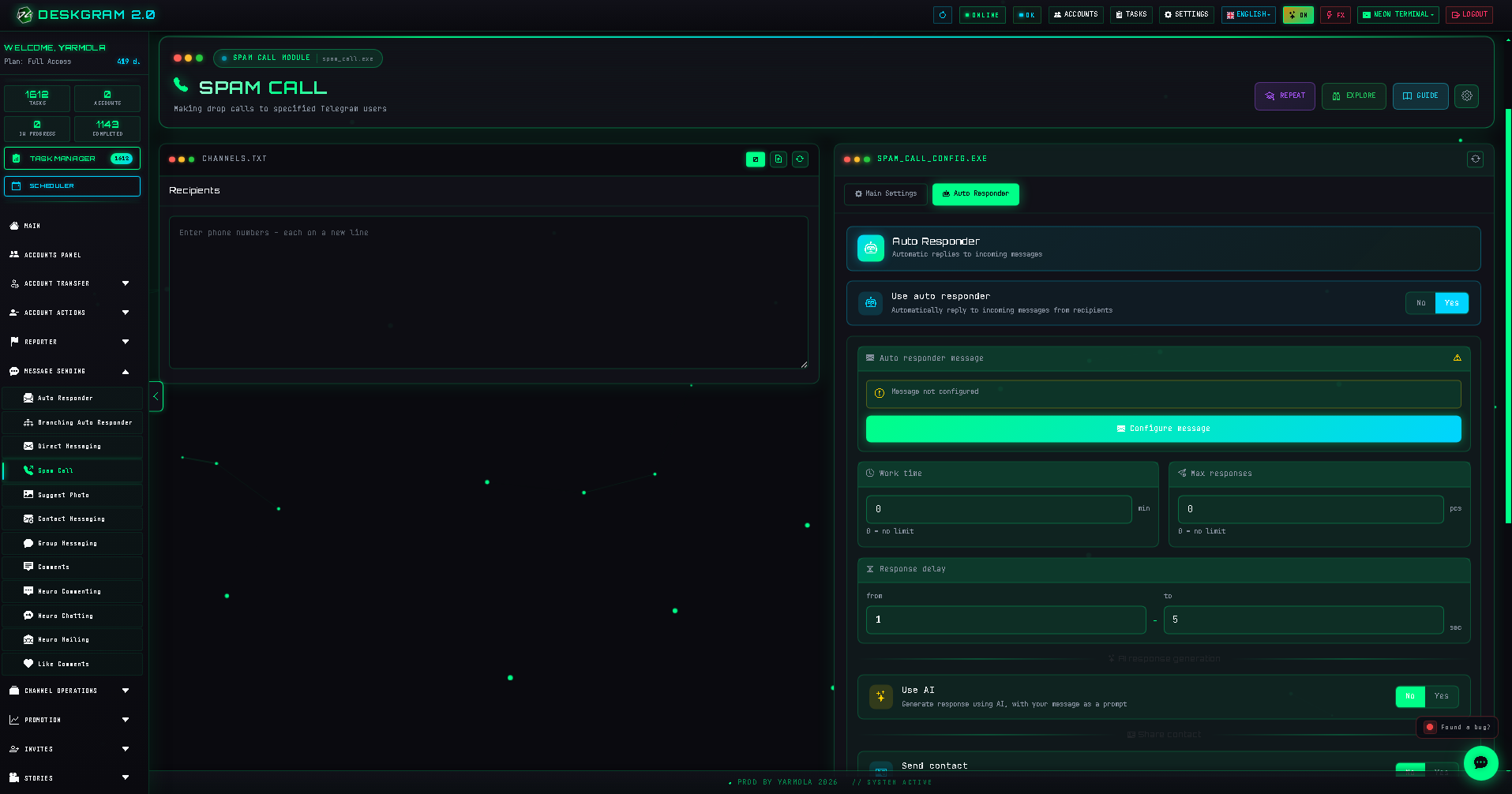
Autoresponder
Enable the autoresponder when recipients may reply after a call. The follow-up should identify the sender, state why contact occurred, and make it easy to stop further contact.
Launch responsibly
Start with a limited test group, review recipient responses, and avoid aggressive rates. Empty profiles, unclear context, and excessive calling lead to poor experience and account risk.
Use the web preview to inspect the module interface.