Telegram Account Converter in Deskgram 2
The Account Converter converts accounts you own or are authorized to administer between supported session formats before import and operation in Deskgram 2.
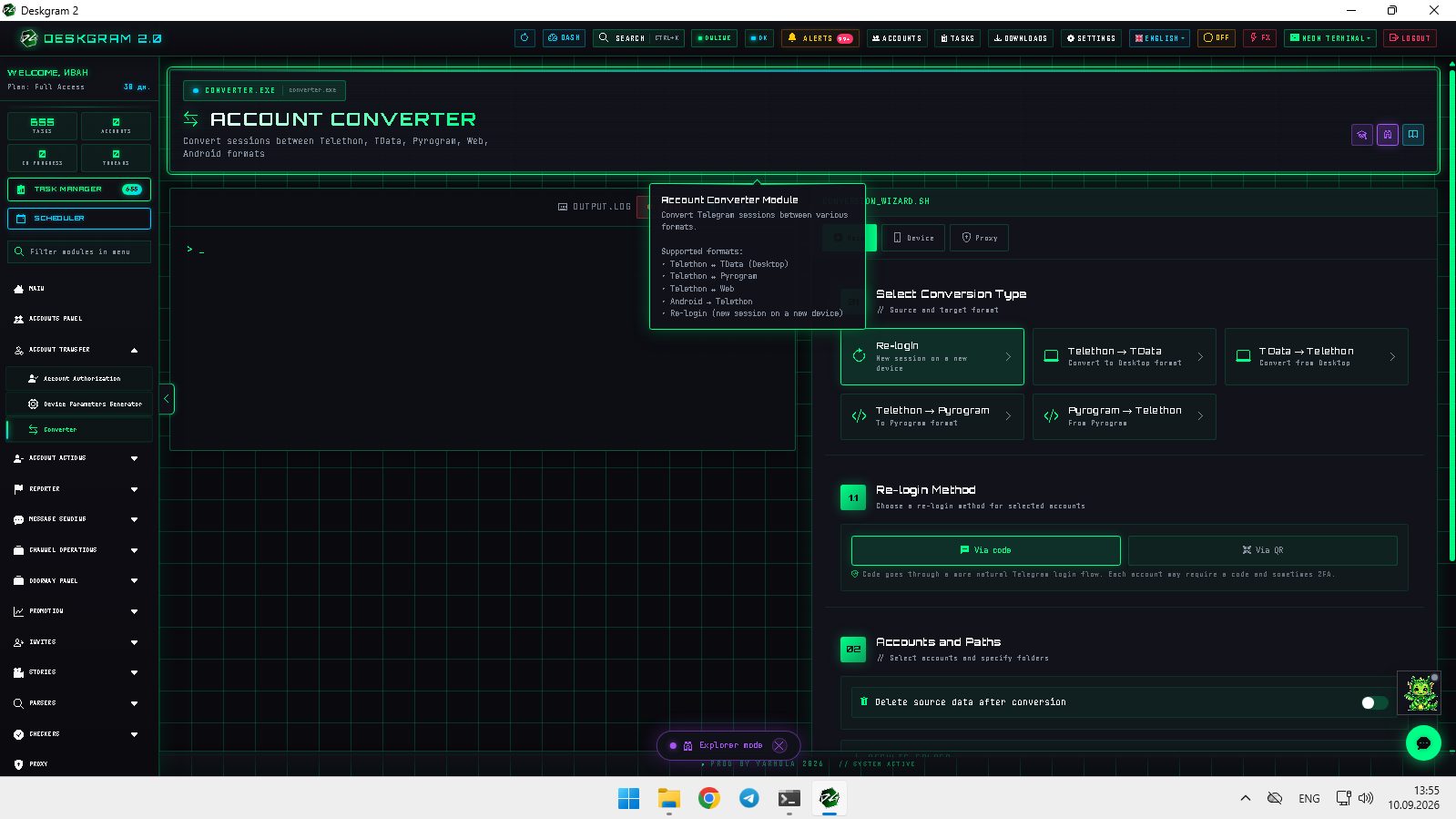
1. Conversion scenarios
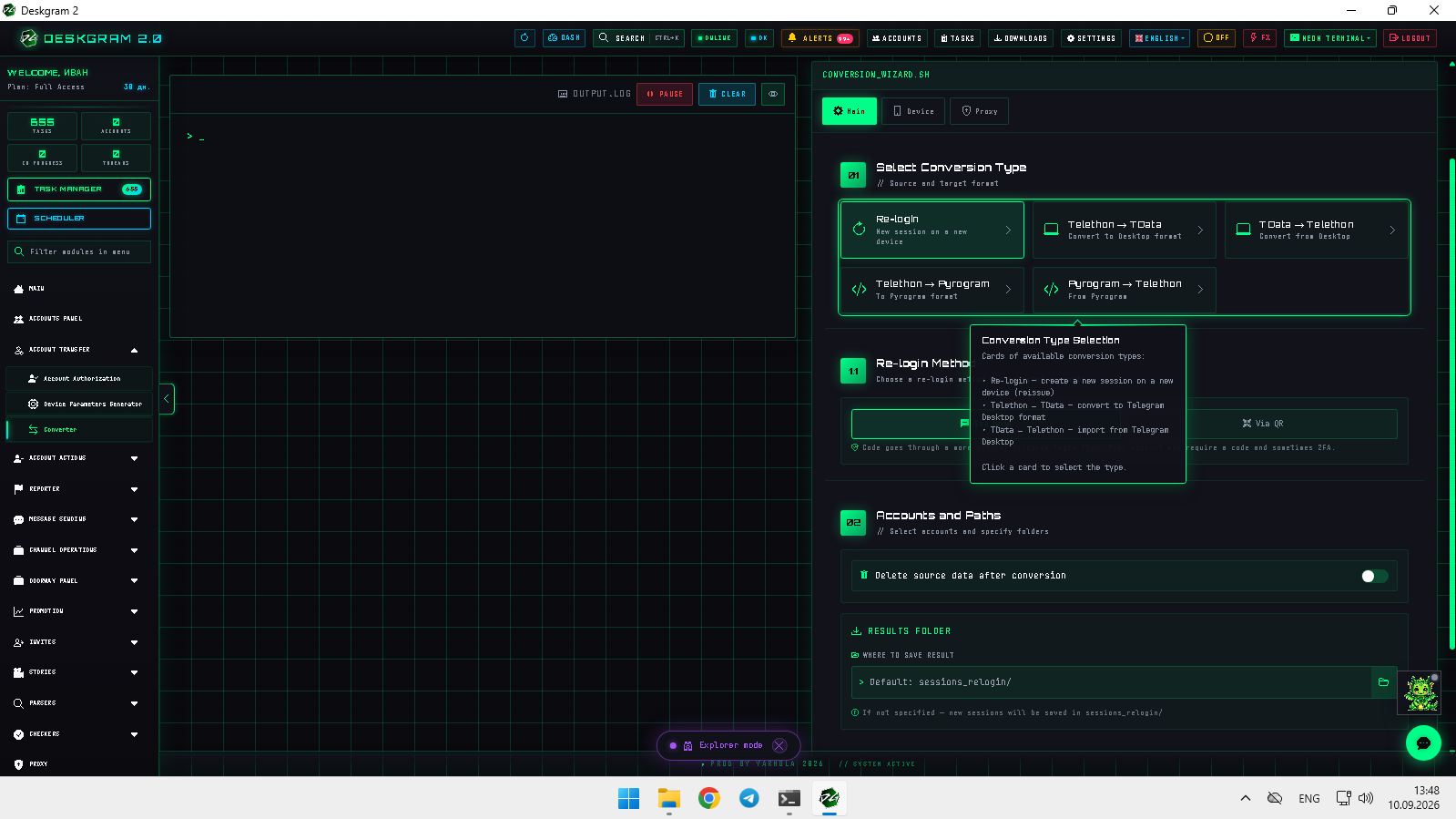
- Telethon Session to Tdata: select existing Deskgram 2 sessions and export them as
tdatafolders. - Tdata to Telethon Session: choose the source
tdatadirectory and a new output directory for generated sessions. - New session / re-login: create a replacement session for an account you control when you need to rotate sessions and revoke older authorized access later.
When re-authenticating, use verification-code login where supported and follow Telegram security procedures for your own accounts.
2. Device settings
Tdata conversion and new-session workflows require correct device parameters.
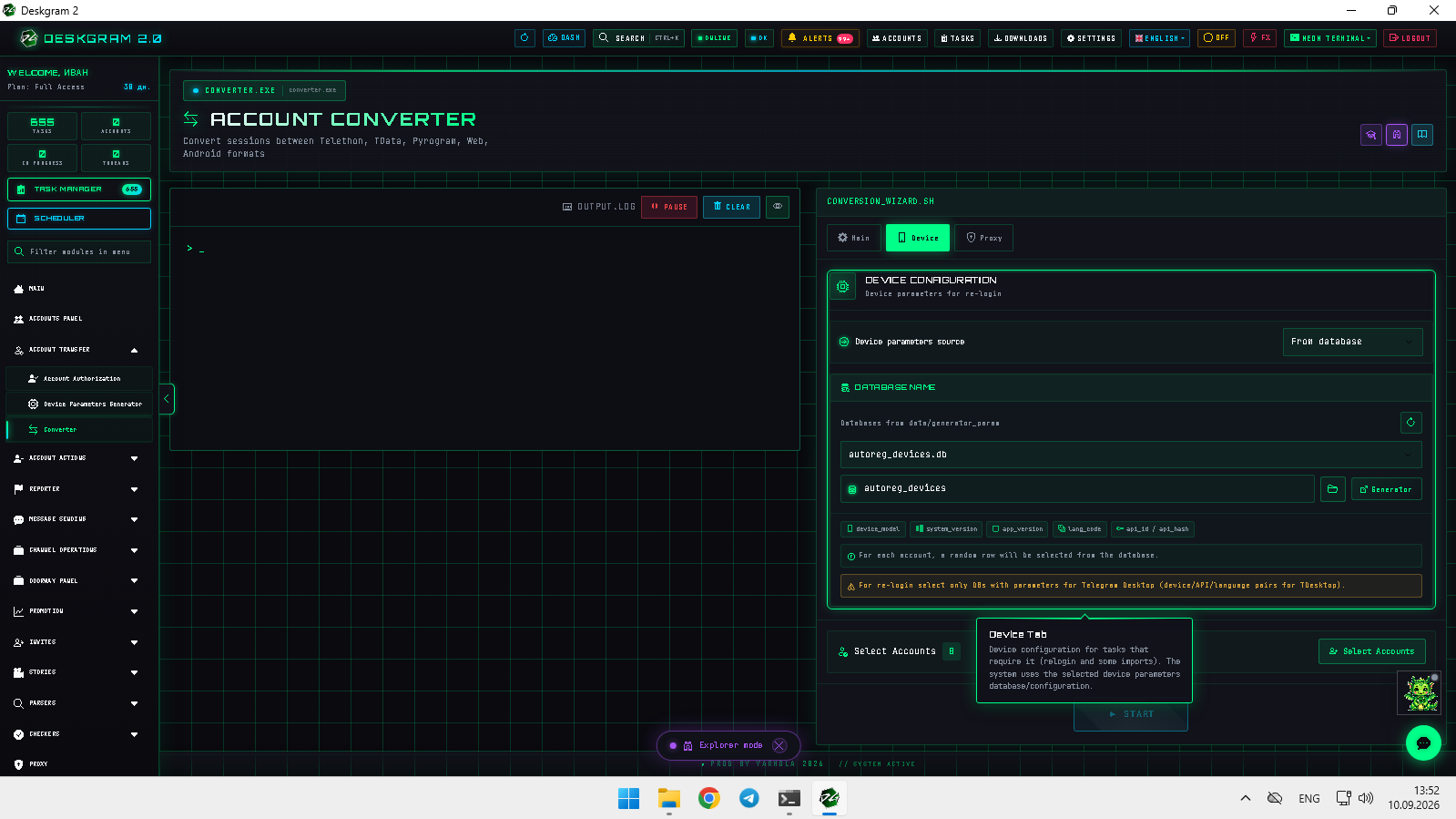
Generate device parameters in advance and use the Telegram Desktop profile expected by this converter rather than unrelated mobile parameters.
3. Proxy configuration
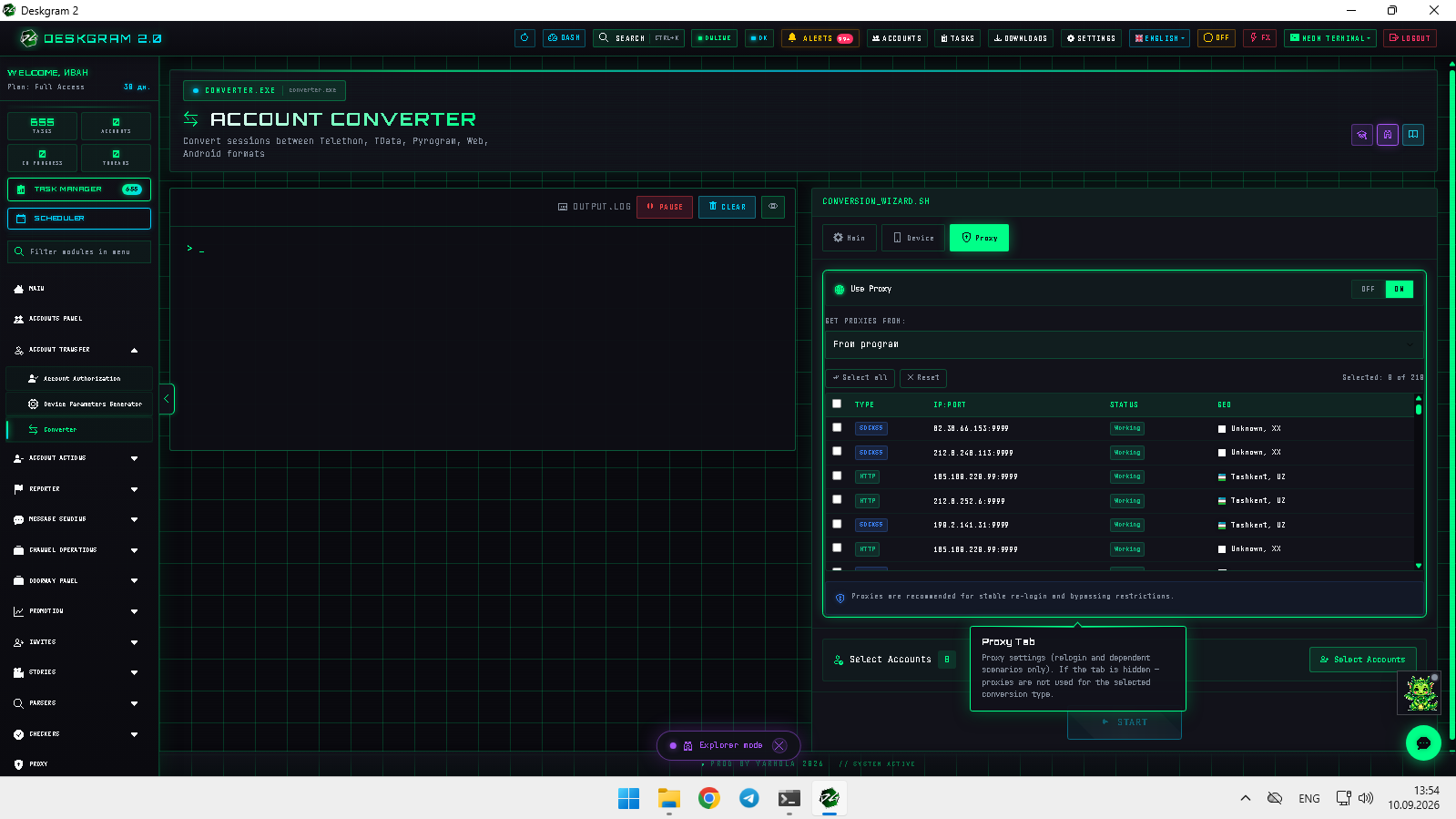
Where your account policy requires it, assign approved proxies during conversion so imported accounts keep the intended network configuration.
4. Test before a full conversion
- Run one or two authorized accounts first.
- Write output to a new directory; keep the original source unchanged.
- Check login state and output format before scaling the batch.
Use the web preview to inspect the converter interface.