Mass-looking (Mass viewing of Stories)
Mass-looking is the automated viewing of thousands of users' Stories on behalf of your accounts. A person sees a notification in the list of viewers that you (or your brand) viewed their story, gets curious, goes to the profile... and this is where your packaging comes into play.
1. Strategy: Broad reach
This module works best for a mass, diverse audience. If you are driving traffic to earning money, dating, HR, or broad offers — this is your tool. Looking for an audience for narrow niches through stories is very difficult, so we use mass-looking as a "demonetization" and a way to attract traffic "broadly".
- Lifehack for accounts with a spam block: If your account caught a spam block and cannot send messages — do not rush to throw it away! It is great for mass-looking, since story views are not blocked during a spam block.
2. Step-by-step setup
Work mode (I recommend "By groups")
I strongly advise using the viewing by groups mode:
- Insert a list of chats in which the list of members is open.
- Accounts enter the chat, see the list of people, and watch stories only of those who actually have them posted (active).
- Volume: Don't be petty. For a normal result, put 30–50 accounts to work and load lists of 1000–1500 chats.
After the first pass, you can export a list of users who have Premium or active stories through the task manager, and try to go through them again.
But still, I recommend launching Mass-looking on lists of groups with open lists of users, such groups can be taken here: Chat database for Mass-looking
Limits and delays
For quality work, I recommend the following settings:
- Viewing limit: 150–250 stories per account.
- Delay: 10–30 seconds between views.
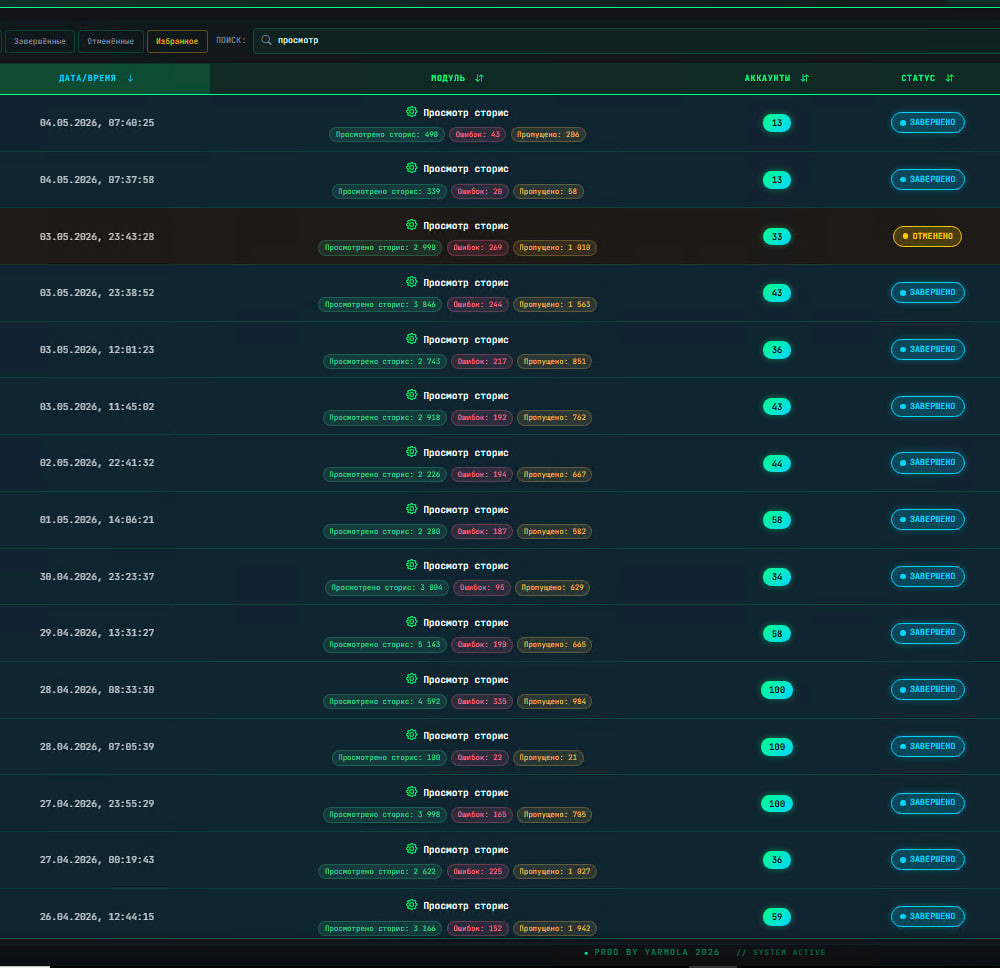
👉 Full instruction on setting up the module: Mass-looking Guide
3. The golden bundle for conversion
Mass-looking idles if your profile is not ready. To convert views into clicks:
- Design the profile (link to the channel in the bio).
- Post a Story.
- Make it clickable: Even without a Telegram Premium subscription, you can make a clickable link in stories. This multiplies the number of clicks.
👉 Instruction: How to post clickable stories without Premium
- Launch mass-looking.