Neuro-Commenting in Telegram: Where AI Comments Work and Where They Fail
Neuro-commenting in Telegram is not just “AI writes comments.”
When used correctly, it becomes a first-touch tool: an account appears under the right post in the right channel, leaves a meaningful comment, attracts attention, and leads a person into a profile, Stories, a bot, or another next step.
When used badly, it turns into noise very quickly:
- repetitive AI phrases;
- comments that miss the topic;
- sending too fast;
- no strategy;
- no autoresponder;
- no funnel after the first interest.
In this article, we will look at where neuro-commenting is genuinely useful, why context matters, and how to place AI comments inside a real Telegram growth funnel.
What neuro-commenting actually is
Neuro-commenting is automated commenting on Telegram posts with AI or prebuilt message templates.
But the more important part is not the text generation itself. It is the role the comment plays inside the funnel.
Neuro-commenting can work as:
- a first touch;
- a way to get into the audience's field of view;
- a soft entry into a discussion;
- a profile transition;
- a Stories transition;
- a bridge into a bot or private dialogue.
The basic logic looks like this:
donor channel -> post -> AI comment -> profile -> Stories / bio -> bot -> warm-upThe comment is not the finish line. It is the entry point.
Where neuro-commenting is especially useful
Neuro-commenting works best where you need to appear in context instead of just delivering a direct message.
1. Broad niches
If the niche is broad, you can work with large channels and comment threads under posts.
Examples:
- info products;
- entertainment niches;
- mass offers;
- interest-based communities;
- channels with active discussion.
2. Expert niches
In expert niches, a template-like ad comment usually fails.
Comments work better when they feel like an opinion, clarification, debate point, or helpful remark.
3. Profile-based funnels
Neuro-commenting combines well with a prepared profile:
- avatar;
- clear bio;
- link;
- current Stories;
- bridge channel;
- bot.
The user sees a comment, opens the profile, and then enters your structure.
4. Bot-driven scenarios
The strongest option is not to lead attention directly into an empty channel.
This flow usually works better:
comment -> profile -> bot -> warm-up -> offerThe bot keeps the user and allows repeated touches later.
Why context matters
The main mistake is launching AI comments without real context.
AI can write grammatically correct text, but that does not make the comment relevant.
Context includes:
- which channels you are commenting in;
- what the audience is like there;
- which post topics are active;
- what tone is needed;
- which reaction you want;
- where the user should go after the comment.
Without that, AI starts writing something that looks “generally fine” but does not land precisely.
And in Telegram, that is not enough.
Donor channels: where to find the right places
Neuro-commenting does not start with the AI model.
It starts with channel selection.
You need:
- niche-relevant channels;
- channels with comments enabled;
- channels with a live audience;
- places where people actually read discussions;
- places where your offer makes sense.
A practical discovery chain:
channel search -> similar channels -> donor selection -> neuro-commentingOpen channel and group search:
What a working scenario looks like
A strong neuro-commenting flow has several layers.
Step 1. Prepare the accounts
Accounts should not look empty.
At minimum:
- avatar;
- name;
- bio;
- understandable link;
- Stories if needed;
- normal activity history.
If the profile looks empty, the comment may attract attention, but the profile click will lead nowhere.
Step 2. Select the channels
Do not comment everywhere.
Less is often better if it is more precise:
- the topic matches;
- the audience is alive;
- comments are active;
- posts appear regularly.
Step 3. Set limits and delays
Comments that appear too fast look unnatural.
Control:
- comments per account;
- delay after a post is published;
- pause between comments;
- thread start delay;
- exclusions.
Step 4. Configure the AI
The AI needs to understand style.
Possible styles:
- neutral;
- positive;
- argumentative;
- mildly negative;
- custom.
In some niches, a careful disagreement or objection works better than sterile praise. But this must be tested.
Step 5. Prepare the next step
After the comment, the user should have somewhere to go.
Options:
- profile;
- Stories;
- channel;
- bot;
- private dialog;
- lead magnet.
If the next step is not prepared, neuro-commenting will generate views without understandable conversion.
Where the autoresponder fits
An autoresponder becomes useful when comments bring people into dialogue.
For example:
- A user replies to the comment.
- The account receives inbound traffic.
- The autoresponder reacts.
- The user gets a link, clarification, or transition into the bot.
Without an autoresponder, part of the incoming interest is simply lost.
The AI comment attracts attention, but then the system goes silent. That is a weak bundle.
Common mistakes
Mistake 1. Commenting in the wrong channels
If the channel is not relevant to your audience, AI will not save the outcome.
Mistake 2. Using a generic prompt
“Write a comment” is a weak prompt.
It is better to define style, goal, limits, and expected behavior.
Mistake 3. Making comments too promotional
A comment under a post should look like participation in a discussion, not like a banner ad.
Mistake 4. Leaving the profile empty
The comment may work, but the person will leave if the profile itself says nothing.
Mistake 5. Ignoring Stories
Stories can strengthen the profile and create another transition point.
Mistake 6. Not preparing a bot
A bot is often stronger than a channel because it keeps the user in a database for repeated contact.
Mistake 7. Not analyzing reactions
If comments bring negativity or no transitions, you need to change the tone, the donors, or the offer.
How neuro-commenting differs from messaging
| Criteria | Messaging | Neuro-commenting |
|---|---|---|
| First touch | Direct message | Entry into a discussion |
| Context | Often colder | Tied to the post |
| Spam perception risk | Higher | Lower with a good scenario |
| Profile needed | Preferable | Very important |
| Bot needed | Preferable | Highly desirable |
| Strongest use case | Narrow audiences and direct outreach | Channels, discussions, smart touch |
Neuro-commenting does not replace messaging.
It is a different type of first touch.
Sometimes it should happen before messaging, sometimes instead of it, and sometimes as a standalone entry point into the funnel.
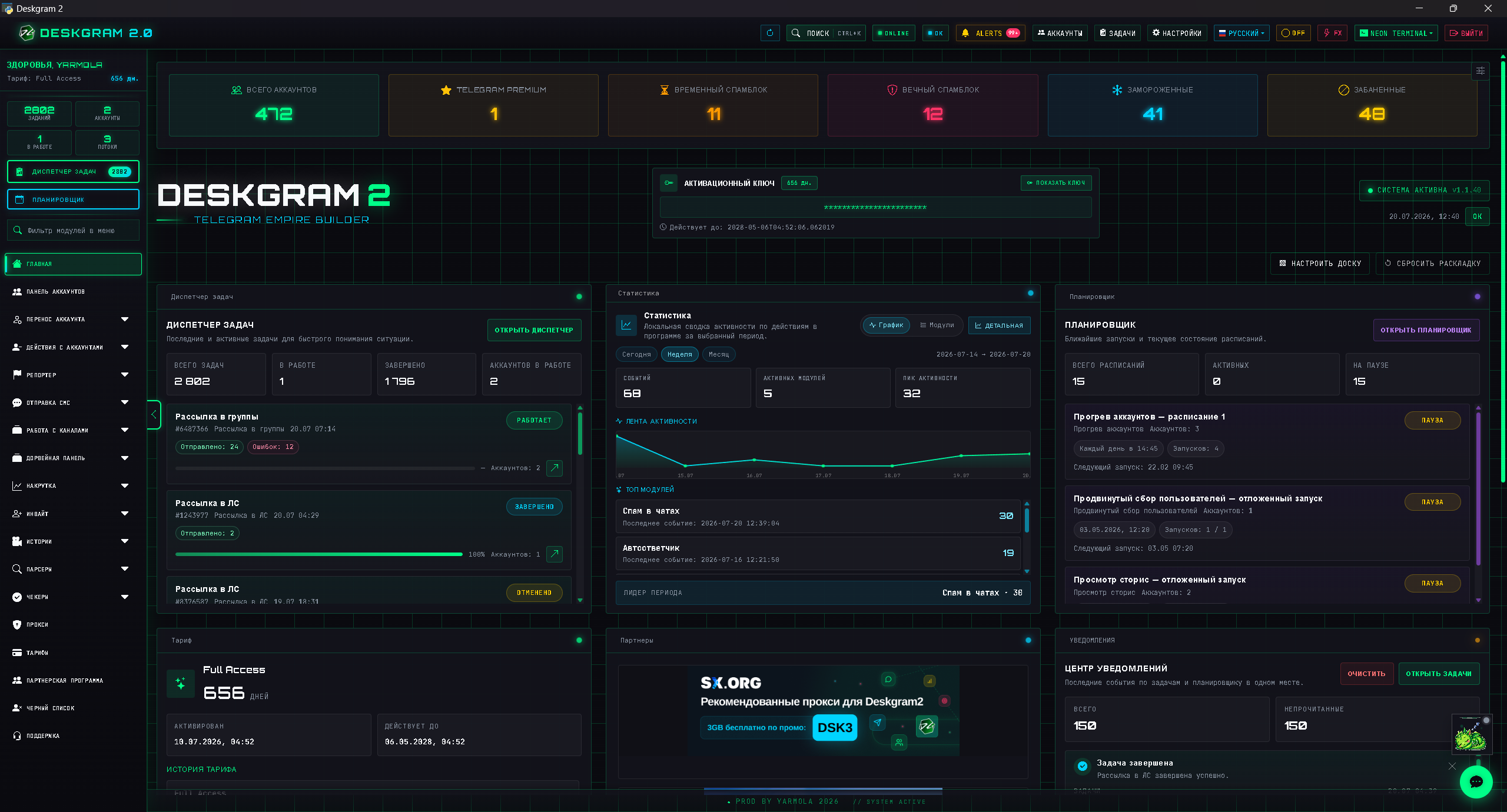
How to use Deskgram 2 for neuro-commenting
In Deskgram 2, the neuro-commenting module lets you:
- choose channels;
- configure commenting mode;
- define limits;
- use the message builder;
- connect AI;
- choose style;
- attach an autoresponder;
- control the task.
Open the interface:
GitHub module page:
telegram-neuro-commenting-deskgram
Mini checklist before launch
Before launching, check that:
- accounts are prepared;
- donor channels are selected;
- the commenting mode is chosen;
- limits are not aggressive;
- the AI provider is connected;
- the comment style is clear;
- exclusions are configured;
- the next step after the comment exists;
- the bot, Stories, or profile are ready.
If the comment works but the user lands in empty space, the funnel is not assembled.
Short conclusion
Neuro-commenting is not useful because AI can produce comments.
It is useful because it lets you create a first touch inside the context of someone else's post.
But real results require:
- the right donor channels;
- prepared accounts;
- a strong style;
- sane limits;
- an autoresponder;
- a bot or another next step.
When these pieces are connected, neuro-commenting stops being an AI toy and becomes a real Telegram growth instrument.
Safety layer for AI comments
AI comments are public, so mistakes are visible. Use account warming before active commenting, keep proxy rotation stable and respect Telegram API limits when several accounts watch donor channels.
Bulk messaging safety also applies here, even though the format is comments rather than DMs. Repeated low-quality comments can damage account trust and brand perception. Start with a few donor channels, review the comment quality and only then increase volume.
The comment should feel like a useful continuation of the post, not like a disguised ad.
FAQ
Who is this article for?
This article is for teams that want to use Deskgram 2 for Telegram automation, audience growth, messaging or operational workflows.
Do I need warmed accounts and proxies?
In most bulk Telegram scenarios, warmed accounts, stable proxies, conservative limits and small tests reduce risk before scaling.
Where should I test the workflow?
Use the Deskgram 2 web preview links in the article to understand the module, then start with a small controlled task before launching a larger campaign.
Summary
A strong Telegram automation workflow should connect the right audience source, prepared accounts, safe limits, relevant messaging and post-launch analysis. Deskgram 2 helps keep these parts in one operational system.