Telegram Channel Post Cloner: How to Move Old Content Without Chaos
A Telegram channel post cloner can be useful when you need to migrate old content, prepare a new channel or rebuild a content archive. But cloning should not mean blind copying.
The value is in structure: choosing sources, cleaning posts, preserving useful materials and adapting content to the new channel strategy.
When cloning old posts helps
Use old post cloning when:
- moving content to a new channel;
- restoring an archive;
- preparing a channel before promotion;
- building a content base for a niche project;
- analyzing successful post formats.
Do not clone content only to make a channel look full. A full but confusing channel does not build trust.
How to avoid chaos
Before migration, define:
- source channel;
- date range;
- content categories;
- what should be skipped;
- whether links and media should be kept;
- how posts will be updated after migration.
After import, review the result. Remove outdated offers, broken links, duplicated posts and materials that no longer match the product.
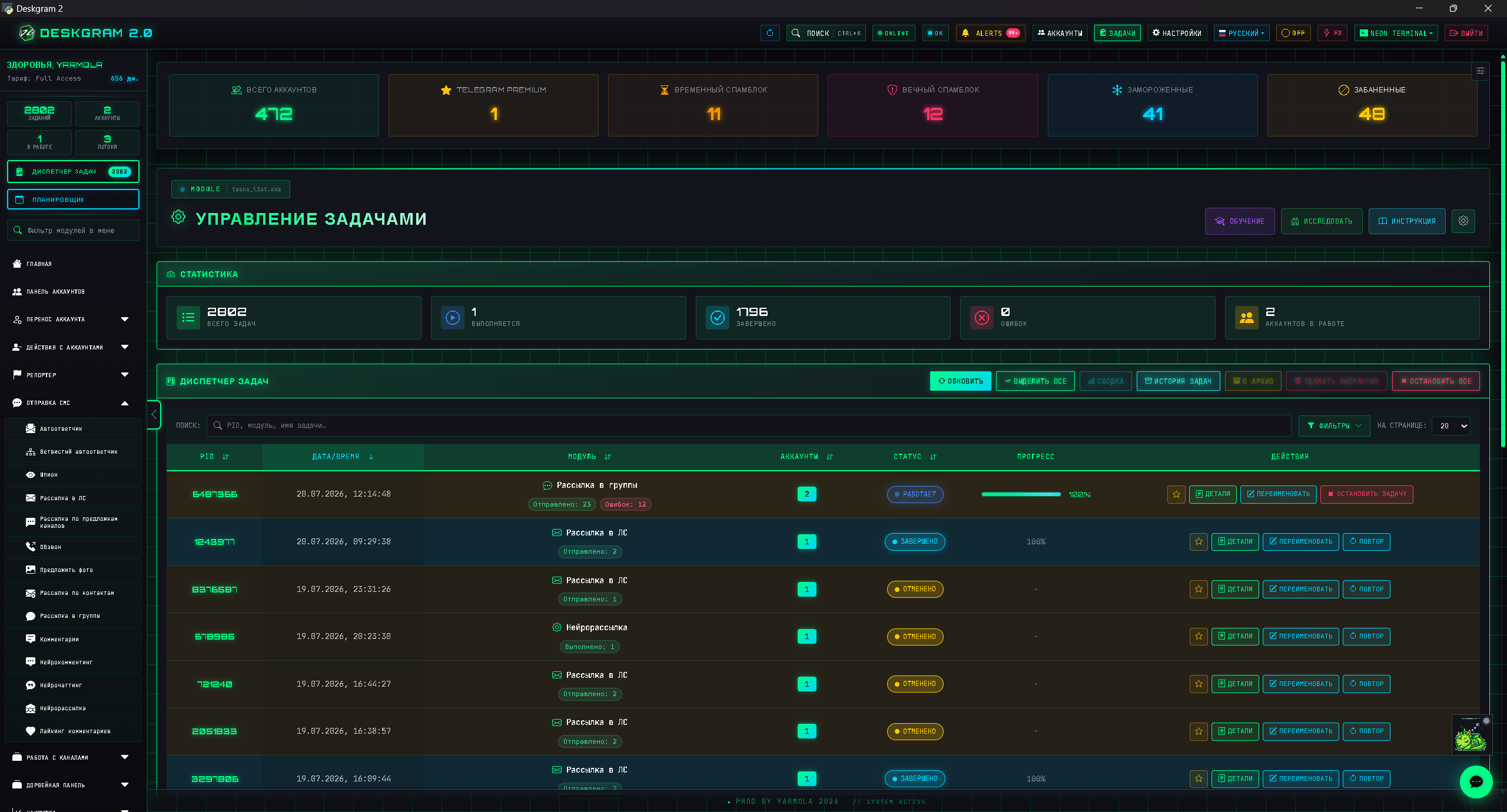
Useful previews:
Responsible reuse
Use cloning for content you own, manage or have permission to migrate. For competitor research, treat posts as inspiration and analysis, not as copy-paste material.
Good reuse means extracting formats, topics, angles and structure, then creating your own version.
Migration checklist before promotion
Before using a cloned or migrated channel in Telegram automation, treat it as a new asset:
- Check that old links, offers and screenshots are still relevant.
- Remove duplicate posts and outdated calls to action.
- Add fresh pinned content that explains the current product.
- Warm up posting frequency gradually instead of publishing everything at once.
- Use prepared accounts, stable proxies and conservative limits for the first promotion tasks.
- Connect the channel to discovery, parsing, outreach or AI commenting only after the content looks coherent.
This keeps channel migration from becoming a low-quality footprint that weakens future promotion.
Infrastructure after migration
After the content is moved, promotion still needs a safe launch layer. Prepare accounts with account warming, check proxy rotation and start with small tasks that respect Telegram API limits.
Do not immediately push bulk messaging into a freshly migrated channel. First publish a few current posts, check the pinned message and make sure the old materials still support the offer. Bulk messaging safety is not only about sending limits; it is also about whether the destination looks trustworthy when users arrive.
Best use cases
Channel cloning is strongest for:
- moving your own old materials into a new structure;
- rebuilding a channel after rebranding;
- preserving educational posts before a relaunch;
- preparing a content base for a new funnel;
- analyzing formats that should be rewritten, not copied.
It should support a content strategy, not replace one.
Key takeaways
- Post cloning is a content migration tool.
- Clean and structure posts before publishing them.
- Keep the new channel strategy in mind.
- Remove outdated links and weak materials.
- Use competitor content for research, not blind copying.
FAQ
Who is this article for?
This article is for teams that want to use Deskgram 2 for Telegram automation, audience growth, messaging or operational workflows.
Do I need warmed accounts and proxies?
In most bulk Telegram scenarios, warmed accounts, stable proxies, conservative limits and small tests reduce risk before scaling.
Where should I test the workflow?
Use the Deskgram 2 web preview links in the article to understand the module, then start with a small controlled task before launching a larger campaign.
Summary
A Telegram channel cloner is strongest when it supports a content system. It helps move or rebuild materials, but the final channel still needs positioning, updates and a clear promotion plan.