Telegram Automation Settings: Why System Parameters Matter More Than They Seem
Teams often open Telegram automation settings only after something already broke: a task failed, accounts started behaving unstably, AI answered the wrong way, or a messaging run moved too fast. In reality, system parameters should be configured before campaigns begin.
Settings affect not one module, but the whole infrastructure: accounts, proxies, limits, delays, AI responses, tasks, and safety.
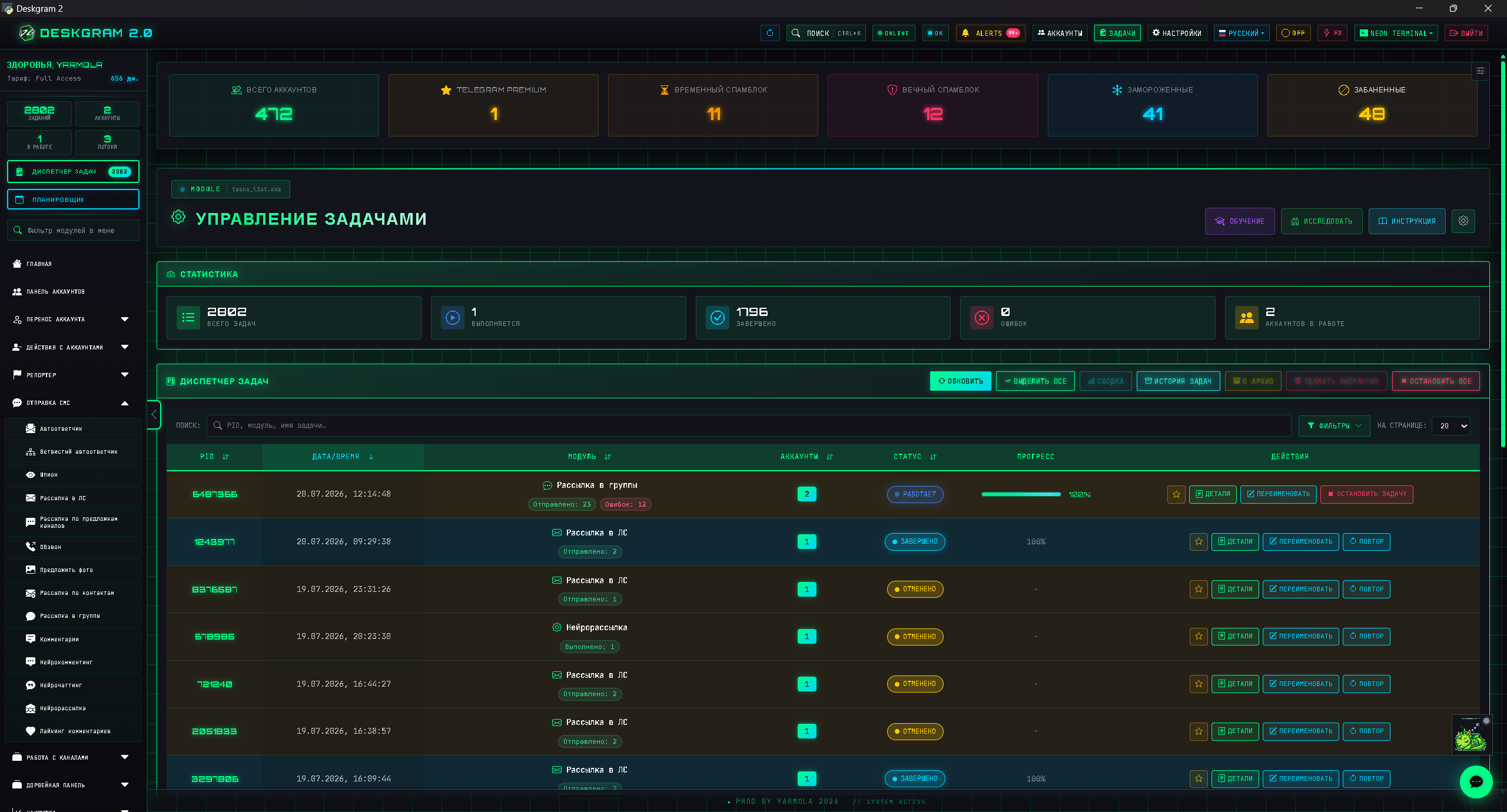
Which settings matter most
In Telegram automation, several groups of settings are especially important:
- limits and delays;
- account settings;
- proxies and the network layer;
- API keys;
- AI parameters;
- task behavior;
- logging and error control.
Even if a user works with only one module, system parameters can still affect the result. Aggressive delays can damage a messaging run, while weak AI context can ruin neuro-chatting.
Limits and delays
Limits define the pace of the system. They exist to keep tasks controlled instead of bursty.
What to consider:
- pauses between actions;
- number of actions per account;
- load distribution;
- daily and session limits;
- behavior after errors;
- test limits before scaling.
A good configuration starts with small volumes. After a test, the load can be increased gradually, but only if the logs and audience reactions look healthy.
API and technical keys
Some modules depend on API keys and external services. Here, not only the keys matter, but also access control, freshness, and correct configuration.
Problems in API setup often look like module issues, even though the real cause is the configuration layer. Before launching AI scenarios, integrations, or advanced functions, it helps to validate the technical side first.
AI settings
AI parameters matter especially in neuro-commenting, neuro-chatting, and autoresponder flows. If you do not define context, tone, and limits, the model may answer too broadly.
Useful AI settings include:
- role and tone;
- answer brevity;
- a list of forbidden promises;
- links to web preview;
- handoff conditions to a human;
- product context;
- topic boundaries.
AI should support the scenario, not behave like a separate product living on its own.
Settings as a way to repeat a working result
Strong settings matter not only for safety, but also for repeatability. If you found a working combination, you should be able to reproduce it: the same limits, similar audience segment, the same account type, similar delays, and clear AI context.
It helps to record:
- the parameters of a successful launch;
- the date;
- the module;
- the audience segment;
- the account group;
- the limits;
- the copy or prompt;
- the result.
Then settings become part of analytics instead of a random set of values.
A pre-launch checklist
Before any active campaign, run through a short checklist:
- Accounts are verified.
- Proxies are attached.
- Limits are not aggressive.
- The base is segmented.
- The task is clearly named.
- AI context is prepared.
- Replies and the autoresponder are ready.
- A small test exists before scale.
If even one item is missing, it is better not to launch a large volume immediately.
Typical settings mistakes
The first mistake is copying parameters from another project. Niches, accounts, audience bases, and tasks can differ dramatically.
The second mistake is changing many settings at once. If something breaks after that, it becomes hard to isolate the cause.
The third mistake is failing to document working parameters. A successful run should be repeatable.
The fourth mistake is treating settings as secondary. At scale, one weak parameter can affect dozens of tasks.
Mini-FAQ
Can the system be configured once and then left alone?
No. Settings should be reviewed after new modules, new accounts, changes in the base, or repeated errors.
What should be changed first if a task performs badly?
Do not change everything at once. Inspect logs first, then adjust one layer at a time: limits, base, proxies, copy, or AI context.
Do AI settings matter only for AI modules?
Mostly yes, but they also affect autoresponders and any flow where the system generates text responses.
How settings influence the SEO funnel and the site
At first glance, app settings seem unrelated to the site and SEO. In the real funnel, they are connected. A user may come from an article, open web preview, ask a question in the bot, or arrive through a campaign. If reply logic, limits, and tasks are chaotic, even strong content will not move the person to a useful outcome.
For example, an article explains audience collection. The user opens web preview and then asks a question. If the autoresponder is weak, they receive a generic answer instead of the correct module link. If AI context is poor, neuro-chatting answers vaguely. If task names are chaotic, the team cannot tell which article generated the interest.
That is why settings are not just a technical layer. They are part of the commercial funnel. They help connect content, web preview, communication, and the product scenario.
A practical order for setting things up
One effective order looks like this:
- Configure the base limits first.
- Verify accounts and proxies.
- Prepare AI context.
- Configure replies and web preview links.
- Launch a small test.
- Record working parameters.
- Only then expand the campaign.
This turns settings from random toggles into a control system.
What to review after launch
After a test task, return to the settings and inspect what should be adjusted. A strong configuration appears through iteration, not from the very first attempt.
Check:
- whether the pace is too fast;
- whether accounts are overloaded;
- whether pauses between tasks are long enough;
- whether AI answers real questions correctly;
- whether the logs show repeating errors;
- whether different modules need separate settings.
For example, settings may be fine for neuro-commenting, while the same pace is too aggressive for direct messaging. That is why each module group should be reviewed separately.
How to document settings
Even a short note about working parameters helps later. Write down which module was launched, which limits were used, what base was tested, and what result you got. A few weeks later, this saves more time than most teams expect.
Example of a calm post-test review
Suppose a test messaging run produced few replies and several errors. Do not immediately add more accounts. First check whether the segment was too broad, whether the pace was too fast, whether the proxy layer worked correctly, and whether the copy was clear.
If errors are rare but replies are weak, the problem may be the offer or the audience base. If errors are frequent, start with accounts, proxies, and limits. If people reply but the autoresponder reacts poorly, improve the branches and AI context.
That is how settings help you review performance layer by layer instead of changing everything chaotically.
Where Deskgram 2 helps
In Deskgram 2, settings can be treated as the central layer that influences how modules behave. Before active launches, it is worth reviewing parameters first and only then moving into tasks.
Useful web previews:
Settings that affect safety most
The most important settings for Telegram automation are not cosmetic. They control the pressure on accounts and the quality of the result.
Pay attention to:
- Telegram API limits and module-specific delays;
- account warming status before active scenarios;
- proxy rotation rules and failed proxy diagnostics;
- task stop conditions;
- AI context, prohibited phrases and handoff rules;
- test batch size before scaling.
If these settings are ignored, bulk messaging safety becomes random. If they are reviewed before launch, each campaign produces cleaner feedback.
FAQ
Who is this article for?
This article is for teams that want to use Deskgram 2 for Telegram automation, audience growth, messaging or operational workflows.
Do I need warmed accounts and proxies?
In most bulk Telegram scenarios, warmed accounts, stable proxies, conservative limits and small tests reduce risk before scaling.
Where should I test the workflow?
Use the Deskgram 2 web preview links in the article to understand the module, then start with a small controlled task before launching a larger campaign.
Conclusion
Telegram automation settings are not a technical tab “for later.” They are a layer that directly influences safety, quality, speed, and repeatability across launches.
The earlier a team brings order to limits, AI context, API access, and task behavior, the less chaos appears during scaling.