Advanced Telegram Account Warming: Preparing Accounts for Active Tasks
Basic preparation checks whether an account works. Advanced warming prepares a whole account set for real Telegram automation: bulk messaging, inviting, AI commenting, subscriptions, story activity and outreach.
The goal is not to imitate random activity. The goal is to move accounts from passive state to controlled workload while watching errors, proxy stability and Telegram API limits.
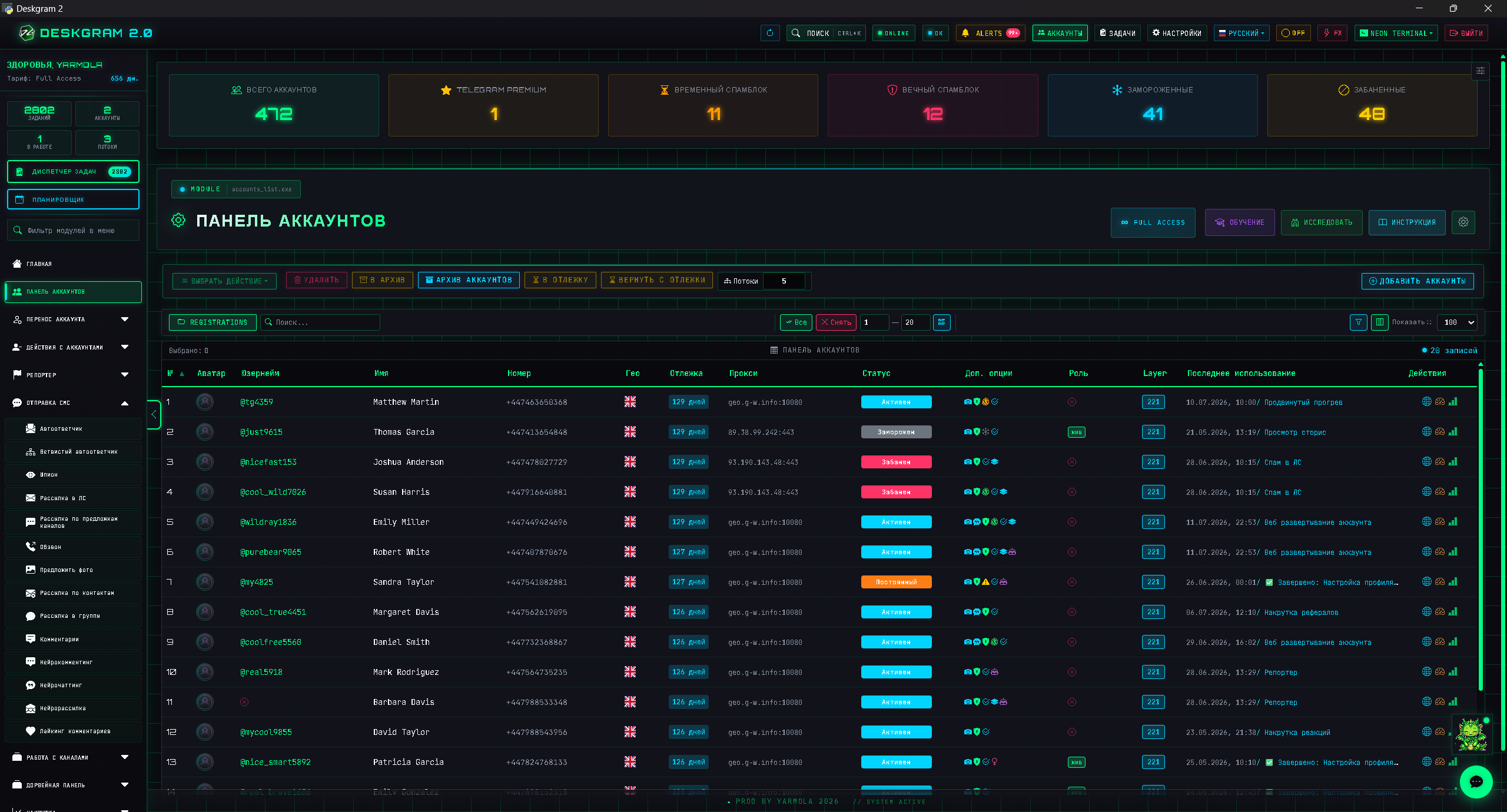
Why advanced warming matters
New, inactive or poorly prepared accounts should not jump straight into aggressive tasks. A smoother transition helps reveal weak accounts before they damage a campaign.
Advanced warming includes:
- account roles;
- proxy rotation;
- gradual activity;
- conservative limits;
- task logs;
- error diagnosis;
- small transition tests.
Warm accounts by role
Not every account needs the same path. An account used for comments should be warmed differently from an account used for direct messaging.
| Future role | Warming focus |
|---|---|
| Outreach | Dialog readiness and soft message behavior |
| Inviting | Group-related actions and slow ramp-up |
| Comments | Channel activity and contextual behavior |
| Stories | Viewing and light social actions |
| Infrastructure | Service actions, channels and bots |
Role-based warming makes campaigns easier to scale and debug.
Practical warmup flow
- Add accounts and check authorization.
- Attach stable proxies.
- Separate accounts by future role.
- Start low-intensity activity.
- Watch logs and repeated errors.
- Remove weak accounts from active groups.
- Run a small task that matches the future campaign.
Useful previews:
Advanced warmup and Telegram API limits
Advanced warmup is not just "more actions before launch". It is a way to discover which accounts can handle a future role without crossing Telegram API limits too quickly.
For bulk messaging safety, avoid testing the whole account pool at once. Start with a small group, increase limits gradually and compare behavior across proxies. If one proxy group creates more errors than others, pause that segment before it damages the campaign.
Good warmup data should answer three questions:
- Which accounts are stable enough for outreach?
- Which accounts should stay in soft activity longer?
- Which proxy rotation pattern creates fewer repeated errors?
When to stop and when to scale
Advanced warmup should have a clear stop rule. If an account group keeps producing authorization errors, repeated flood reactions or unstable proxy behavior, do not move it into the main campaign. Put it into a separate pool and test it later with softer actions.
Scale only the group that passed both warmup and a small real task. This is slower than launching everything at once, but it protects the audience, the account pool and the campaign budget. In Telegram automation, the account group that survives a controlled test is more valuable than a large untested pool.
Key takeaways
- Advanced warming prepares account groups, not single accounts.
- Proxy quality and proxy rotation are part of the warmup result.
- Limits should grow gradually, not in one jump.
- The best warmup ends with a small real test.
- Weak accounts should be separated before campaign launch.
FAQ
Who is this article for?
This article is for teams that want to use Deskgram 2 for Telegram automation, audience growth, messaging or operational workflows.
Do I need warmed accounts and proxies?
In most bulk Telegram scenarios, warmed accounts, stable proxies, conservative limits and small tests reduce risk before scaling.
Where should I test the workflow?
Use the Deskgram 2 web preview links in the article to understand the module, then start with a small controlled task before launching a larger campaign.
Summary
Advanced Telegram account warming is a bridge between account preparation and real automation. It helps campaigns start from stable groups, respect limits and reduce the chaos that appears when untested accounts meet active tasks.